 Sign in
 Sign up


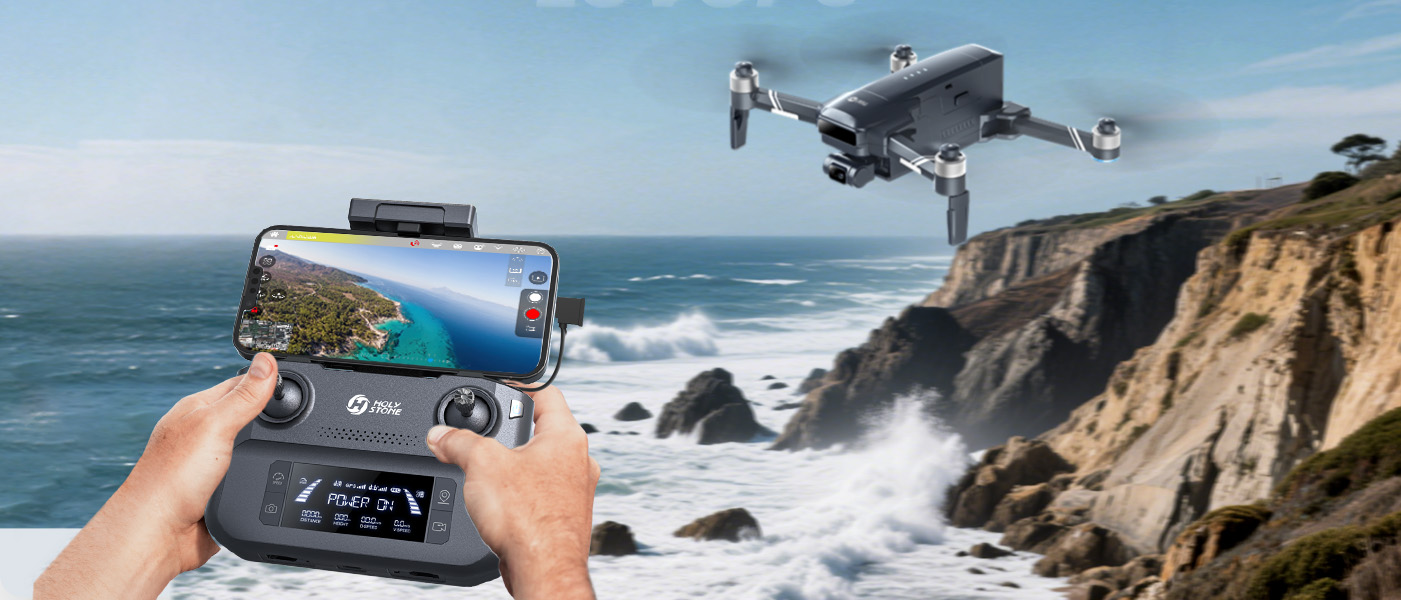
Standard Controller
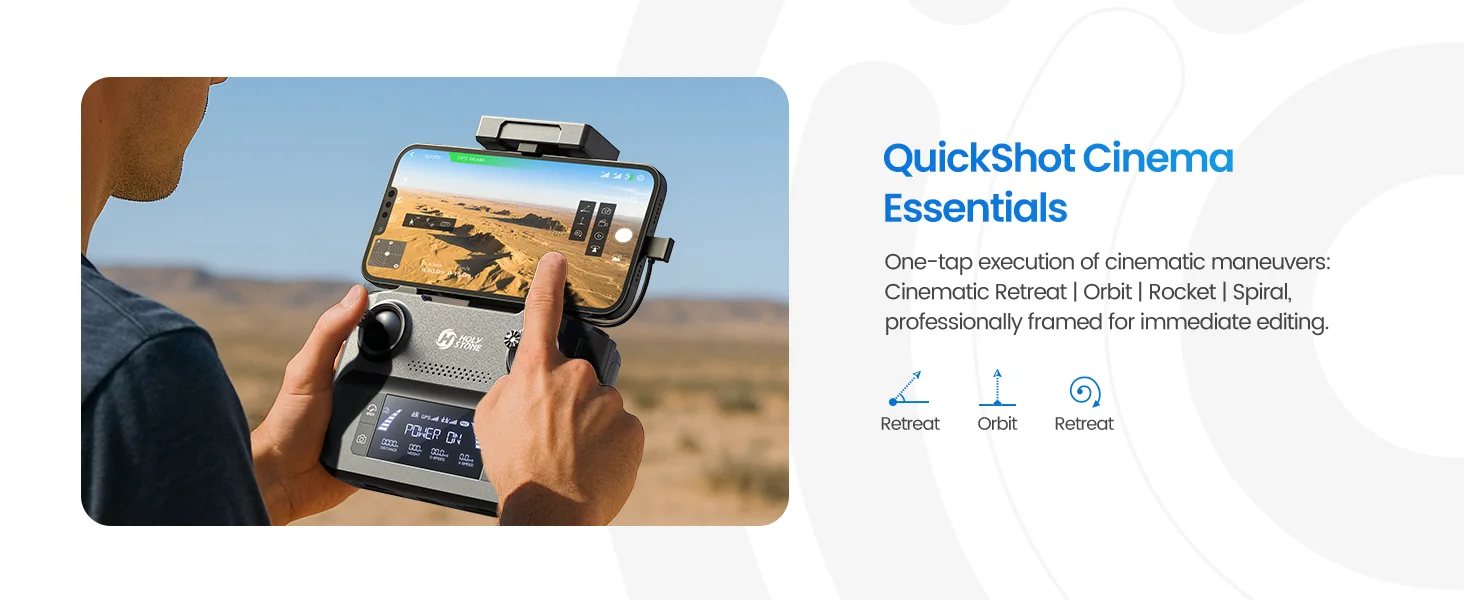
Fly with Your Phone
Mount your smartphone to view the live camera feed and access flight features through the HS FLY app.
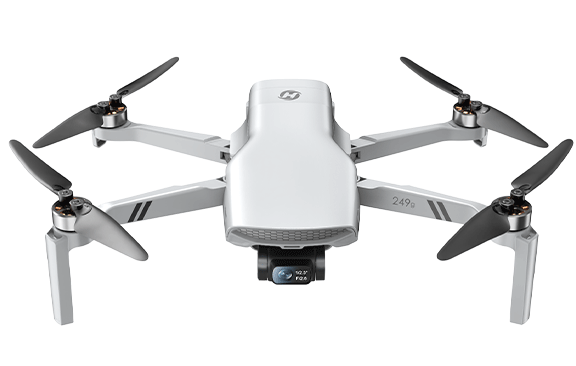
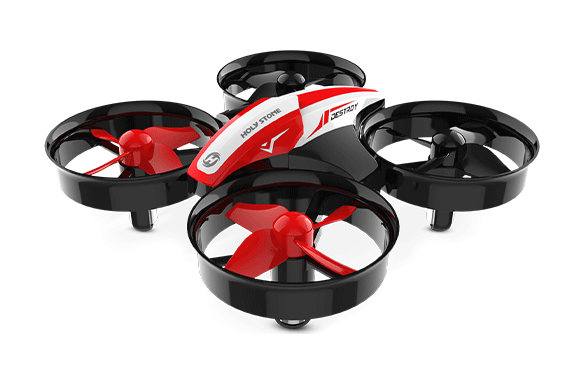
Compact drones for indoor flying
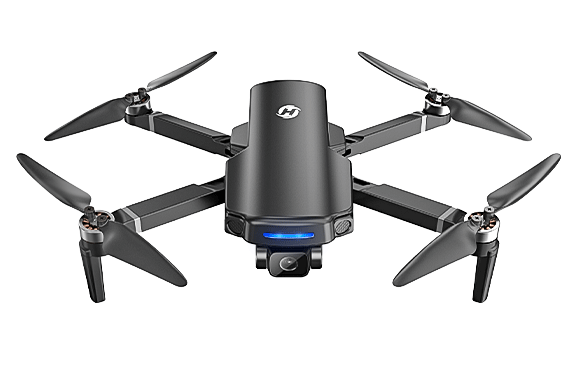
Camera drones for backyard & everyday flying
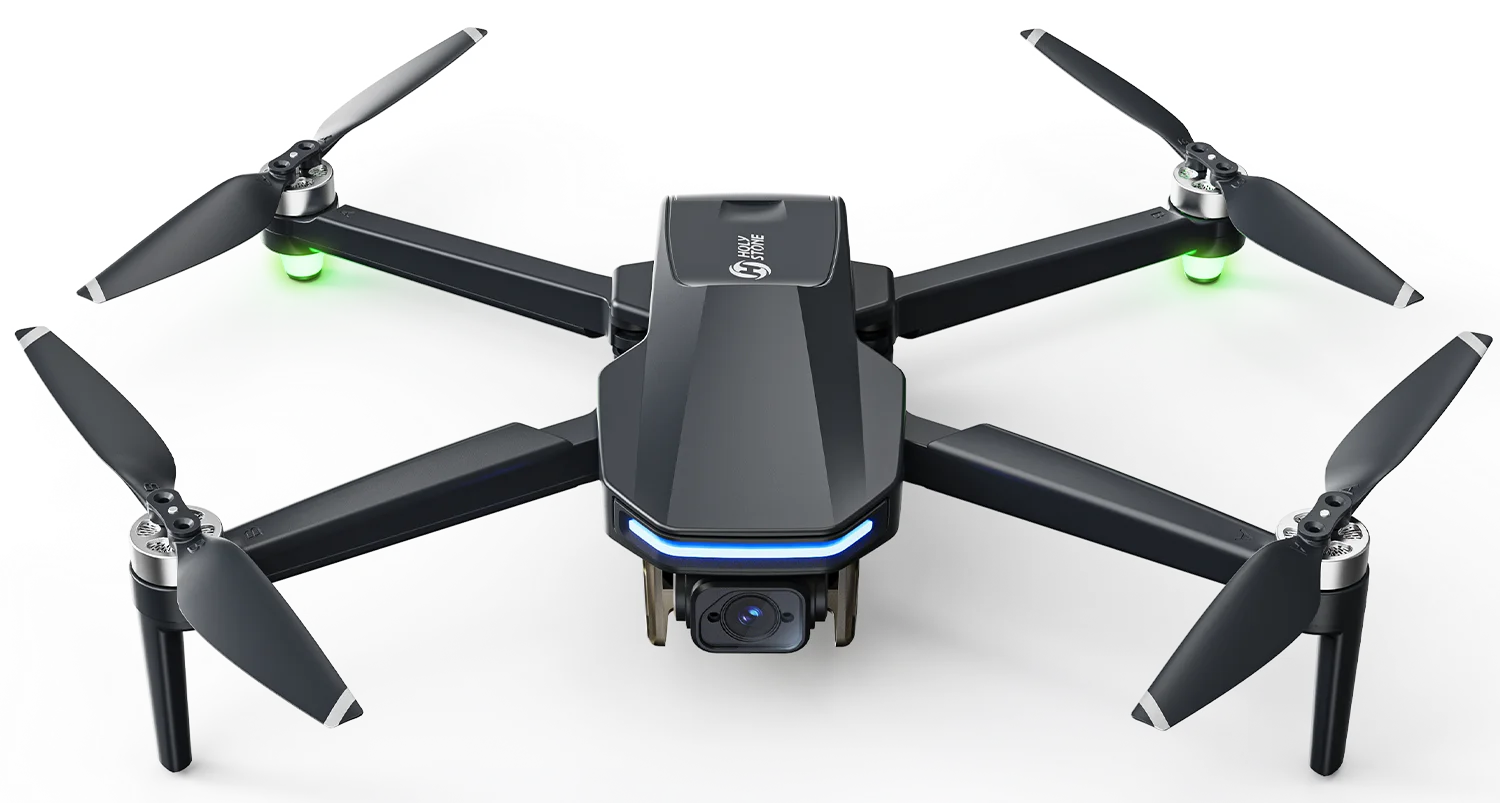
GPS-assisted outdoor camera drones
Long-range & stabilized camera drones
SUPPORT
Get in touch with our team for business inquiries, support, or general questions.

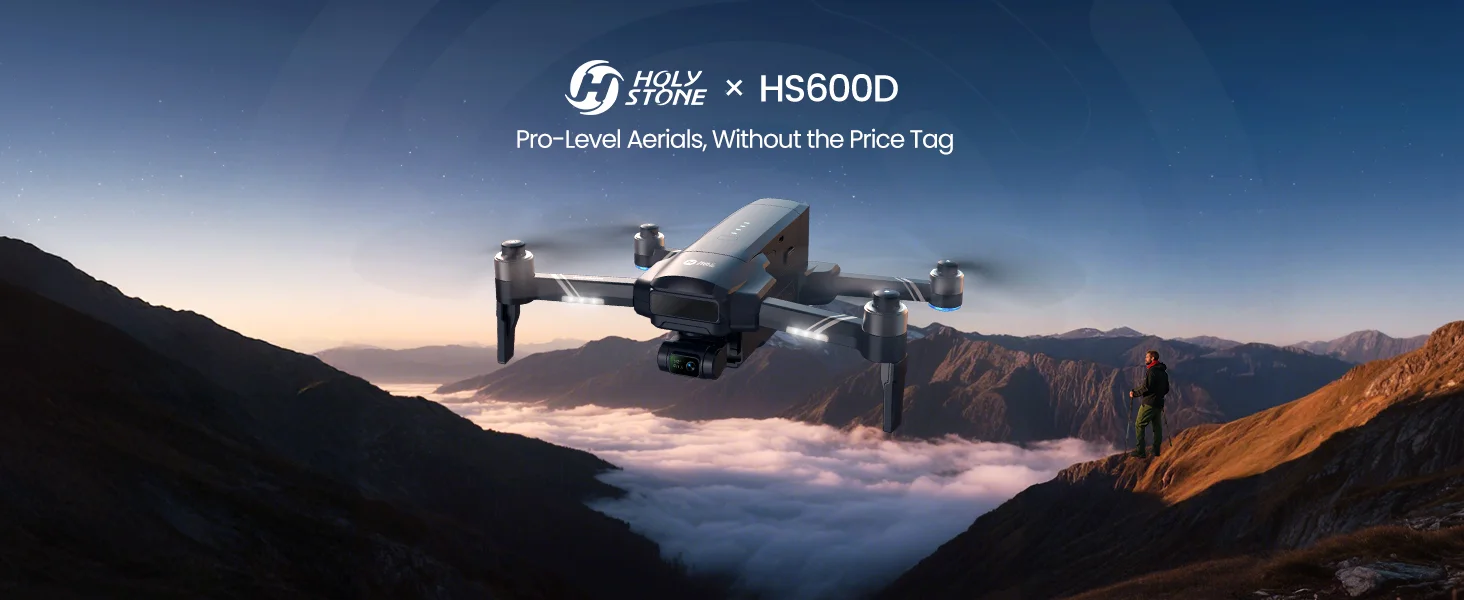
Model No.: HS600D | Weight: 603g
A stronger 603g airframe, 3-axis brushless gimbal, 48MP Sony camera, Level 6 wind resistance, and up to 40 minutes per intelligent battery come together for smoother outdoor flying and clearer aerial footage, with select packages offering up to 80 minutes of total flight time.


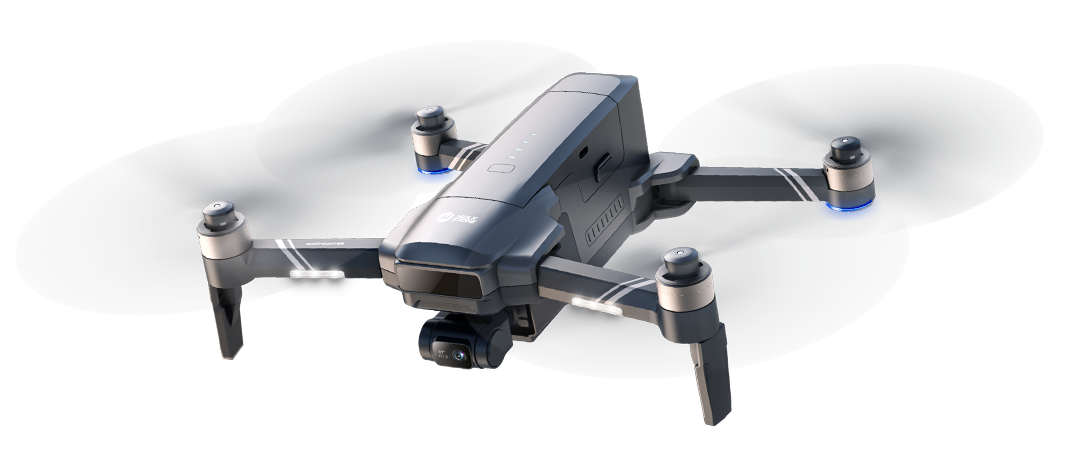
Same HS600D drone and battery package—choose the controller experience that suits the way you fly.
Mount your smartphone to view the live camera feed and access flight features through the HS FLY app.
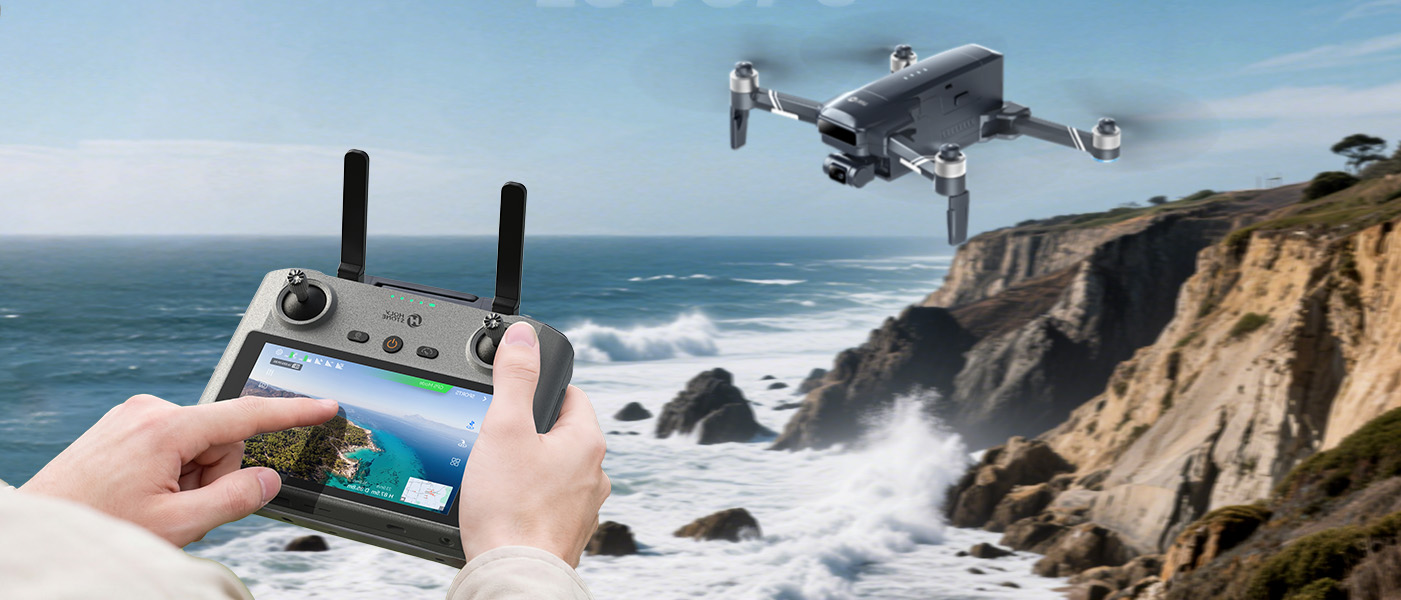
View the live camera feed directly on the controller—no smartphone setup required.
The drone, camera performance, flight time, and included battery quantity are the same for both controller versions.
Watch HS600D in real-world flight tests, from stable hovering and GPS-assisted control to smoother 4K aerial footage in breezy outdoor conditions.
Start with the questions most buyers ask first: camera quality, obstacle avoidance, indoor use, and why HS600D feels different from smaller GPS drones.
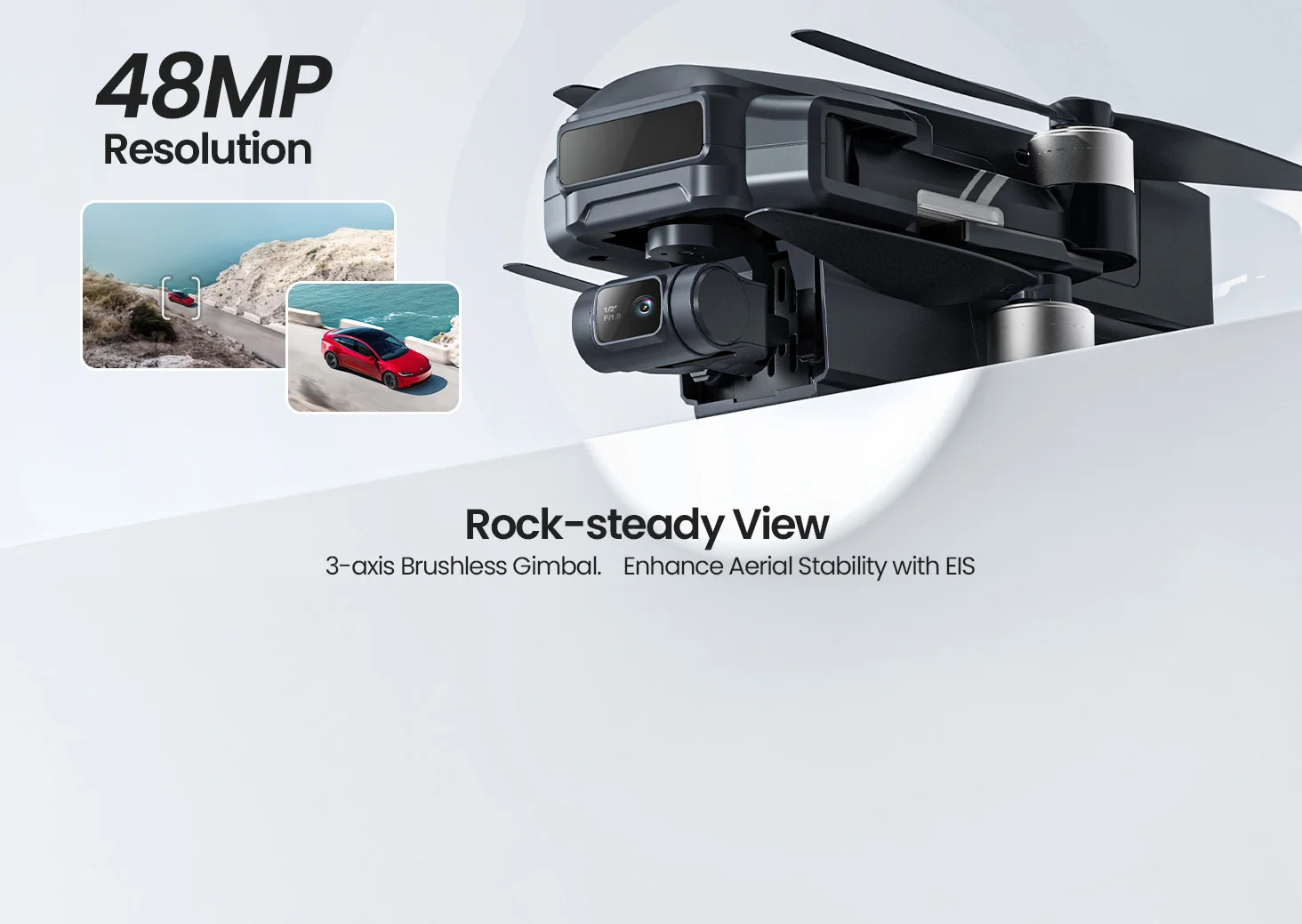
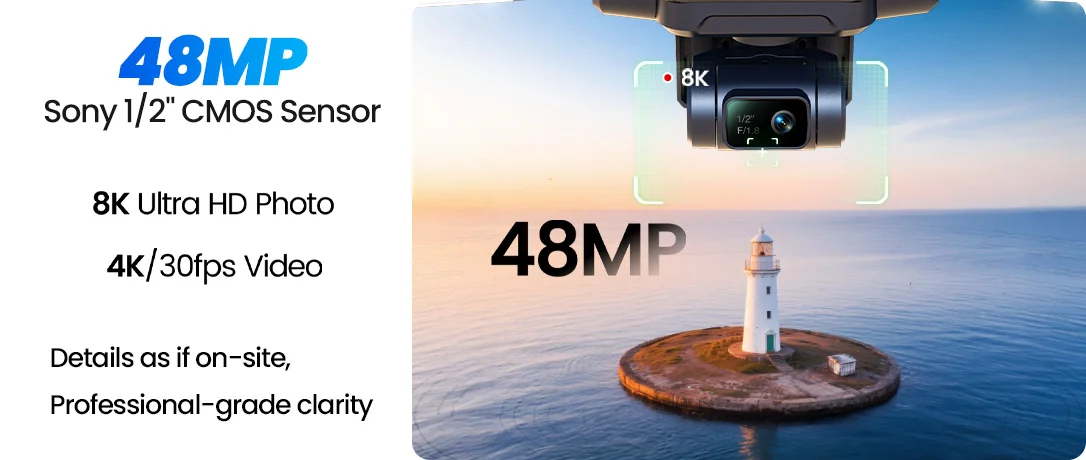
Camera specs: 8000 × 6000P photos and 3840 × 2160P@30fps video can be stored on a TF card, while cellphone-stored files support 3840 × 2160P photos and 1280 × 720P@30fps video.
HS600D is the stronger outdoor choice for users who want steadier flights, smoother 4K footage, longer sessions, and more confidence in real outdoor conditions.
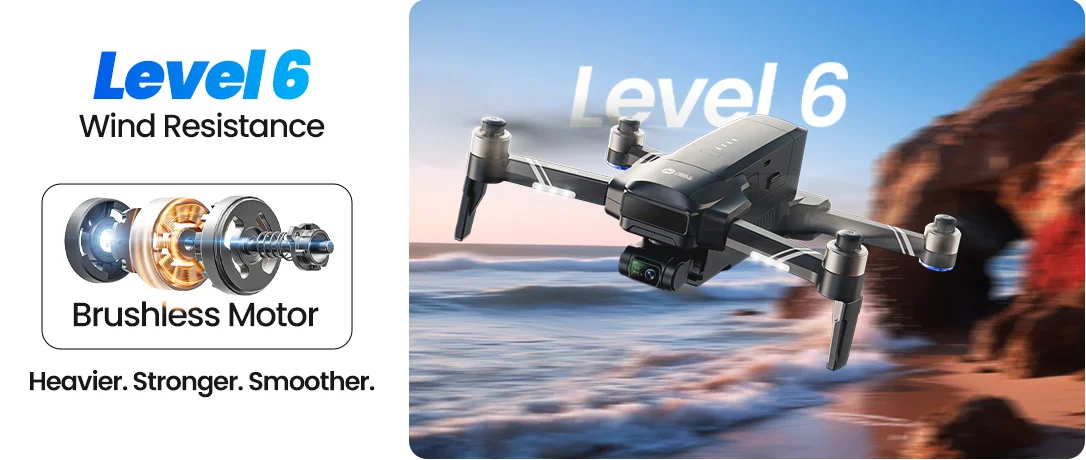
HS600D combines a larger 603g body, Level 6 wind resistance, GPS positioning, and a 3-axis brushless gimbal to support steadier outdoor flying and smoother footage.
It is designed for users who want a more solid aircraft feel when filming outdoors — especially in open spaces where breeze, distance, and camera movement all affect the final shot.
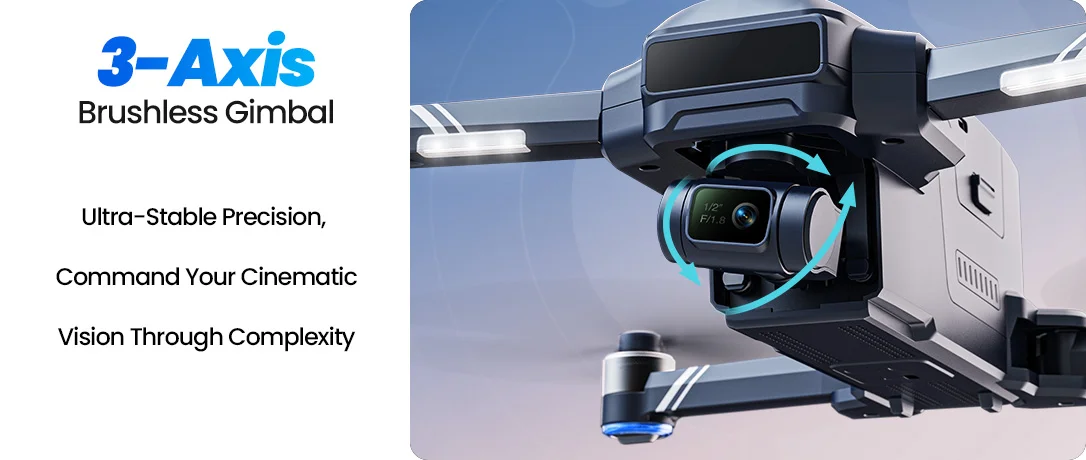
The 3-axis brushless gimbal helps reduce camera shake, making 4K/30fps footage more usable for landscapes, family trips, and outdoor content.

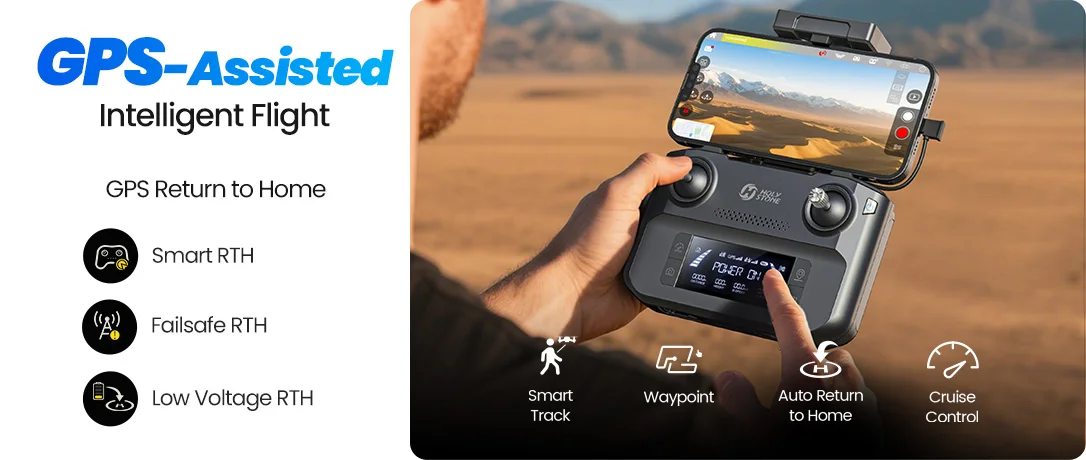
GPS positioning, Return to Home, optical flow, and intelligent flight modes help make outdoor flying easier to manage.

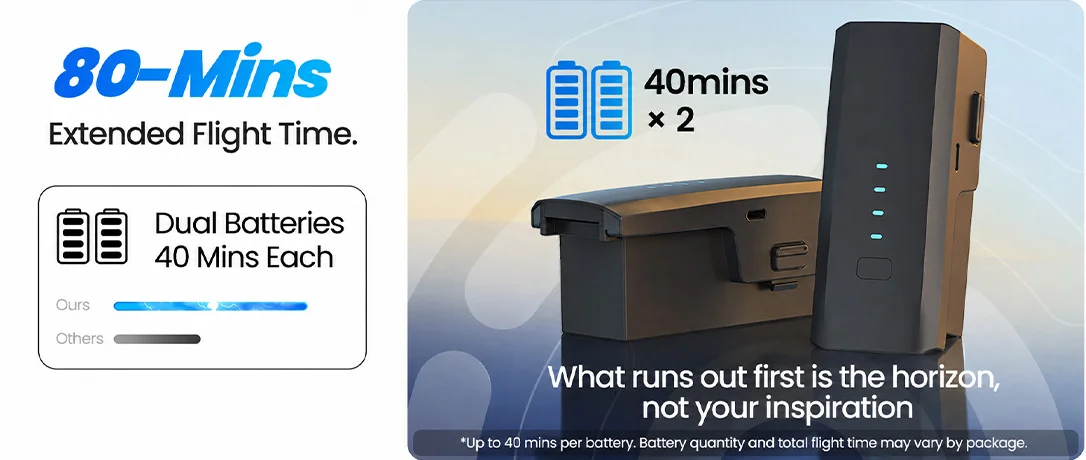
HS600D supports up to 40 minutes per intelligent battery, with select packages offering up to 80 minutes of total flight time with two batteries.

*Flight time is tested in open outdoor environments under suitable conditions. Battery quantity and total flight time vary by package, sales channel, or region. Please refer to the package contents shown on the purchase platform.
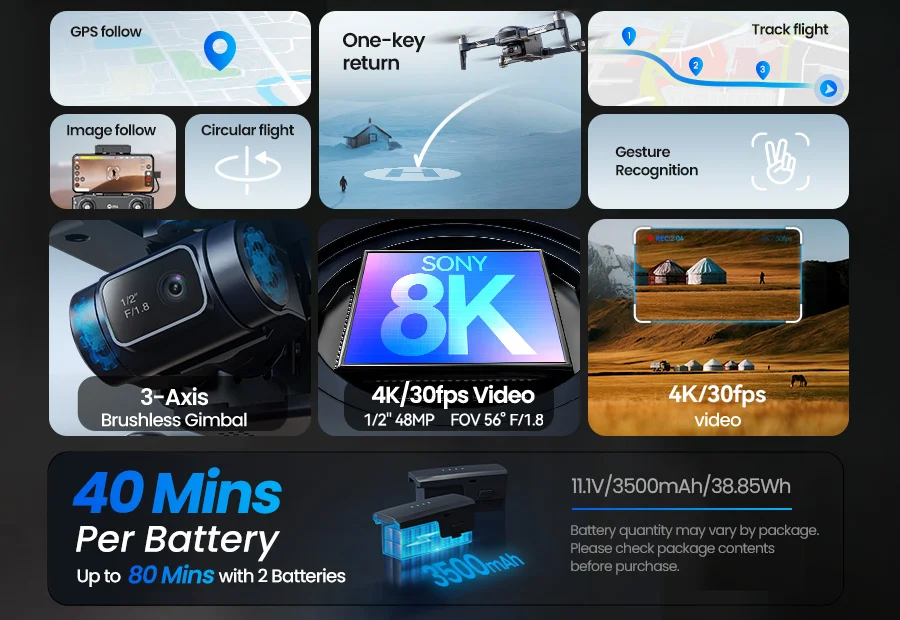
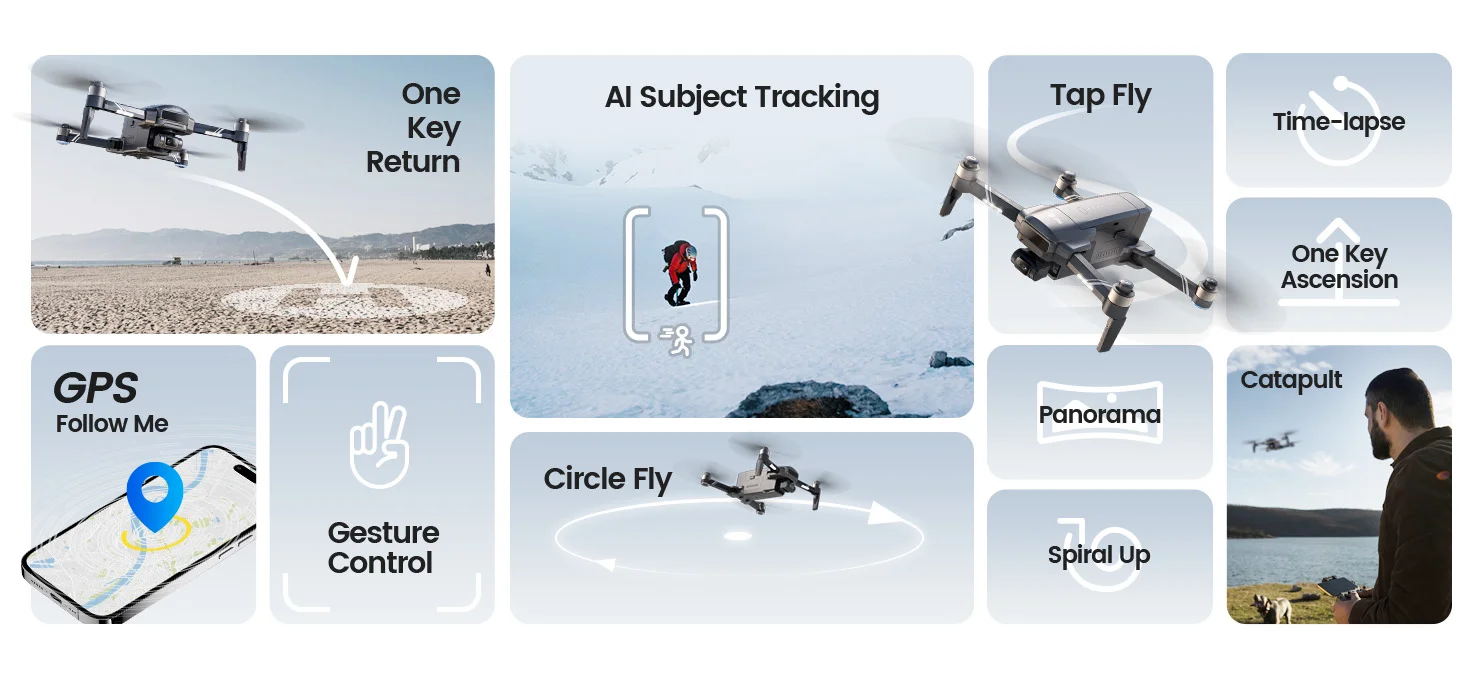
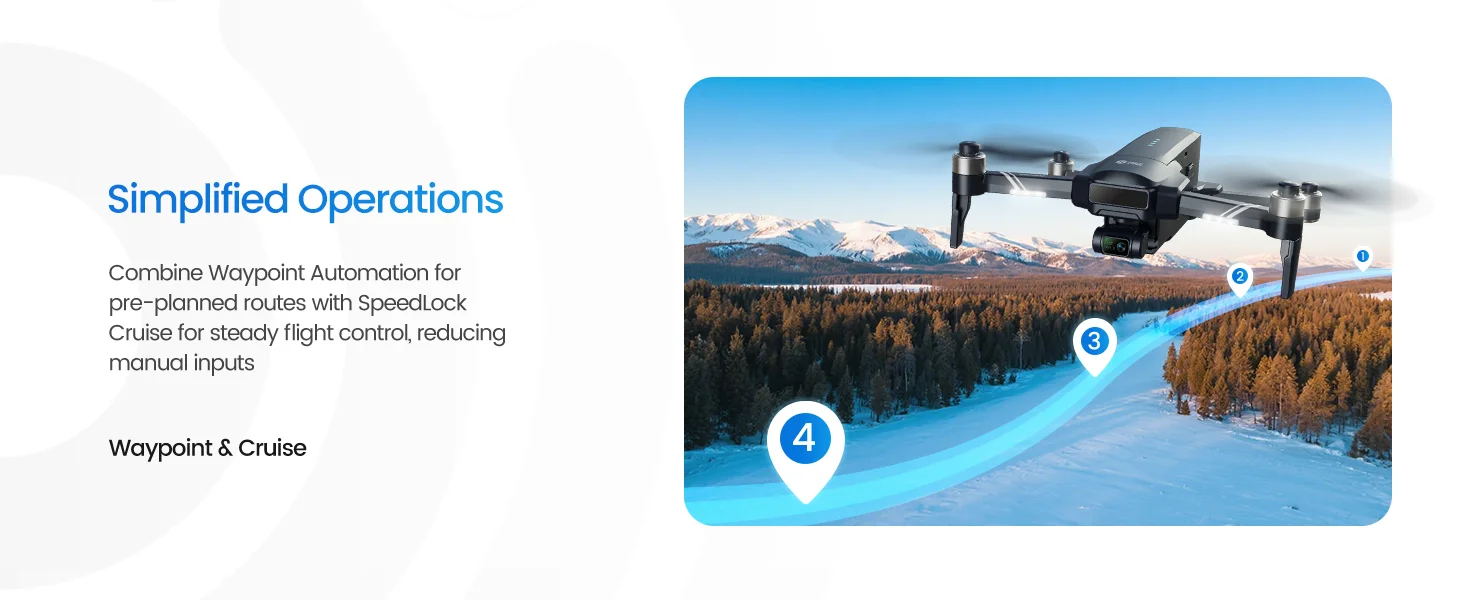
Use GPS-assisted flight and smart shooting features to help HS600D hold position, return safely, follow subjects, plan routes, and capture smoother outdoor shots with more confidence.
HS600D is best understood as a stronger outdoor GPS camera drone — not as a small indoor toy drone, not as an ultra-light travel drone, and not as a professional cinema drone.
Adults who want a stronger outdoor GPS drone
Beginners ready to move beyond small entry-level drones
Users who care more about stable outdoor footage than ultra-light portability
Users who often fly in breezy outdoor areas and want steadier 4K footage for family trips, camping, and everyday outdoor memories
Users checking large yards, open land, rooftops, farms, or scenic areas
Pilots who want longer flight sessions, with select packages offering extended total runtime
You mainly fly indoors
You want an under-249g travel drone
You need obstacle avoidance
You only want a low-cost toy drone
You need a professional cinema drone for commercial production
Choose HS600D if you want stable outdoor 4K footage, GPS-assisted flight, 3-axis gimbal control, and longer total flight time without stepping into high-priced professional drone territory.
| Premium GPS Camera Drones | HS600D Stronger Outdoor GPS Drone |
|---|---|
| Often built for users who want advanced camera automation, obstacle sensing, and a mature professional ecosystem. | Built for users who want stable outdoor 4K footage, GPS confidence, and a stronger aircraft feel at a more accessible price. |
| May offer more advanced sensors and intelligent features, but can feel more complex for casual users who mainly want reliable outdoor footage. | Focuses on practical essentials: 3-axis gimbal, 4K/30fps TF card recording, GPS Return to Home, Follow, Waypoints, Point of Interest, and flexible battery package options. |
| Usually a better fit for users who need a compact professional ecosystem, advanced obstacle avoidance, and top-tier automation. | A better fit for users who care more about wind confidence, long sessions, smoother gimbal footage, and practical outdoor filming. |
| Best when brand ecosystem, advanced automation, and professional-level sensing are the top priorities. | Best when stable outdoor 4K footage, price value, GPS flight confidence, and longer total flight time matter more. |
For shoppers comparing premium GPS camera drones, HS600D offers a more approachable way to get stable outdoor 4K footage, GPS-assisted flying, and longer sessions without paying for features they may not need.

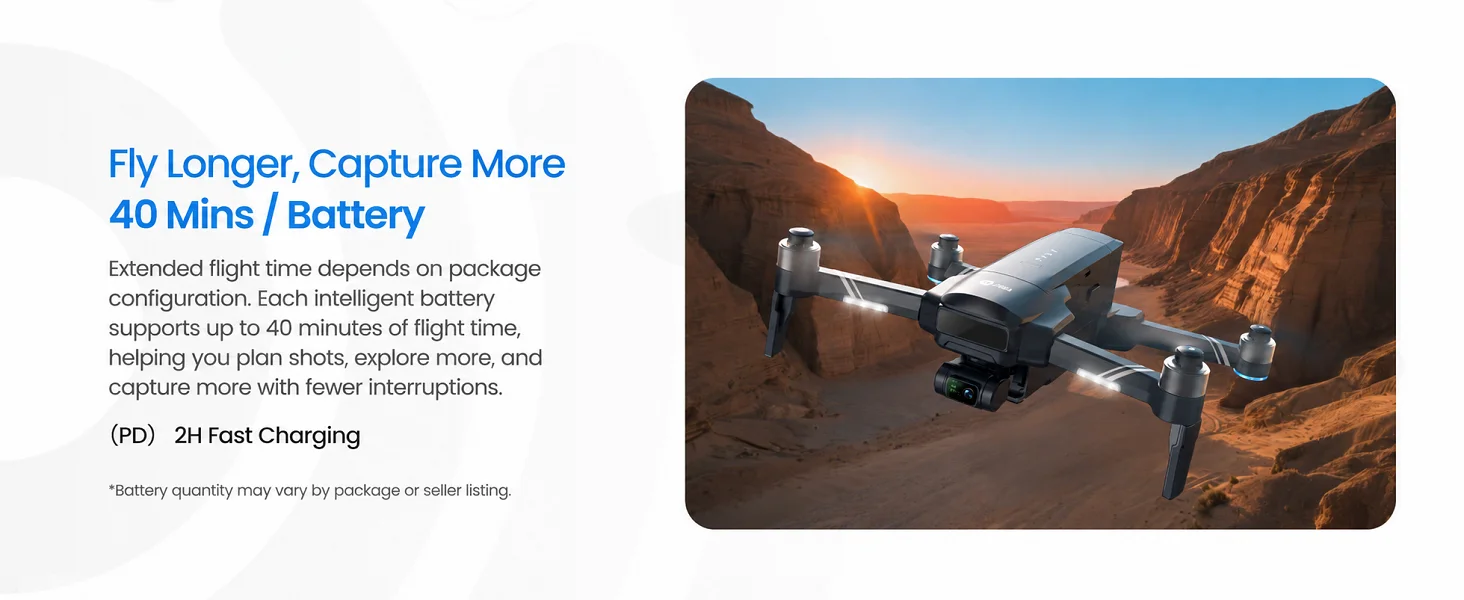
Up to 40 Minutes Per Battery
HS600D supports up to 40 minutes per intelligent battery, with select packages offering up to 80 minutes of total flight time with two batteries.
Battery quantity and total flight time vary by package, sales channel, or region. Please refer to the package contents shown on the purchase platform.
Actual flight time may vary with wind, speed, temperature, camera use, and flying style.
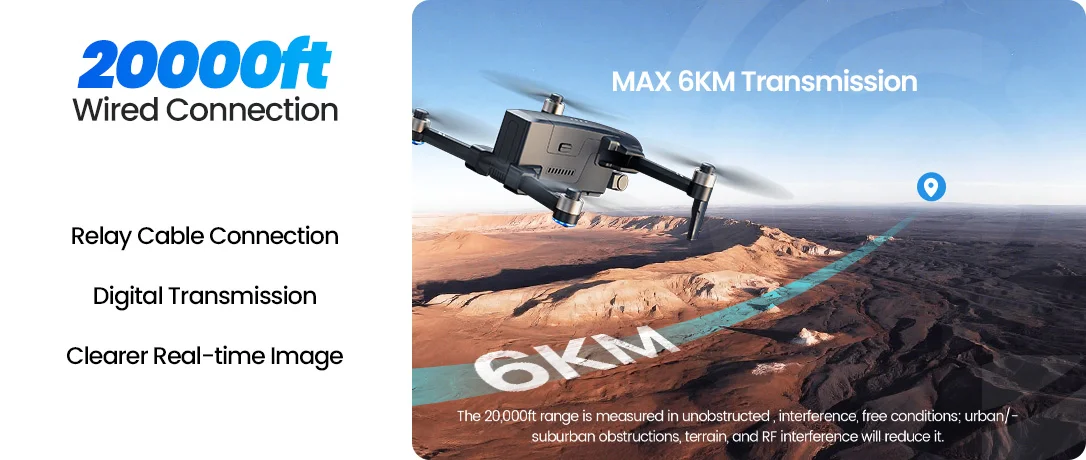
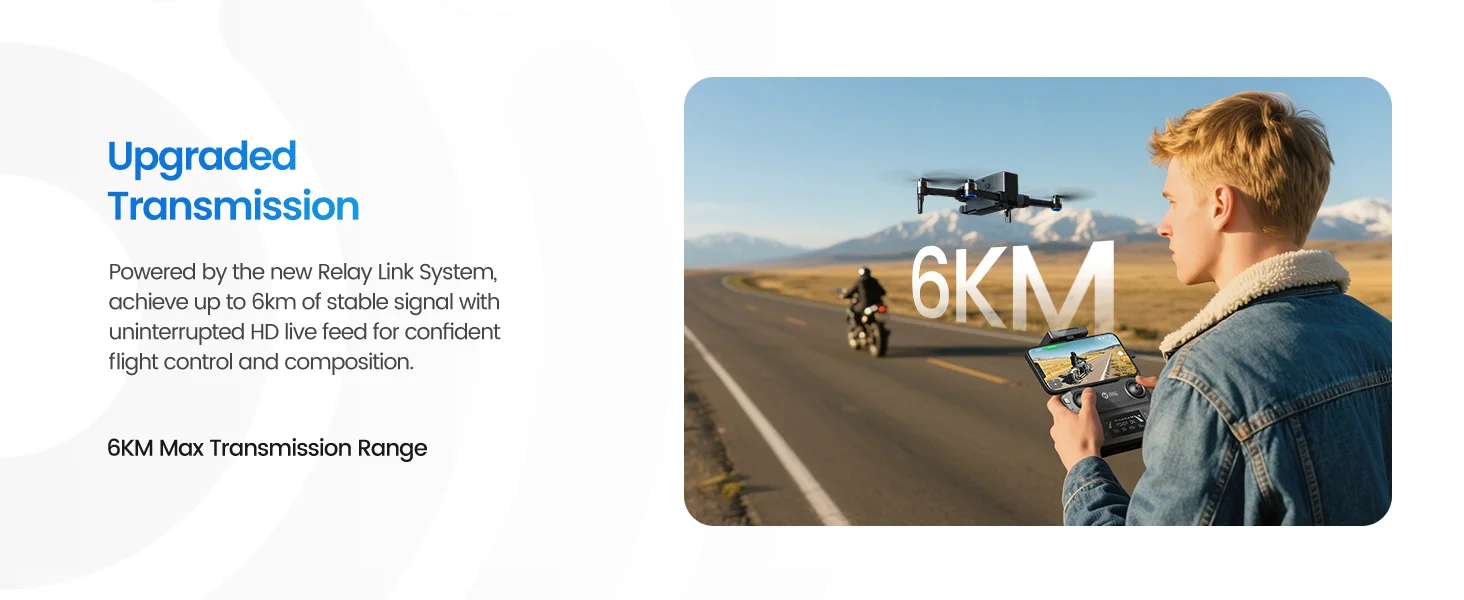
Up to 6KM Transmission Distance
HS600D gives outdoor pilots more room to explore and frame wide scenes in open areas.
Actual range depends on environment, interference, antenna direction, phone compatibility, and local flight rules.
GPS-Assisted Outdoor Flying
One-key takeoff/landing, multiple speed modes, GPS hovering, and assisted return features help users move from entry-level drones into more confident outdoor flying.
HS600D is beginner-learnable, but it is best for careful pilots who are ready to fly in open outdoor areas.

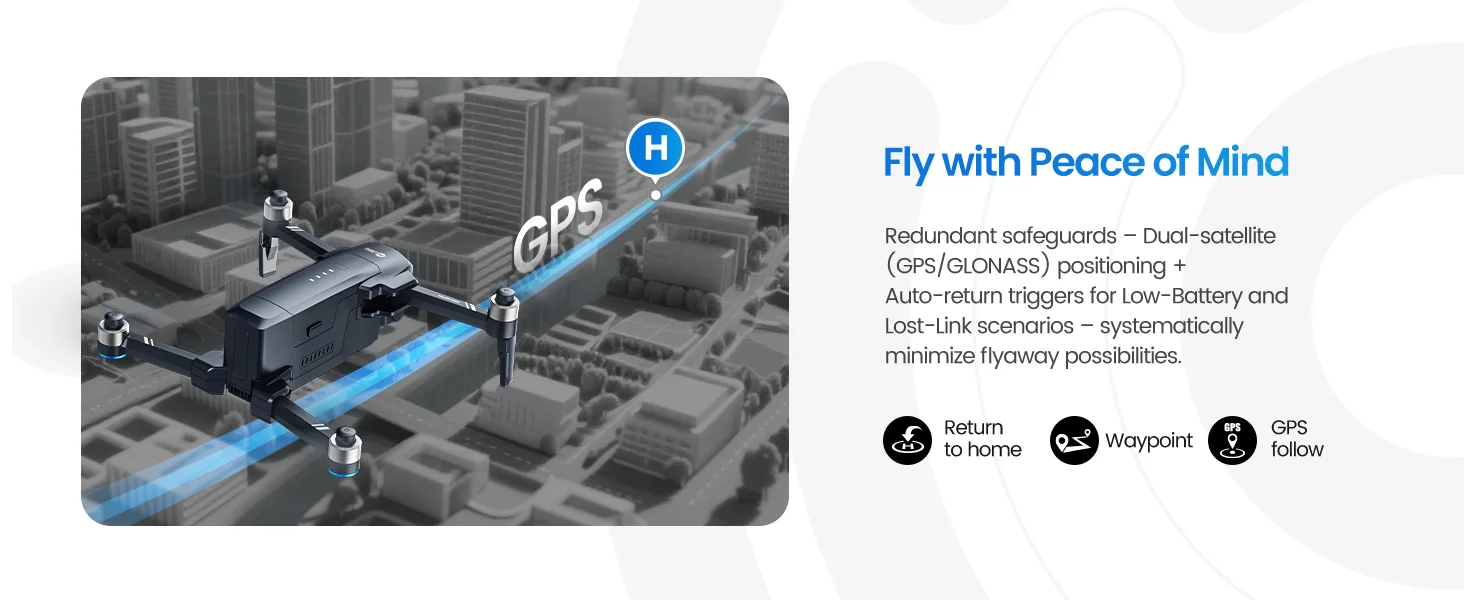
GPS Return · Low Battery Return · Lost Signal Return
HS600D is designed to help pilots manage outdoor flights with more confidence, especially when flying farther away or learning GPS drone control.
Always set a safe return altitude and keep the flight path clear before takeoff.
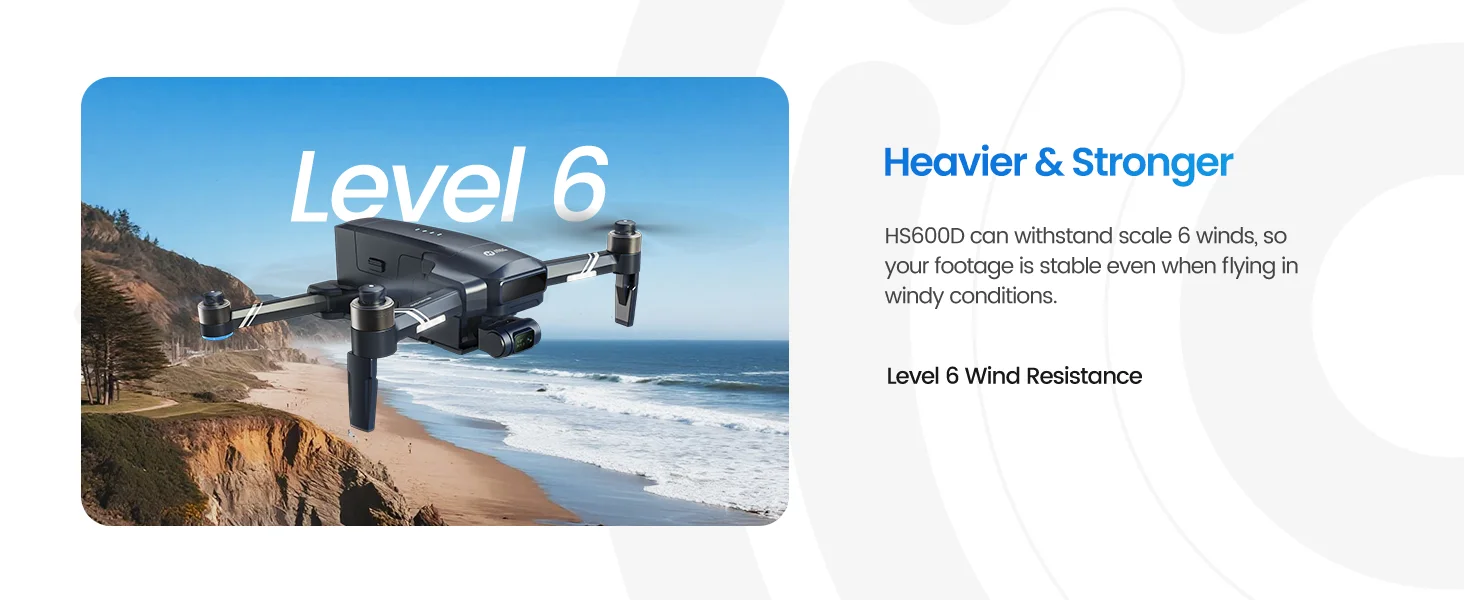
603g Airframe · Level 6 Wind Resistance
The stronger body helps HS600D feel more settled outdoors, giving pilots a more stable platform for filming landscapes, yards, campsites, and open spaces.
It is designed for breezy conditions, not for extreme weather. Avoid flying in strong wind, rain, or unsafe environments.
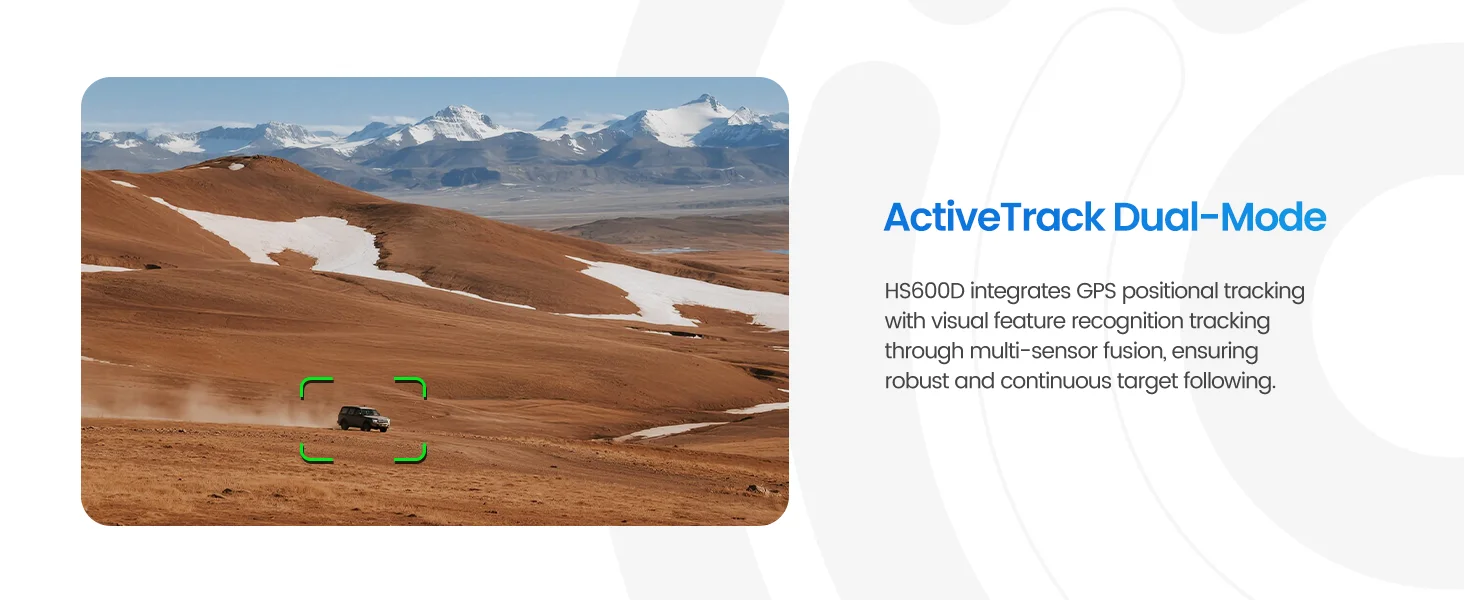
Follow Mode · Outdoor Activities · Family Memories
Use intelligent follow features to keep people, vehicles, or outdoor activities in frame with less manual camera movement.
Since HS600D does not include obstacle avoidance, always use tracking in open areas with a clear flight path.
One-Tap Cinematic Shots
Create more dynamic aerial clips without manually controlling every camera movement.
These modes are useful for travel, family gatherings, outdoor sports, scenic locations, and casual creator content.
Real-world feedback highlights what matters most in outdoor use: steadier flight in breezy conditions, smoother usable footage, reliable GPS return, and a complete package for longer sessions.
Pilots often mention that HS600D feels more settled outdoors, especially in breezy open spaces where smaller drones may feel less stable.
GPS positioning and Return to Home help users feel more comfortable when flying farther out, practicing outdoor routes, or learning GPS drone control.
The 3-axis gimbal and 4K/30fps recording help capture cleaner clips for family trips, camping, travel scenes, social posts, and casual YouTube b-roll.
Create polished aerial clips with intelligent flight moves designed for travel, family moments, scenic views, and everyday outdoor creativity.
Fly in an open area with enough space around the drone, avoid obstacles, and keep the subject clearly visible for the best results.
Create a dramatic backward reveal while keeping the subject centered in frame.
Best used with a clearly defined subject and open space behind the drone, allowing the reveal effect to feel smooth and cinematic.
The drone flies backward automatically. Ensure sufficient space behind. Tap the icon again or move the joystick at any time to exit.
Create dramatic upward reveals in one tap.
Works best with a clearly defined subject in open surroundings, revealing more of the landscape as the drone rises.
The drone ascends automatically. Ensure sufficient space above. Tap the icon again or move the joystick at any time to exit.
Circle your subject with a smooth cinematic orbit.
Works best with a clearly defined subject and open surroundings, creating a smooth orbit perspective that highlights the subject from every angle.
The drone circles around the selected subject automatically. Choose the orbit direction in the app. Tap the icon again or move the joystick at any time to exit.
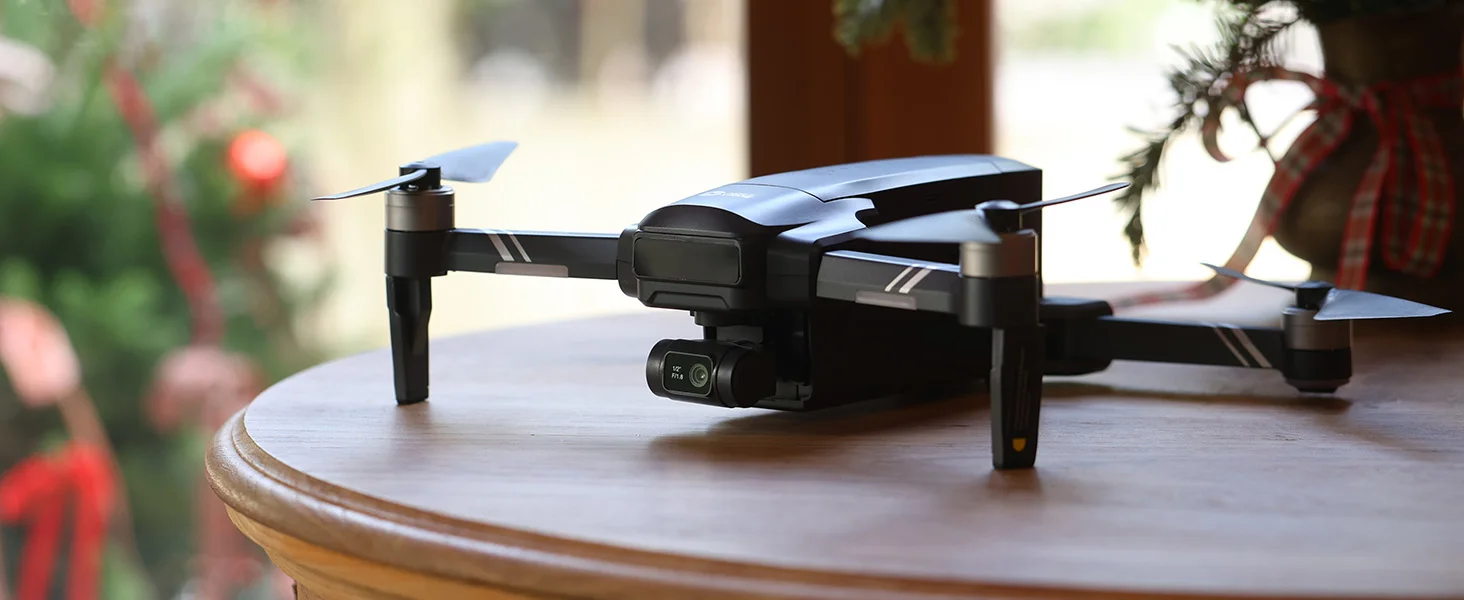
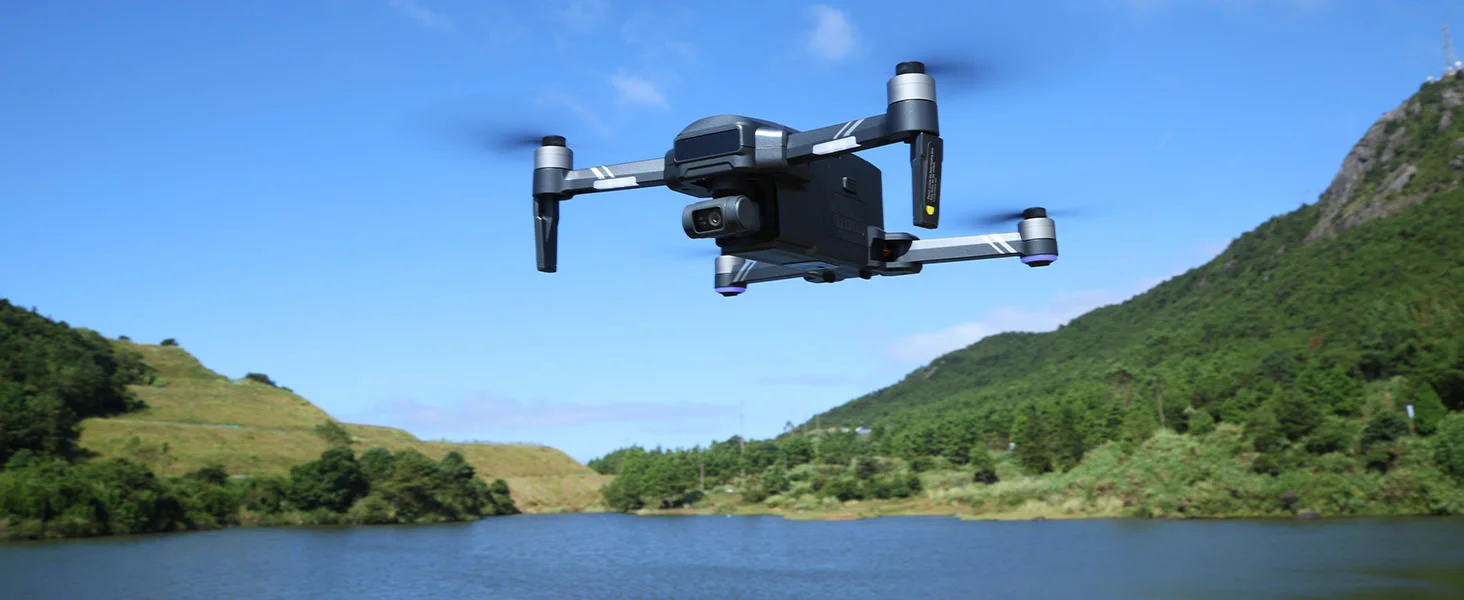
A closer look at the HS600D airframe, gimbal camera, and foldable outdoor-ready design in real shooting scenes.
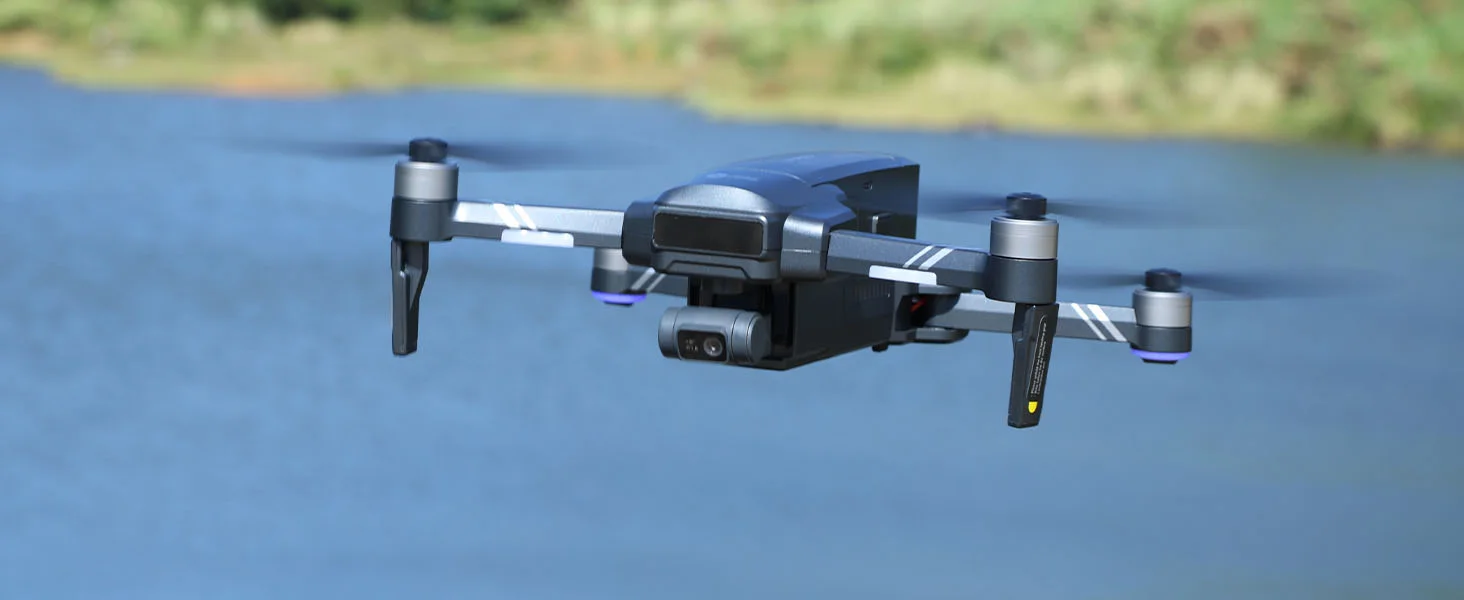
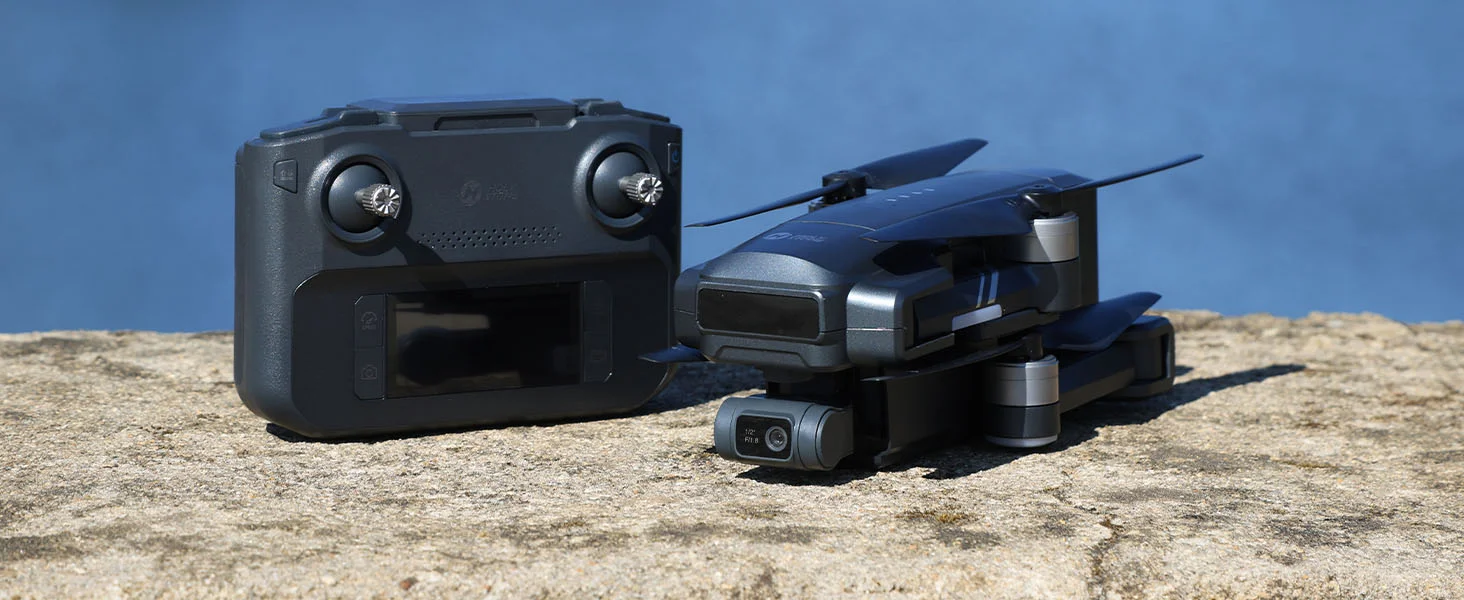
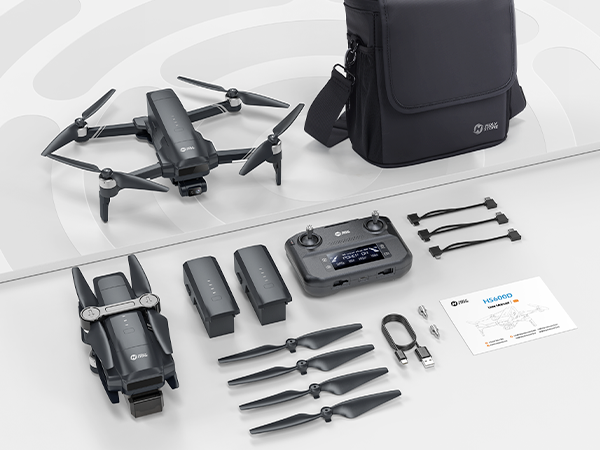
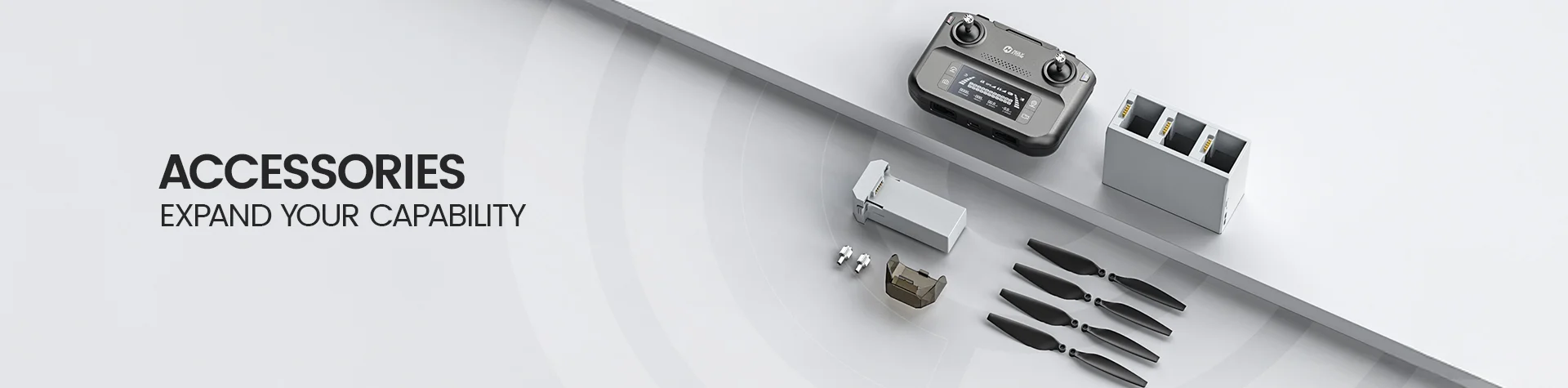
*Accessories configuration may vary depending on the purchase channel. Please refer to the actual product package on the purchasing platform for final confirmation.*
Dual Battery Version
1× HS600D Drone (with built-in Remote ID)
1× Remote Controller
2× Drone Battery
4× Spare Propellers
1× Camera Cover
1× Charging Cable
3× Type-C Cable
1× Portable Case
1× User Manual
Flight Control & Live View
Download the HS FLY app for flight control, real-time transmission, and camera settings.
*Please ensure all permissions are enabled for proper functionality.*
Setup & Flight Guide
Download the official HS600D user manual for setup instructions, safe operation, and troubleshooting.
Download HS600D Manual (PDF)Buying Decision
Is HS600D worth it for beginners?
Yes. HS600D can be a good choice for careful beginners who are ready to fly outdoors and want to move beyond small entry-level drones.
It combines GPS-assisted flight, one-key takeoff/landing, Return to Home, multiple speed modes, a 3-axis gimbal, and up to 80 minutes of total flight time with two batteries.
It is larger and more powerful than a mini toy drone, so beginners should start in a wide open area, read the manual first, wait for stable GPS, and avoid flying near trees, buildings, crowds, or power lines.
Who is HS600D best for?
HS600D is best for adults, casual pilots, and outdoor users who want a stronger GPS camera drone for stable 4K footage, longer flight sessions, and more confidence in breezy open spaces.
It is especially suitable for family trips, camping, kids’ sports, scenic stops, large yards, open land, rooftops, and everyday outdoor memories.
Is HS600D a good alternative to premium GPS camera drones?
Yes. HS600D is a practical alternative for users comparing premium GPS camera drones but mainly wanting stable outdoor 4K footage, GPS-assisted flight, a 3-axis gimbal, and longer total flight time at a more approachable price.
Premium drones may offer more advanced automation, obstacle sensing, and ecosystem features, but HS600D focuses on the essentials many casual users actually need: smoother outdoor footage, GPS Return to Home, smart flight modes, and two batteries.
Does HS600D support the RC243A screen remote controller?
Yes. HS600D supports the RC243A screen remote controller, which gives users a built-in display for a more integrated flying experience.
This is useful for pilots who prefer not to rely only on a phone screen when flying outdoors and want a control setup that feels closer to premium GPS camera drones.
Package contents may vary by bundle or region. Check whether the RC243A controller is included in the selected package or sold separately before purchase.
Is HS600D better than lightweight GPS drones?
Choose HS600D when outdoor stability, wind confidence, longer sessions, and smoother gimbal footage matter more than ultra-light portability.
Under-249g GPS drones are easier to carry, but HS600D’s 603g airframe, Level 6 wind resistance, GPS positioning, and 3-axis gimbal help it feel more settled in open outdoor areas.
Is HS600D a professional cinema drone?
No. HS600D is not a professional cinema drone. It is a stronger outdoor GPS camera drone for users who want stable 4K aerial footage, smart GPS flight features, and good value without moving into high-priced professional drone territory.
For commercial production, advanced obstacle sensing, or top-tier camera workflows, a higher-end professional drone may be more suitable.
Can HS600D be used for family trips, camping, and kids’ sports?
Yes. HS600D is a strong fit for outdoor family activities, camping trips, kids’ sports, scenic stops, and everyday memories where users want smoother overhead shots.
Its GPS flight features, 3-axis gimbal, and longer battery set make it useful for capturing outdoor moments from a wider perspective.
Camera & Creative Features
What camera quality does HS600D support?
HS600D supports 8000 × 6000P photos stored on a TF card, 3840 × 2160P photos stored on a cellphone, 3840 × 2160P@30fps video stored on a TF card, and 1280 × 720P@30fps video stored on a cellphone.
For the best image and video quality, record directly to a compatible TF card instead of relying only on cellphone-stored files.
Does HS600D have a 3-axis gimbal?
Yes. HS600D has a 3-axis brushless gimbal with EIS support to help reduce camera shake and make outdoor footage smoother.
This is one of the main reasons HS600D is better suited for outdoor aerial video than smaller entry-level drones without a true gimbal.
Does HS600D record 4K video to a TF card?
Yes. HS600D records 3840 × 2160P@30fps video to a TF card. Cellphone-stored video is lower resolution, so users who want the clearest footage should insert a compatible TF card before recording.
A Class 10 or above TF card is recommended, and HS600D supports up to 128GB storage.
Is HS600D good for YouTube, travel, and social media videos?
Yes. HS600D is suitable for casual YouTube b-roll, travel clips, family videos, camping footage, and social media content.
It is not a professional cinema drone, but its 4K/30fps TF card recording and 3-axis gimbal can produce usable outdoor footage for everyday creators.
What smart shooting modes does HS600D support?
HS600D supports smart shooting and GPS-assisted flight features such as Follow Mode, GPS Follow, Image Follow, Waypoints, Point of Interest, gesture control, Tap Fly, panorama, time-lapse, Catapult, Ascension, Circle, and Spiral Up.
These modes help users create more dynamic outdoor clips, but they should be used in open areas because HS600D does not include obstacle avoidance.
Does HS600D support slow motion, panorama, and time-lapse?
Yes. HS600D supports creative shooting features such as slow motion, panorama, and time-lapse.
These modes are useful for scenic locations, travel footage, outdoor activities, and casual creator content. Always check the app mode settings before recording and use a TF card for the best saved video quality.
Flight Performance
How long can HS600D fly?
up to 40 minutes per intelligent battery, with select packages offering up to 80 minutes of total flight time with two batteries.
Actual flight time may vary depending on wind, speed mode, temperature, camera use, battery condition, and flying style.
How far can HS600D fly?
HS600D supports up to 6KM transmission distance under ideal open-area conditions.
Actual range can vary depending on environment, interference, antenna direction, phone compatibility, and local flight rules. For safer flights, keep the drone within visual line of sight and avoid flying behind buildings, trees, hills, or other signal-blocking obstacles.
How well does HS600D handle wind?
HS600D is designed for stronger outdoor stability with a 603g airframe and Level 6 wind resistance. It is a better fit for breezy outdoor flying than many smaller lightweight drones.
It is not designed for extreme weather. Avoid flying in strong wind, rain, storms, or unsafe environments.
Is HS600D under 249g?
No. HS600D weighs about 603g, so it is not an under-249g drone.
Because it is over 249g, users may need to register the drone or follow additional local drone rules depending on their country or region.
Does HS600D have obstacle avoidance?
No. HS600D does not have obstacle avoidance.
It supports GPS positioning, optical flow, stable hovering, Return to Home, Follow Mode, Waypoints, and Point of Interest, but pilots must keep the flight path clear manually.
Fly in open areas and avoid trees, buildings, wires, vehicles, crowds, and other obstacles, especially when using tracking or smart shooting modes.
Does HS600D have Return to Home?
Yes. HS600D supports Return to Home, including manual Return to Home, low-battery return, and lost-signal return.
Before takeoff, make sure the Home Point is successfully recorded, set a safe return altitude, and keep the return path clear.
First Flight Setup
What should I do before flying HS600D for the first time?
Before the first flight, fully charge the drone batteries and transmitter, insert a compatible TF card if you want high-quality recording, unfold the drone and landing legs, remove the gimbal cover, connect the app, complete calibration if prompted, and wait for stable GPS.
Choose a wide open outdoor area with good GPS visibility and minimal interference.
Do I need to calibrate HS600D before flying?
Yes. Calibration is recommended before first flight, when flying in a new location, or when the app or controller asks for calibration.
Complete compass calibration in an open area away from vehicles, metal objects, power lines, buildings, and strong magnetic interference.
Why should I wait for GPS signal before takeoff?
A stable GPS signal helps HS600D record the Home Point, hold position more accurately, and use GPS-assisted features such as Return to Home, Follow Mode, Waypoints, and Point of Interest.
Do not rush takeoff if GPS status is weak. Move to a wider open area and wait until the drone is ready.
Where should I fly HS600D for the first time?
Fly HS600D in a wide open outdoor area with clear sky visibility and enough space around the drone.
Avoid flying near trees, buildings, power lines, water surfaces, vehicles, people, or areas with strong wind during your first flights.
How do I get the best 4K footage from HS600D?
Use a compatible Class 10 or above TF card, record directly to the TF card, fly in good lighting, use camera mode or slower speed for smoother movements, and avoid sudden joystick input.
For best results, fly in open outdoor areas with stable GPS and moderate wind conditions.
What should I check before using Follow Mode or smart shooting modes?
Use Follow Mode, GPS Follow, Image Follow, Circle, Catapult, Spiral, or Waypoints only in open areas with a clear flight path.
Because HS600D does not include obstacle avoidance, make sure there are no trees, buildings, wires, poles, vehicles, or people near the drone’s flight path.
Troubleshooting
Why can’t HS600D take off?
HS600D may not take off if pairing is incomplete, calibration is required, GPS status is not ready, the battery is low, the propellers are installed incorrectly, the motors are not unlocked, or the gimbal cover is still attached during startup.
Check the app and controller prompts, complete required calibration, move to an open area, and make sure the drone is ready before takeoff.
Why is HS600D flying unstably or drifting?
Unstable flight may be caused by weak GPS signal, compass interference, strong wind, damaged propellers, or flying too close to buildings, trees, vehicles, metal objects, or power lines.
Land the drone safely, check the propellers, recalibrate the compass if needed, and restart the flight in a wide open area with stable GPS.
Why is there video lag or limited transmission range?
Video lag or short range is often caused by signal interference, obstacles between the drone and transmitter, poor antenna direction, or mobile device performance.
Fly with clear line of sight, avoid buildings and power lines, aim the transmitter antennas properly, and close unnecessary background apps on your phone.
Why can’t HS600D take photos or record videos?
HS600D may fail to take photos or record videos if no TF card is installed, the TF card is not inserted correctly, the card format is not recognized, or the card speed is too low.
Use a Class 10 or above TF card, make sure it is inserted properly, and check storage status before flight.
Why does HS600D automatically return home?
HS600D may automatically return home when the battery is low, the signal is lost, or Return to Home is manually triggered.
Make sure the Home Point is recorded before takeoff, monitor battery level during flight, and set a safe return altitude.
Why can’t the gimbal be adjusted?
The gimbal may not adjust properly if the gimbal cover is still attached, the drone is placed on an uneven surface during startup, the gimbal is still completing its self-check, or the drone is in calibration mode.
Remove the gimbal cover before powering on, place the drone on a level surface, and wait for the gimbal to finish self-checking before takeoff.
Why does Follow Mode lose the subject?
Follow Mode may lose the subject if the subject moves too fast, moves sideways too quickly, leaves the camera frame, the phone GPS is inaccurate, or the drone is used in a complex environment.
Use Follow Mode in open areas, keep the subject clearly visible, avoid fast side movement, and be ready to control the drone manually.
Why does the app or live feed disconnect?
The app or live feed may disconnect because of signal interference, phone compatibility, background app overload, weak phone performance, or poor connection between the phone and transmitter.
Restart the app if needed, reconnect the drone and transmitter, close background apps, and fly in an open area with less interference.