
PC+海报.jpg


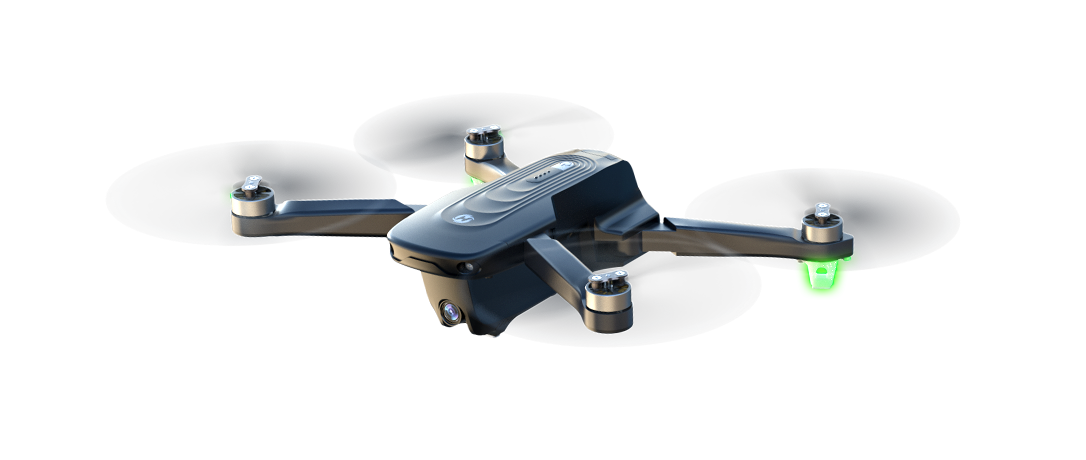
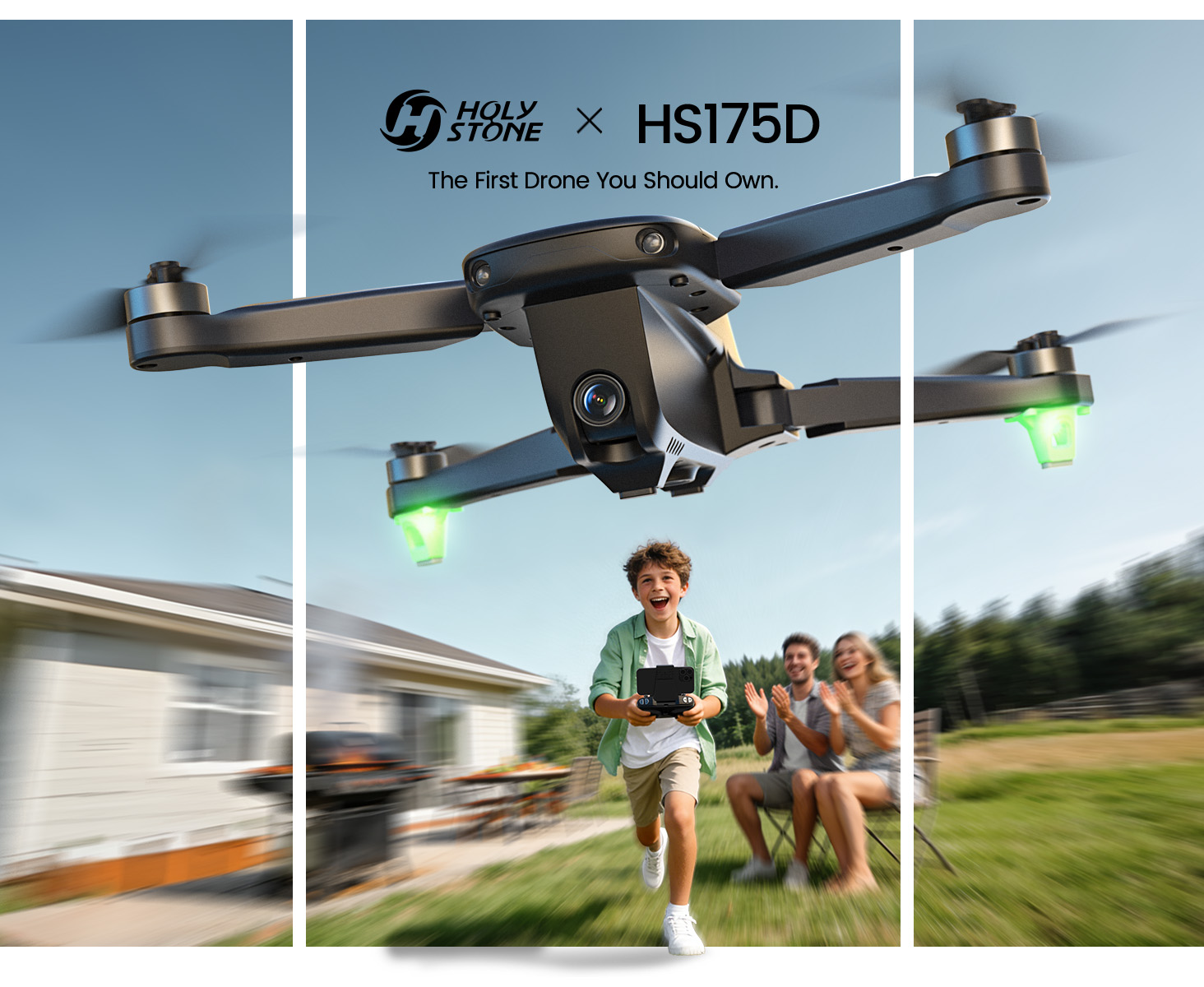
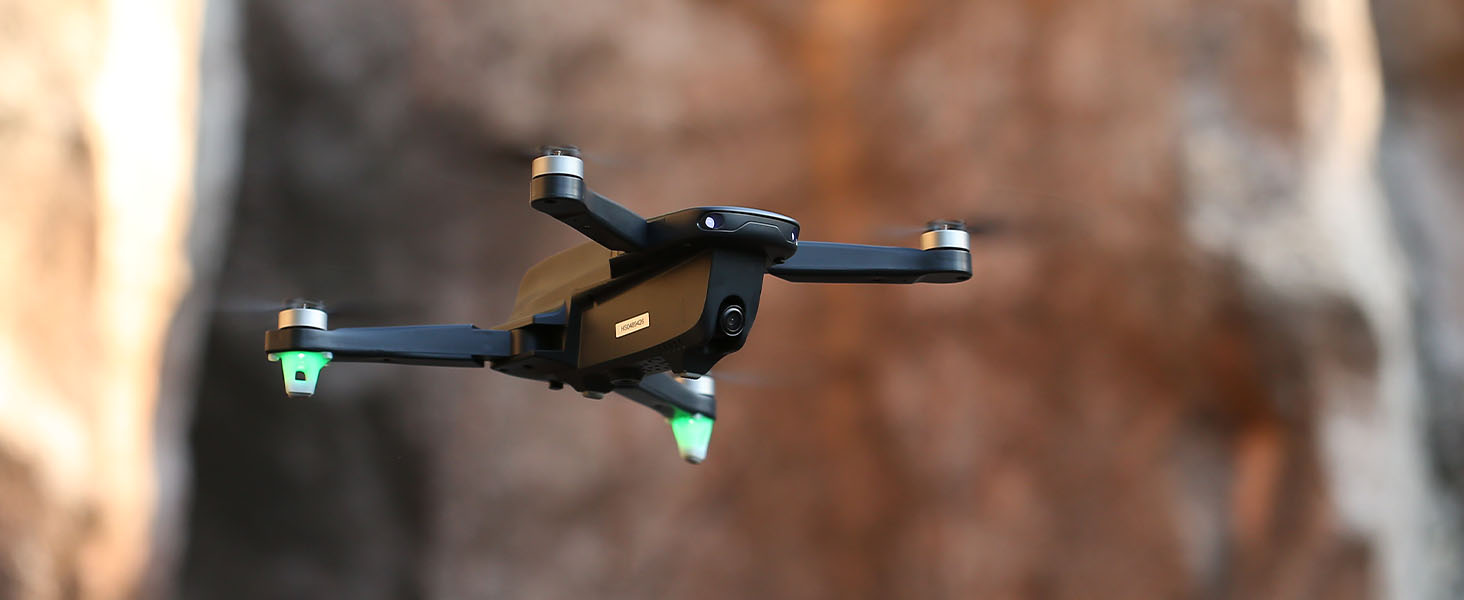
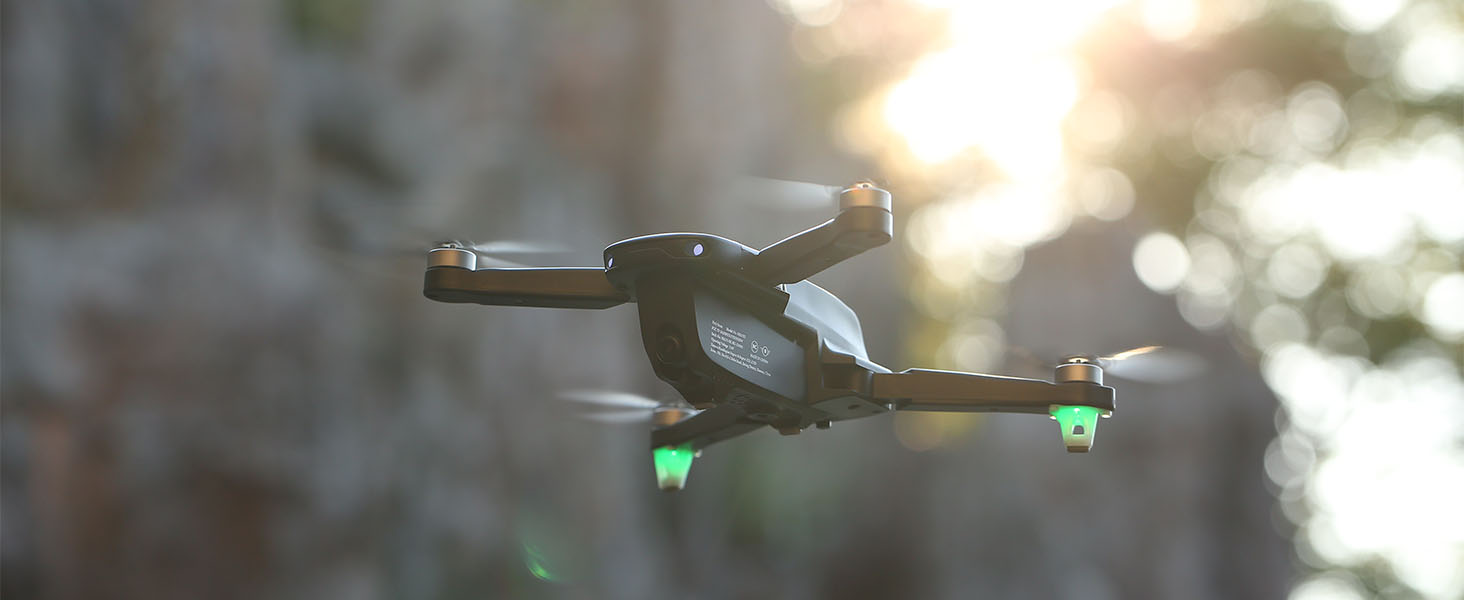
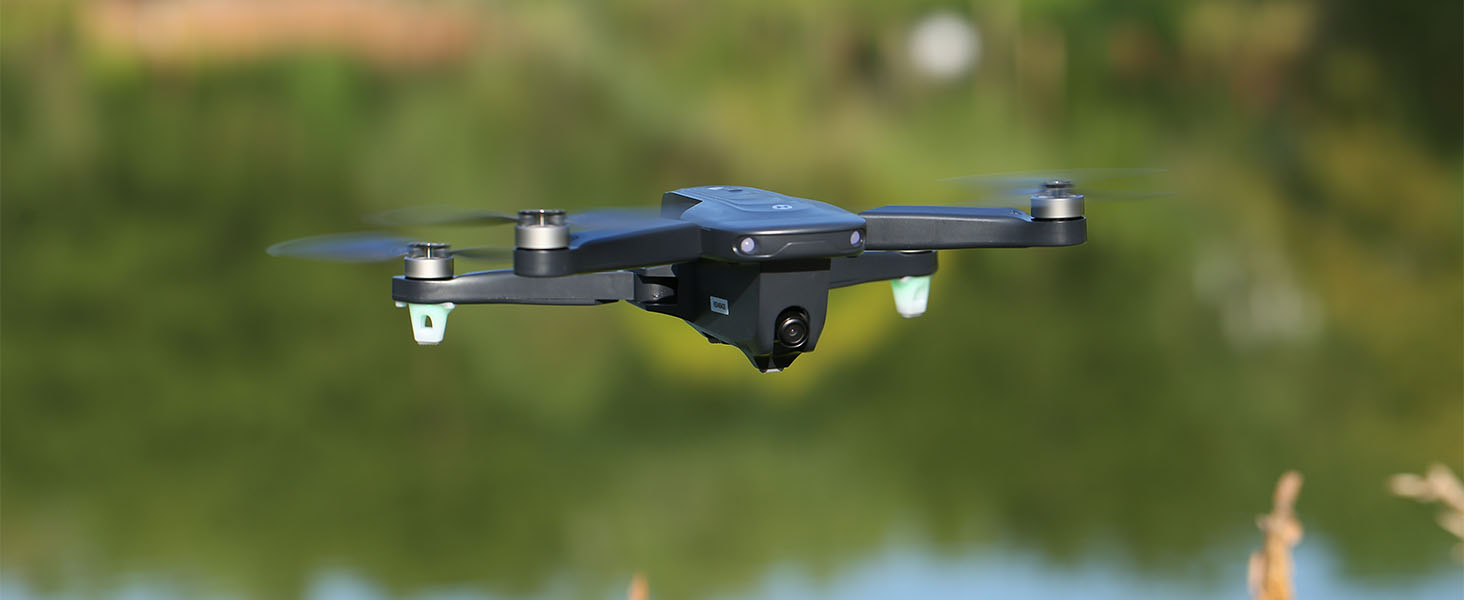
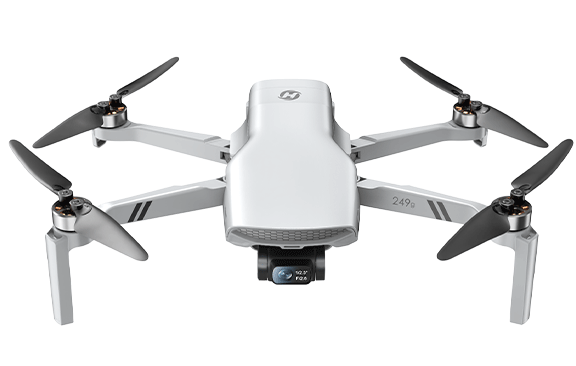
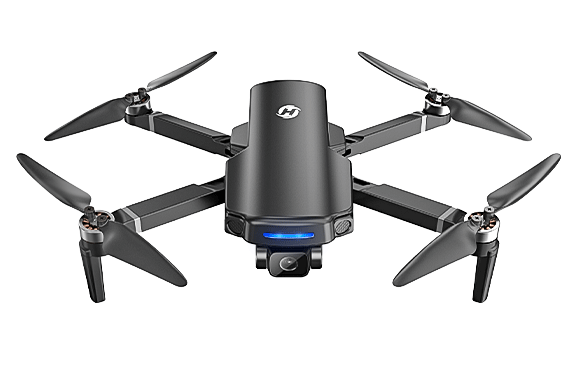
HS175D GPS Camera Drone for Beginners

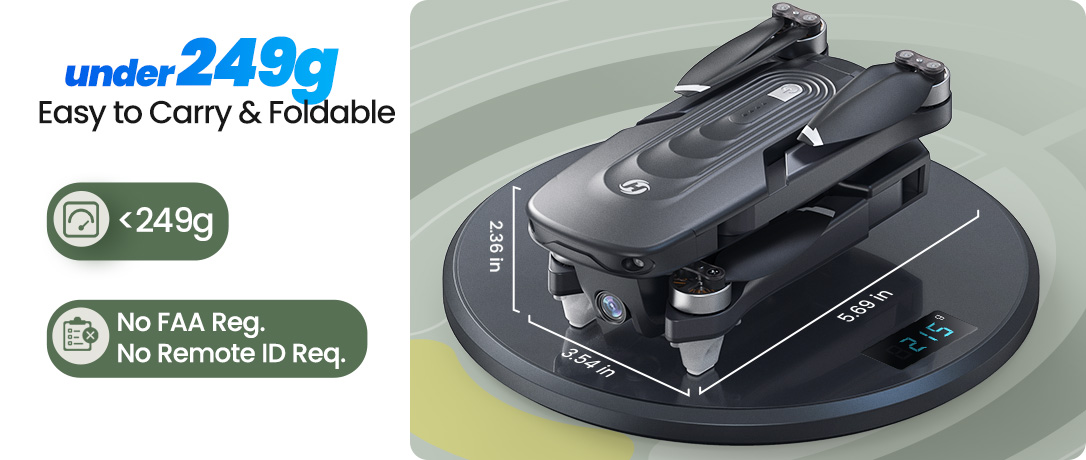
Model No.: HS175D, Weight: 215g

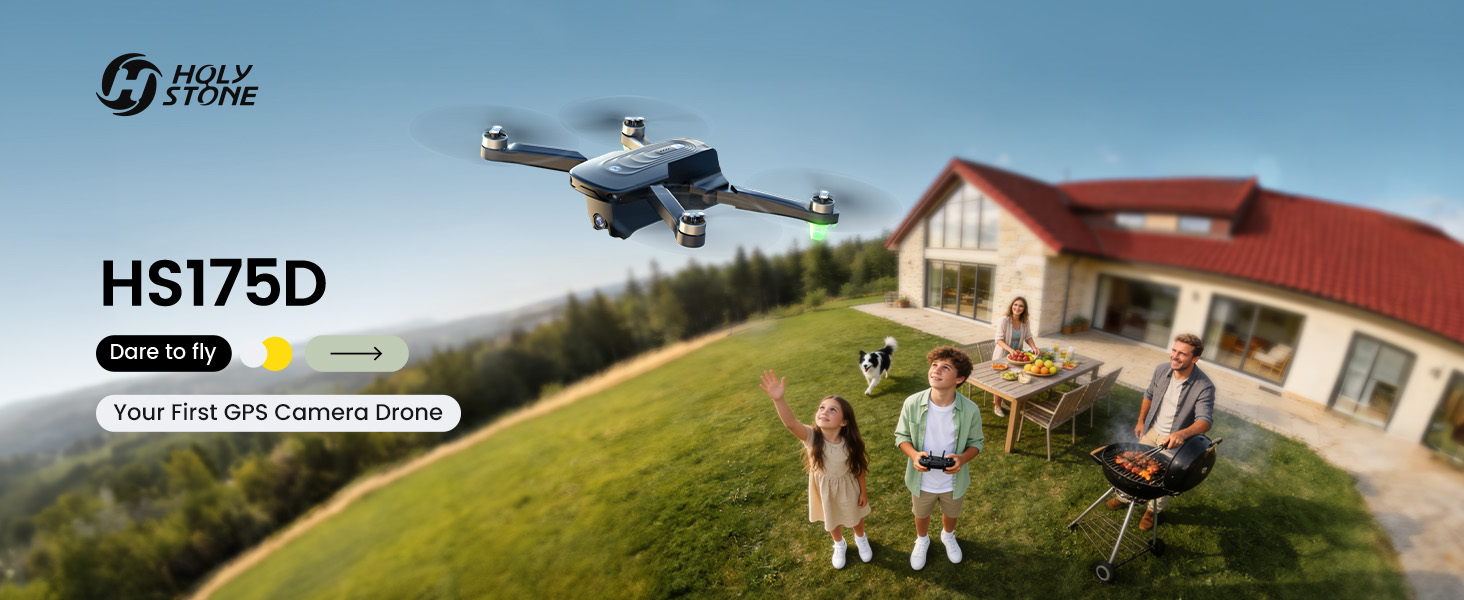
Your First GPS Camera Drone
— Fly Safe. Capture Family Moments. Return with Confidence.

HS175D ICON 1.png
HS175D ICON 2.png
175D 1.png
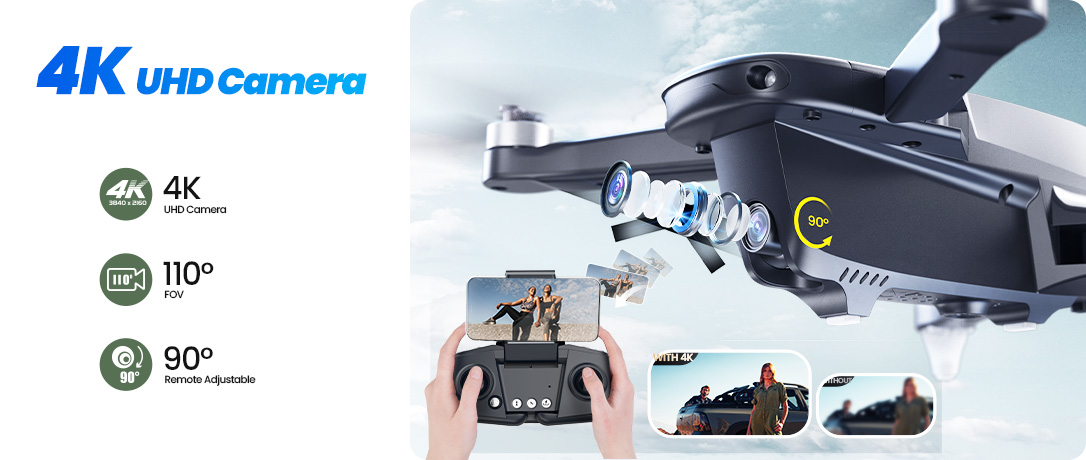
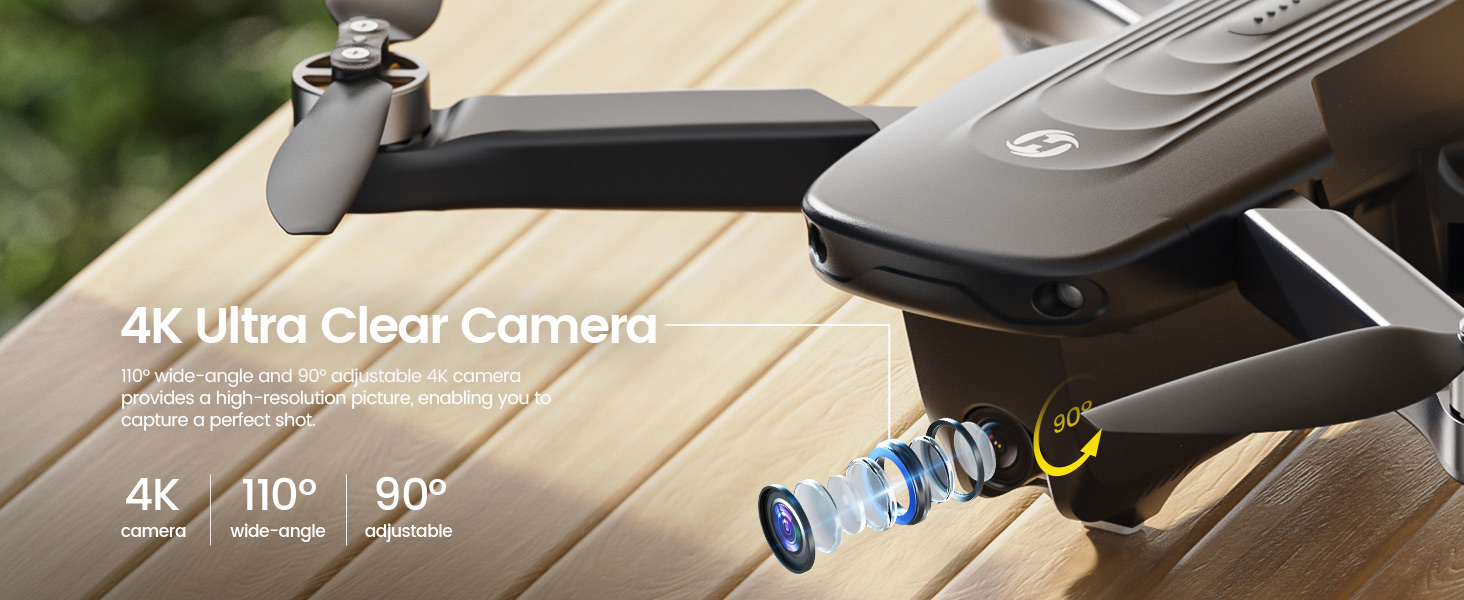
1 4K UHD Camera.jpg
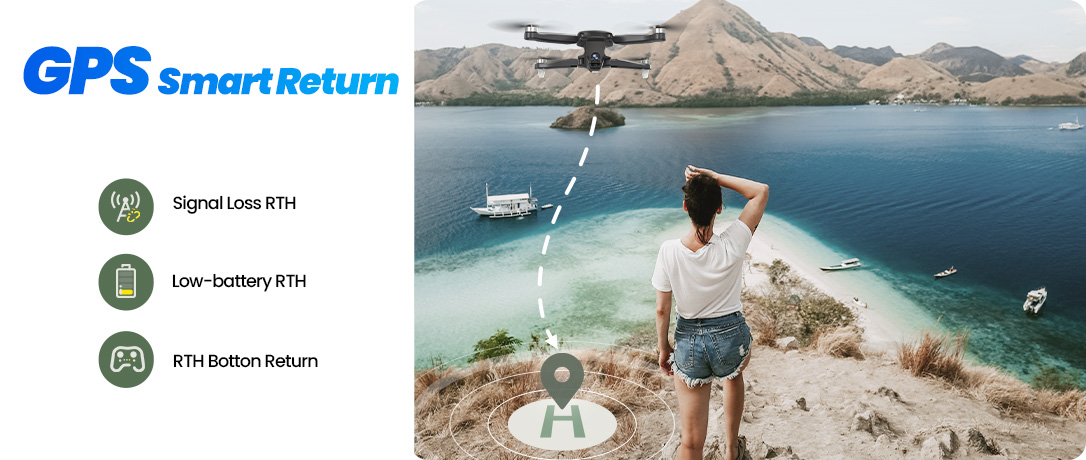
2 GPS Smart Return.jpg
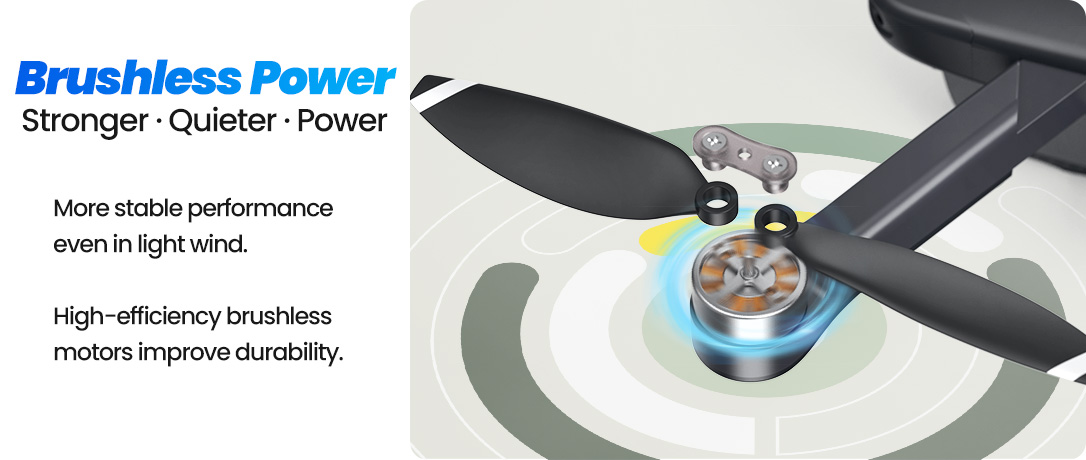
3 Brushless Power.jpg
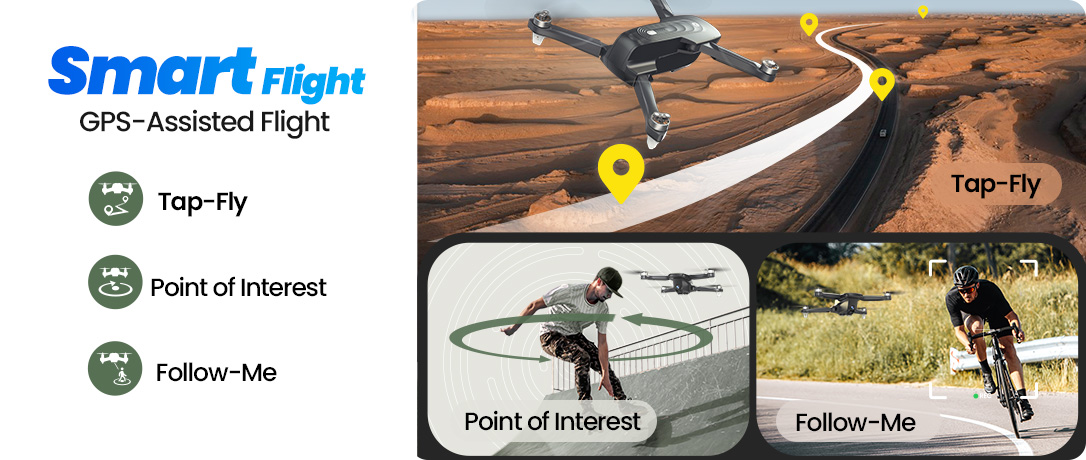
4 Smart Flight.jpg
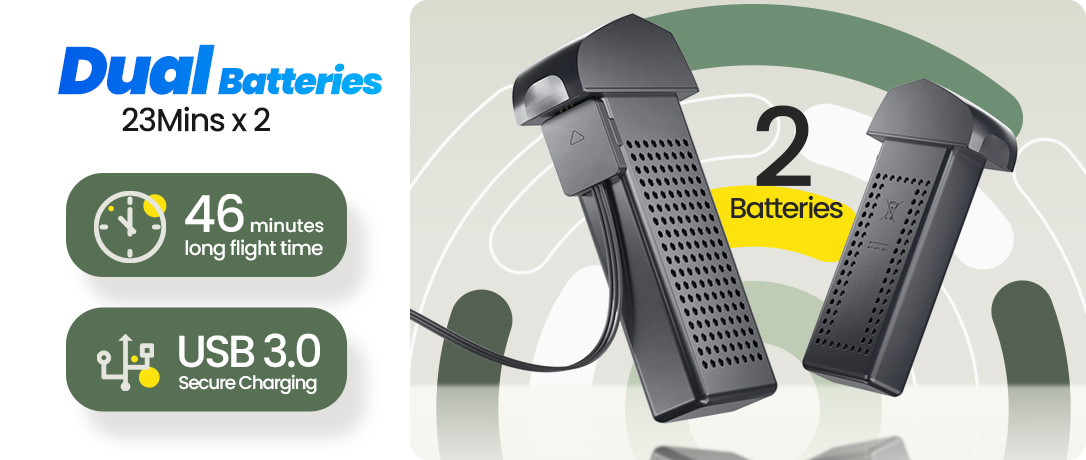
5 Dual Batteries.jpg
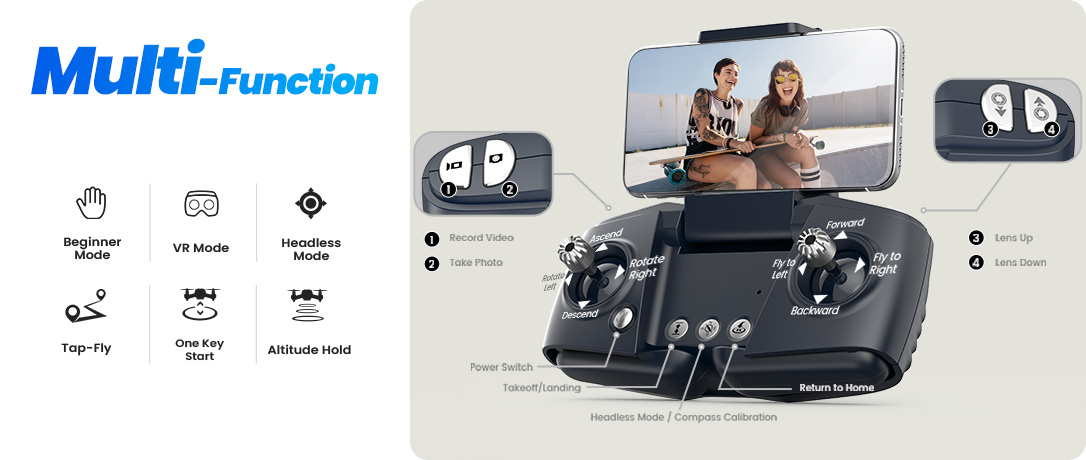
6 Multi Function.jpg
7 Under 249g.jpg
PC+大图.jpg

PC-衔接_01.jpg
PC-衔接_02.jpg
PC-衔接_03.jpg
PC-衔接_04.jpg

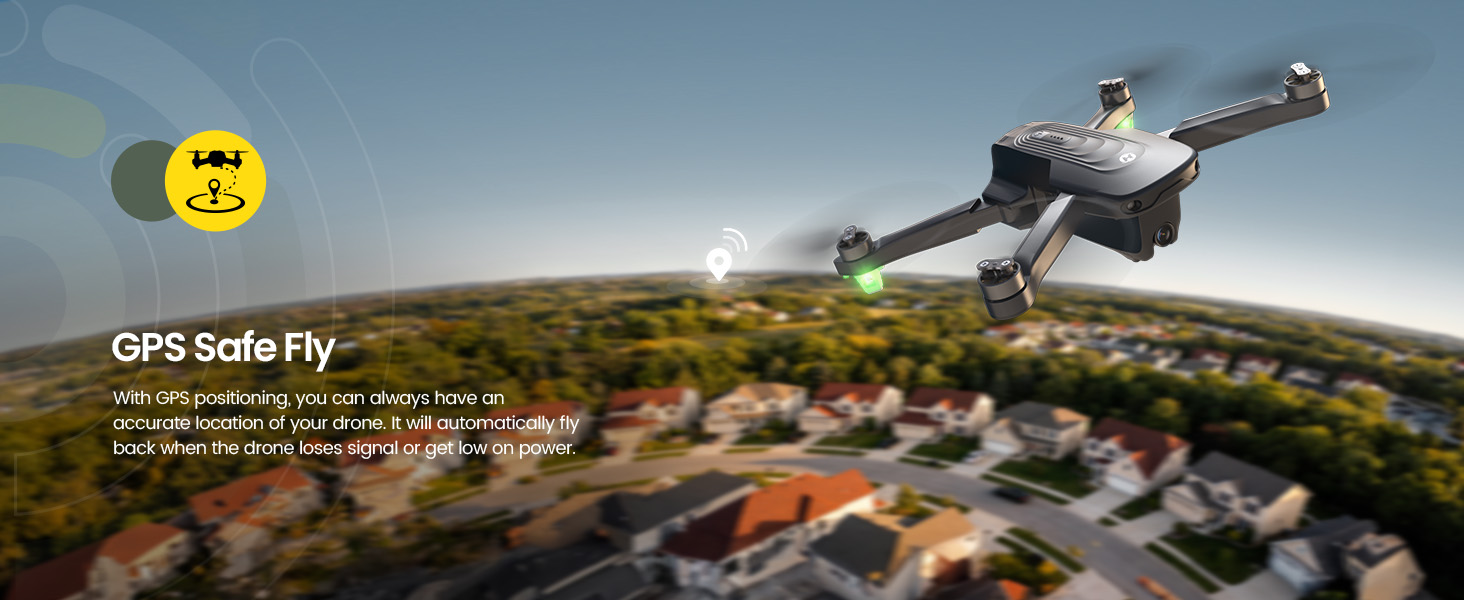
GPS Safe Fly · Peace of Mind for First-Time Pilots

For family weekends, backyard play, and first-time flyers, HS175D is built to feel safe from the start — so you can focus on the moment, not the controls.

With GPS positioning and smart return protection, your flight stays trackable and reassuring — helping beginners fly with confidence and enjoy every gathering with less worry.
1 GPS Safe Fly.jpg

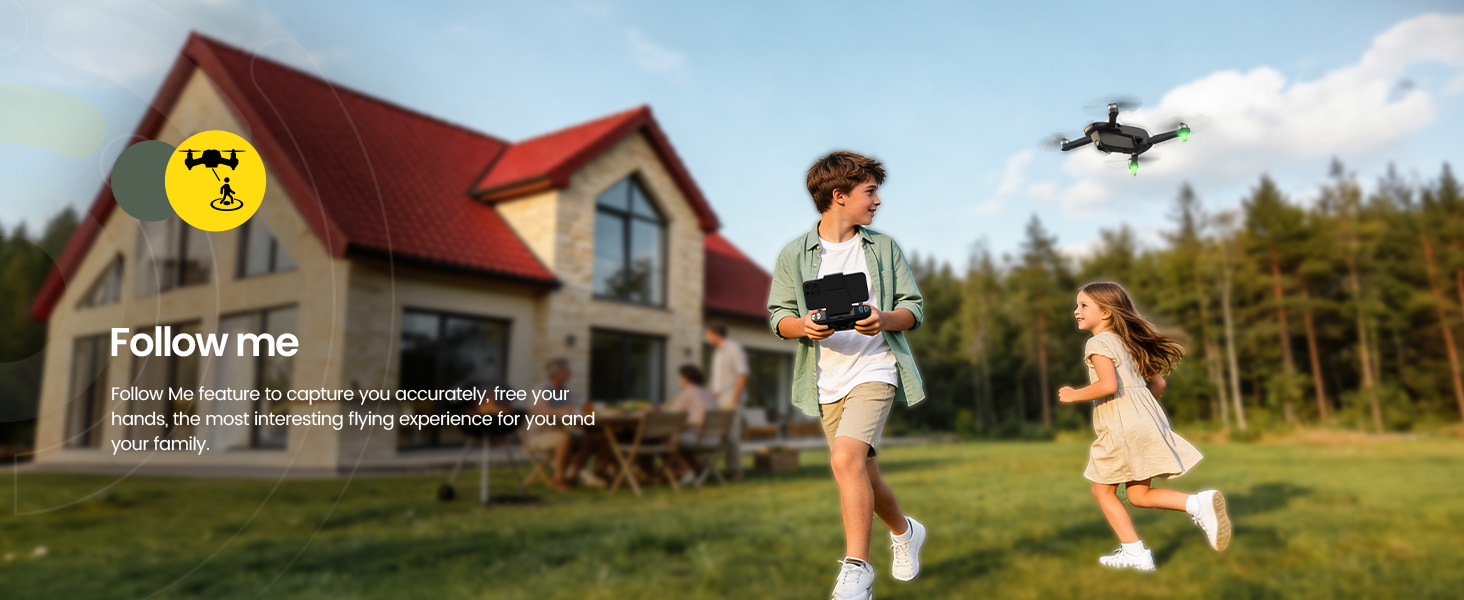
Follow Me · Capture the Fun Hands-Free

Perfect for parents, couples, and outdoor beginners — Follow Me helps keep the camera on you while you walk, play, or move around naturally.

Great for family gatherings and casual adventures: let HS175D track the action from above while you stay present in the scene.
2 Follow Me.jpg

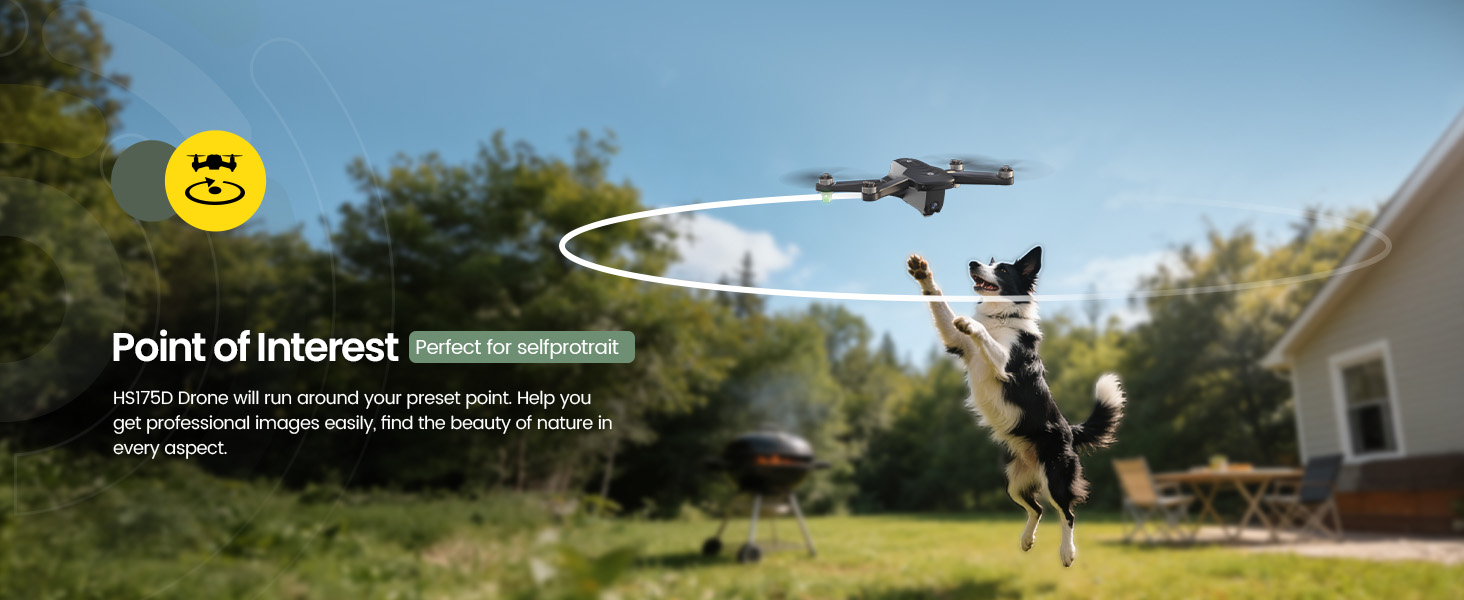
Point of Interest · Easy 360° Family Moments

Want a smooth, cinematic orbit shot without complicated flying? Point of Interest makes it simple — even if this is your first GPS camera drone.

Ideal for family portraits, pets at play, and backyard celebrations — one tap creates a beautiful 360° view you’ll want to share.
3 Point of Interest.jpg

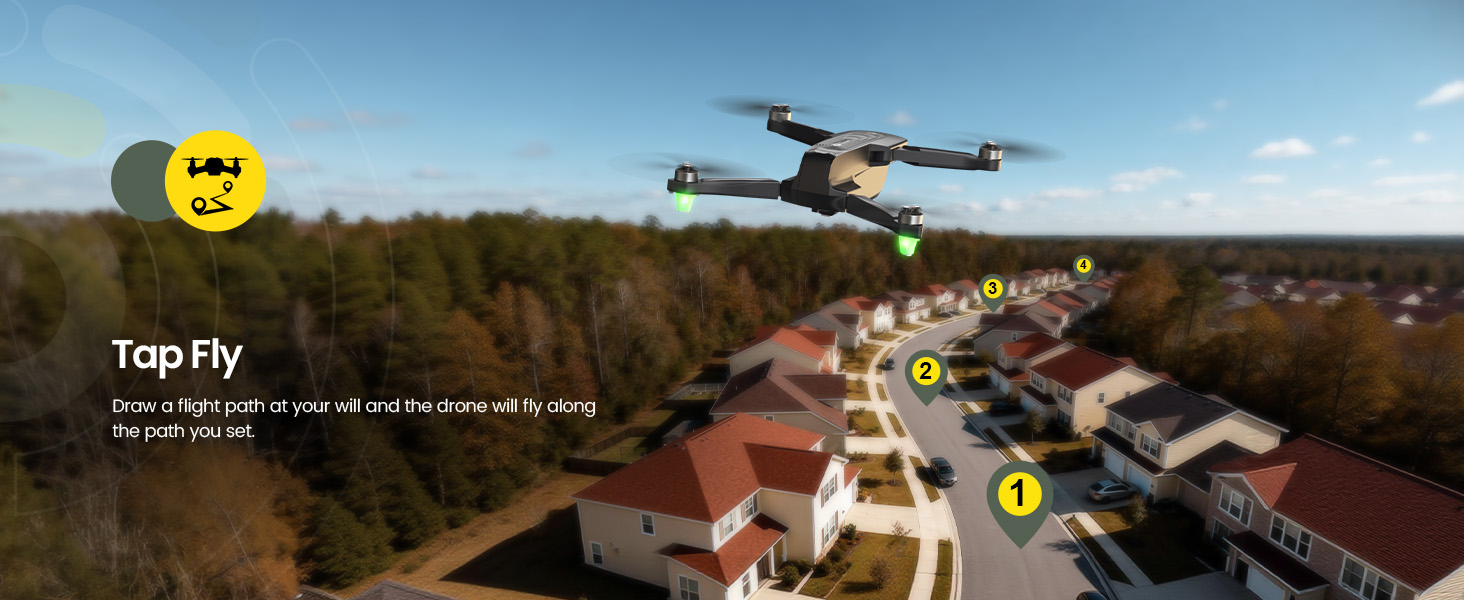
Tap Fly · Draw a Path, Enjoy the Moment

Made for beginners who want creative shots without advanced skills — simply tap and set a route in the app, and HS175D follows it automatically.

Perfect for scenery, backyard views, and weekend trips: plan the shot in seconds and spend more time enjoying the day with your family.
4 TapFly.jpg

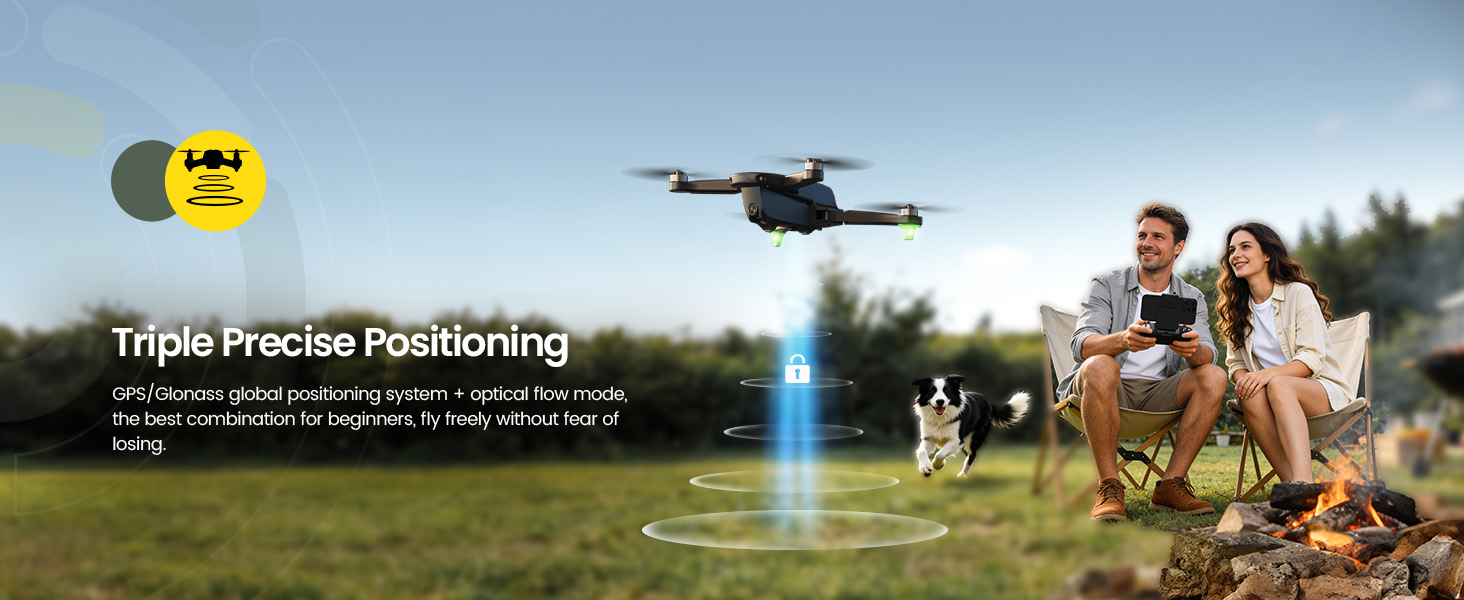
Triple Positioning Stability · GPS + GLONASS + Optical Flow → Perfect for backyard fun.

HS175D combines GPS and GLONASS satellite systems with optical flow support — delivering triple-layer positioning for more accurate hovering and stronger signal reliability.

Whether you're flying in the backyard, at a family gathering, or during a weekend picnic, this enhanced positioning system helps keep your drone stable and responsive — giving beginners greater confidence and peace of mind.
5 Dual Positioning Stability.jpg

HS175D Real Shots

HS175D (9).jpg
HS175D (5).jpg
HS175D (3).jpg
HS175D (2).jpg
HS175D (7).jpg
HS175D Beginner GPS Camera Drone SPECS

DRONE

Model: HS175D

Weight: 215 g / 7.58 oz

Max Flight Time: 23 minutes (in a windless environment)

Max Flight Height: 328 ft / 100 m

Max Flight Speed: 7 m/s

Max Wind Speed Resistance: 2 m/s

Operating Temperature Range: 32° to 104°F (0° to 40°C)

Size: 145 × 65 × 63 mm (Folded)

275 × 210 × 63 mm (Unfolded)

DRONE BATTERY

Model: HW787268

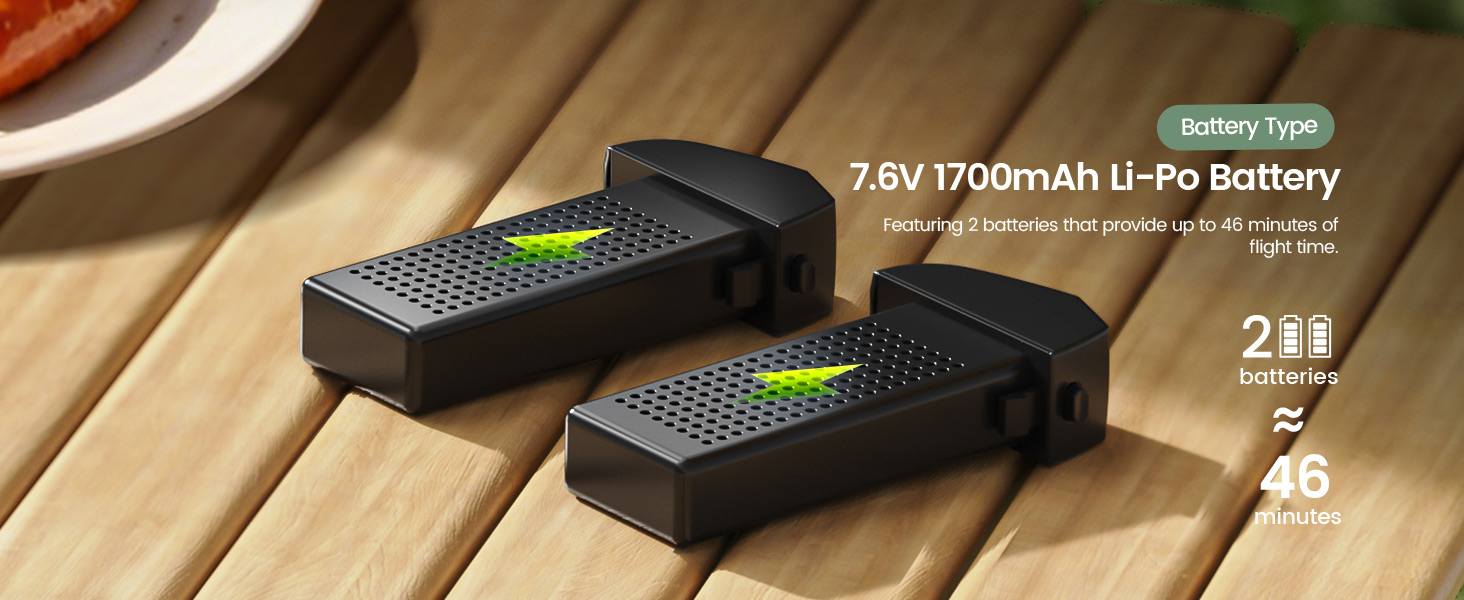
Capacity: 1700 mAh

Voltage: 7.6 V

Max Charging Voltage: 8.8 V

Battery Type: Lithium-ion Polymer Battery

Energy: 12.9 Wh

Charging Temperature Range: 41° to 104°F (5° to 40°C)

Charging Time: about 150 minutes

USB CHARGING CABLE

Input: 5 V / 2 A

Rated Power: ≤10 W

TRANSMITTER

Operating Frequency: 2452–2474 MHz

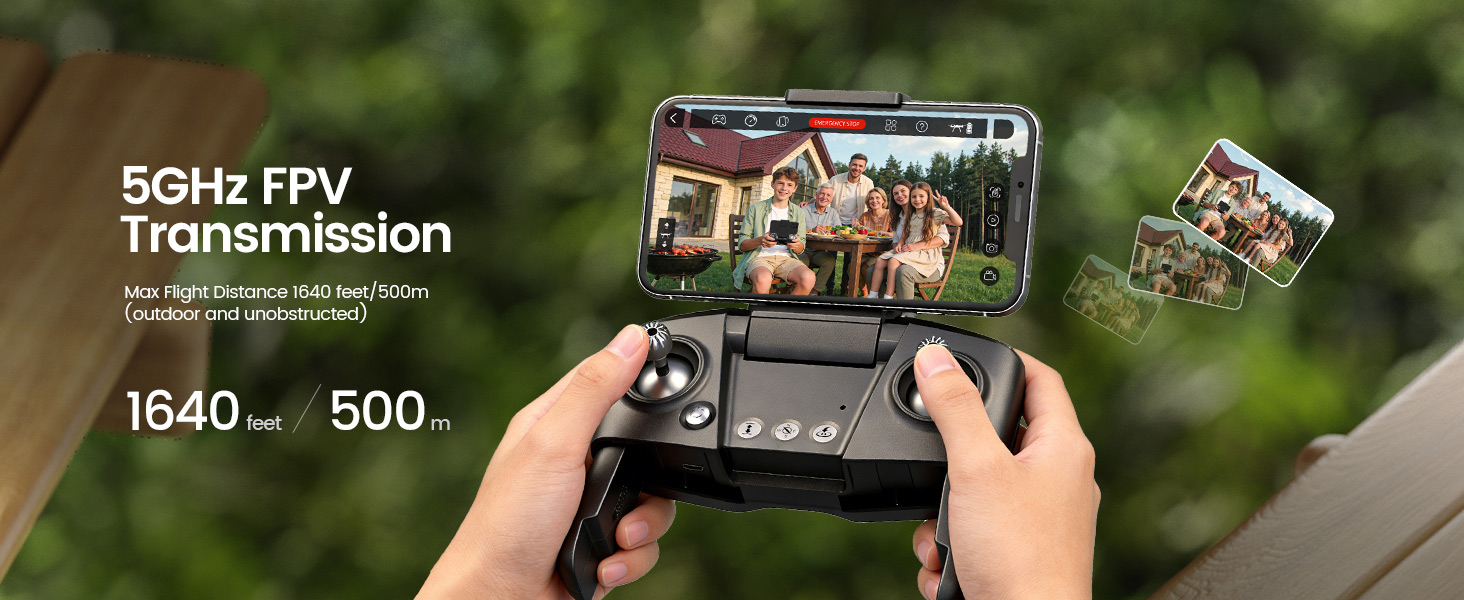
Max Flight Distance: 1640 feet / 500 m (outdoor and unobstructed)

Battery Type: 3.7 V 380 mAh Lithium-ion Polymer battery

Operating Temperature Range: 32° to 104°F (0° to 40°C)

Charging Time: 60 minutes

CAMERA

Operating Frequency: 5500–5700 MHz

Photo Resolution: 4096×3072P (stored in TF card)

4096×3072P (stored on mobile phone)

Video Resolution: 2688×1512P (stored in TF card)

1920×1080P (stored on mobile phone)

Lens: FOV 110°

Max Transmission Distance: 984 feet / 300 m (outdoor and unobstructed)

Live View Quality: 720P@25fps

Photo Formats: JPEG

Video Formats: AVI/MP4

Supported TF Cards: Supports a TF Card (Class 10 above) with capacity of up to 64 GB (Not included)

File System: FAT32

Controllable Range: Pitch: -90° to 0°

HS175D Beginner GPS Camera Drone IN THE BOX
HS360S.jpg

*Accessories configuration may vary depending on the purchase channel. Please refer to the actual product package on the purchasing platform for final confirmation.*

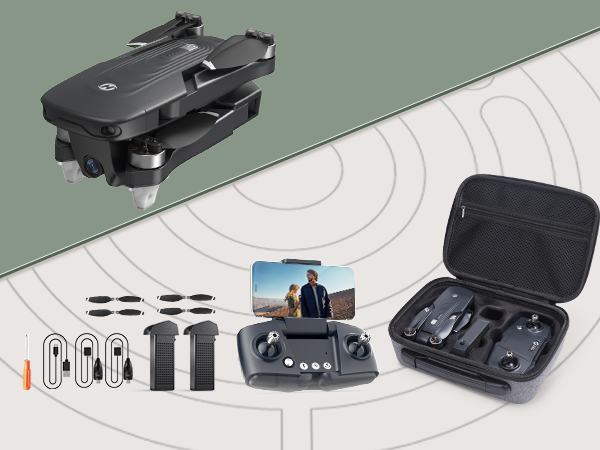
Package Content


 In The Box:

 1 x HS175D RC Drone

 1 x Transmitter

 1 x USB Charging Cable for Transmitter

 2 x Batteries

 2 x USB Charging Cables for Batteries

 8 x Propellers

 1x Manual 

 1x Screwdriver

HS175D Beginner GPS Camera Drone DOWNLOAD
HS175D Beginner GPS Camera Drone FAQ
HS175D Drone FAQ & Troubleshooting Guide
  • Why Is My HS175D Drone Not Responding, Drifting or Not Hovering Properly?

    - The drone does not respond.
    Charge the drone battery and the transmitter battery.

    - The drone’s response is intermittent.
    Change the batteries and move to an interference-free area.

    - The drone drifts to one side while hovering.
    Place the drone on a flat surface and repeat gyro calibration.

    - The drone does not move forward in headless mode.
    Reconfigure the forwards direction.

    - The drone does not hover properly or keeps moving up and down.
    Repeat gyro calibration and avoid flying in poor weather.

  • How to Perform Compass Calibration on HS175D Drone?

    - Long press the compass calibration button on the transmitter.

    - Keep the drone parallel to the floor and rotate it 3 times. The rear indicator lights will flash green quickly.

    - Hold the drone vertically with its front camera pointing up. Rotate the drone 3 times. The rear indicator lights will turn solid when completed.

    - If the drone receives no or very weak GPS signal (less than 7 satellites), the rear indicator lights will appear yellow.

  • What Should I Do If HS175D Drone Cannot Find GPS Signal?

    - Make sure you are operating the drone in an open area on a sunny day without interference.

    - Wait a few minutes for the drone to search for GPS signal.

    - If no signal is found, move to another location and try again.

    - You can short press the RTH button to switch off GPS mode and enter Optical Flow Mode. Keep flight altitude below 6 meters.

    - The drone will automatically switch back to GPS mode once strong signal is detected.

    - To fully restore GPS functions, land the drone and short press the RTH button again.

  • Which Phones Are Compatible with HS175D 5G WiFi GPS Drone?

    - Required operating systems: iOS 9.0 or higher / Android 5.0 or higher.

    - Cellphones that support 5G Wi-Fi are compatible with HS175D.

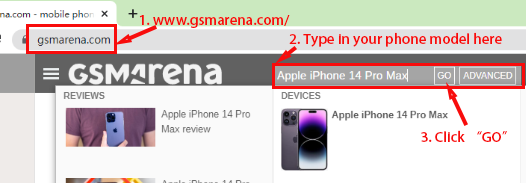
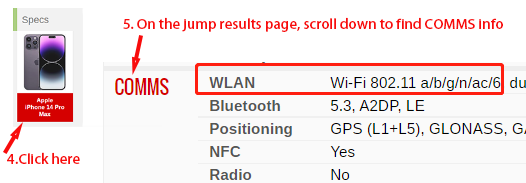
    - If your phone supports WLAN type “802.11 a/b/g/n/ac”, it is compatible.

    - If it only supports “802.11 a/b/g/n”, it is NOT compatible.

    - You can check your phone WLAN type via www.gsmarena.com by searching your model.

    Guide 1.png

    Guide 2.png

  • How to Connect My Phone to HS175D Drone WiFi?

    - Power on the drone.

    - Open your phone Wi-Fi settings and select the network: HolyStoneFPV_********

    - Wait a few seconds until the connection is established.

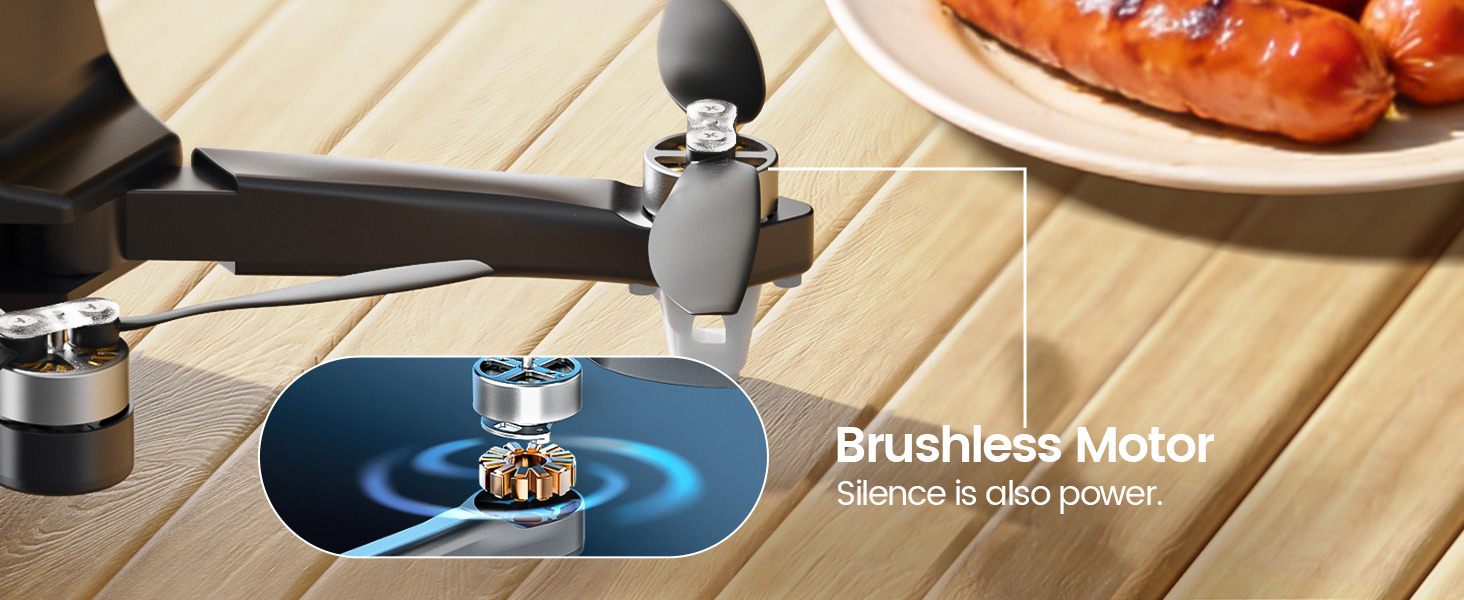
  • Does HS175D Have Brushless Motors and What Is Its Wind Resistance Level?

    - Yes, HS175D is equipped with brushless motors.

    - The drone supports wind resistance up to Level 4. We recommend flying in good weather conditions.

  • Does HS175D Drone Require FAA or EU Registration?

    - HS175D weighs under 250g.

    - In the United States, Canada, EU and UK, drones under 250g typically do not require registration.

    - Please check your local drone laws if you live outside these regions.

  • What Is the Maximum Flight Time of HS175D GPS Drone?

    - Each fully charged battery provides up to 23 minutes of flight time.