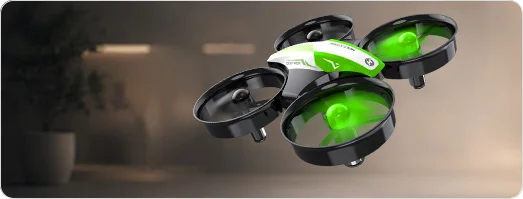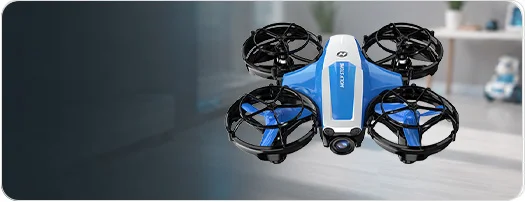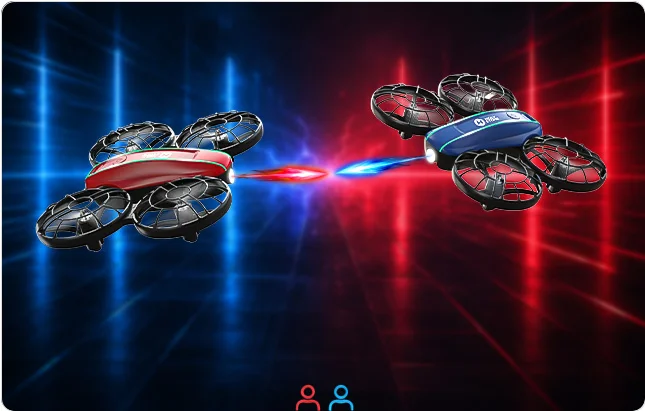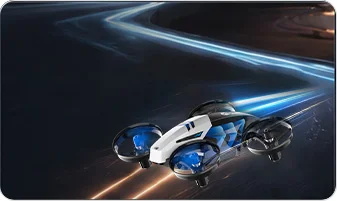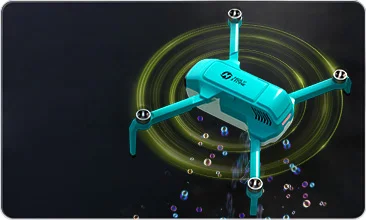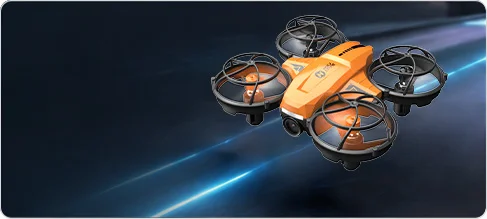
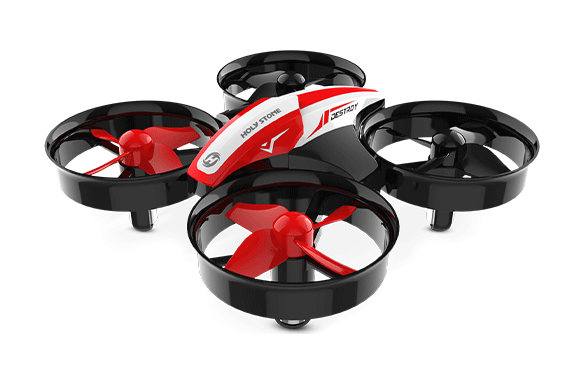
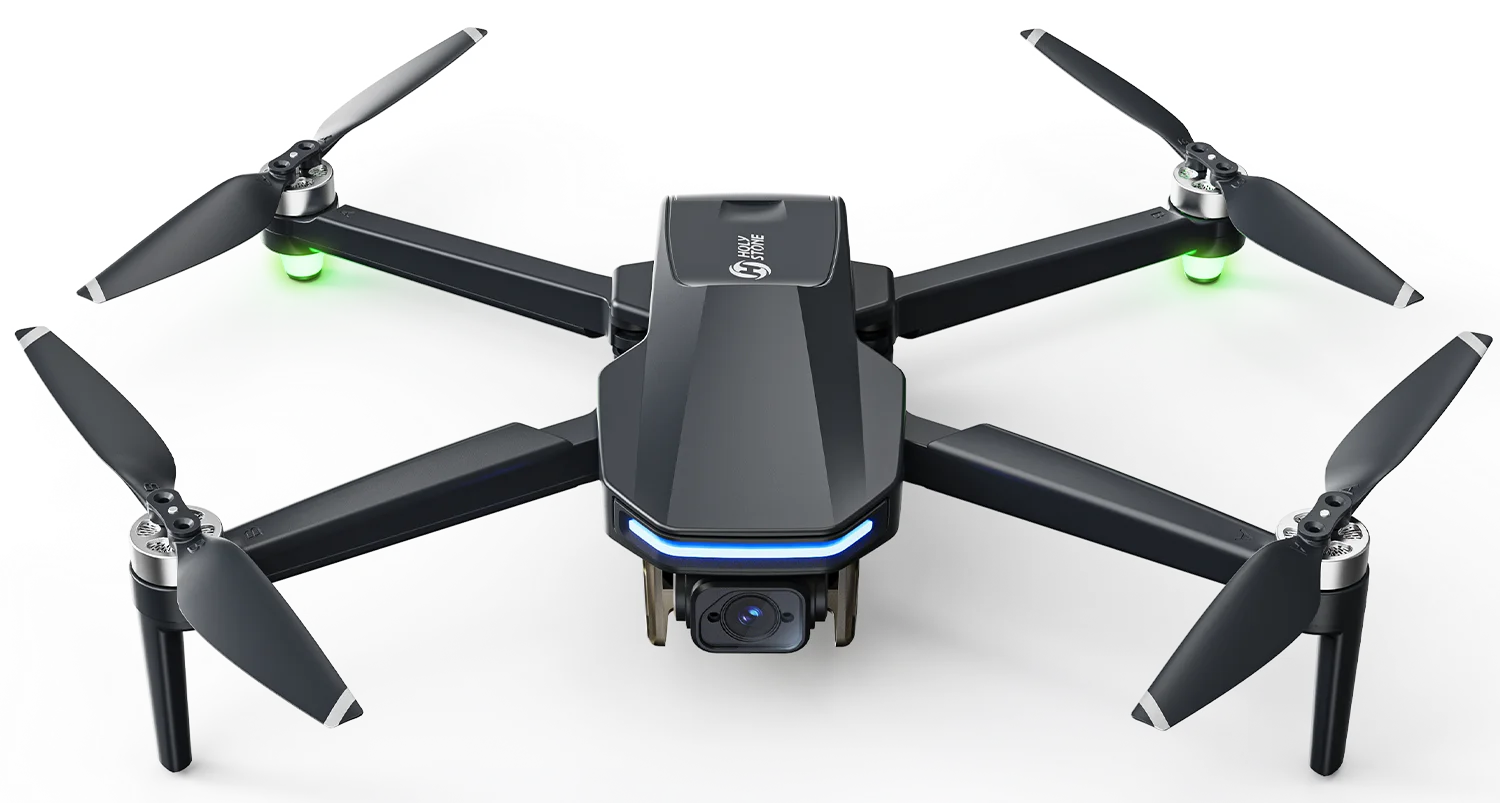

HS210T Race, Fly, Dance — Turn Any Room into a Playground.
HS210T Race, Fly, Dance 3 IN 1 Mini Drone.jpg


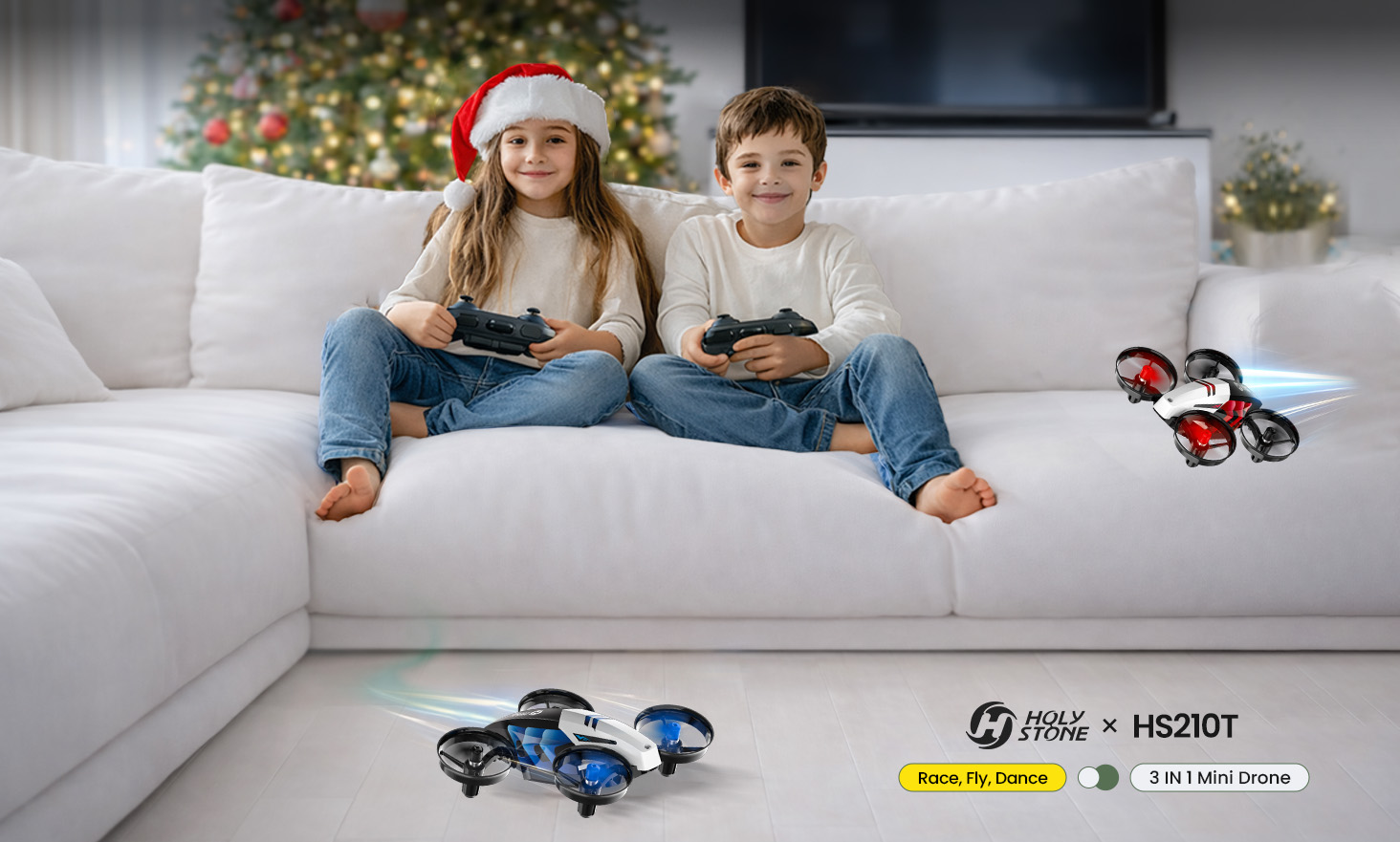
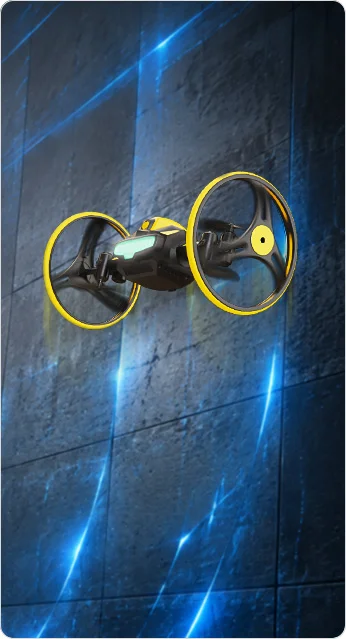
HS210T — Race. Fly. Dance.

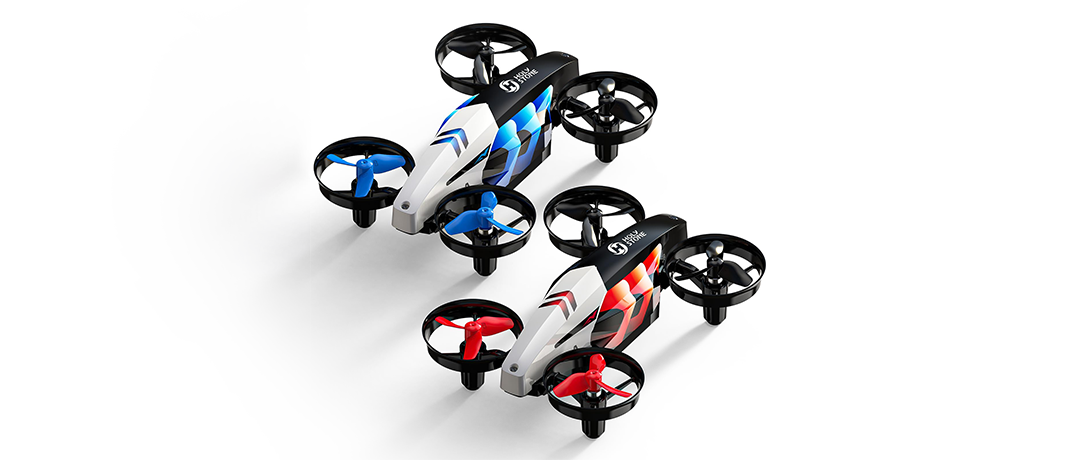
HS210T| The 3-in-1 Indoor Mini Drone

Not just a mini drone — but three ways to play.
Race on the ground, fly in the air, and dance in brilliant LED lights.
Designed for kids, built for safe indoor excitement, and fun for the whole family.


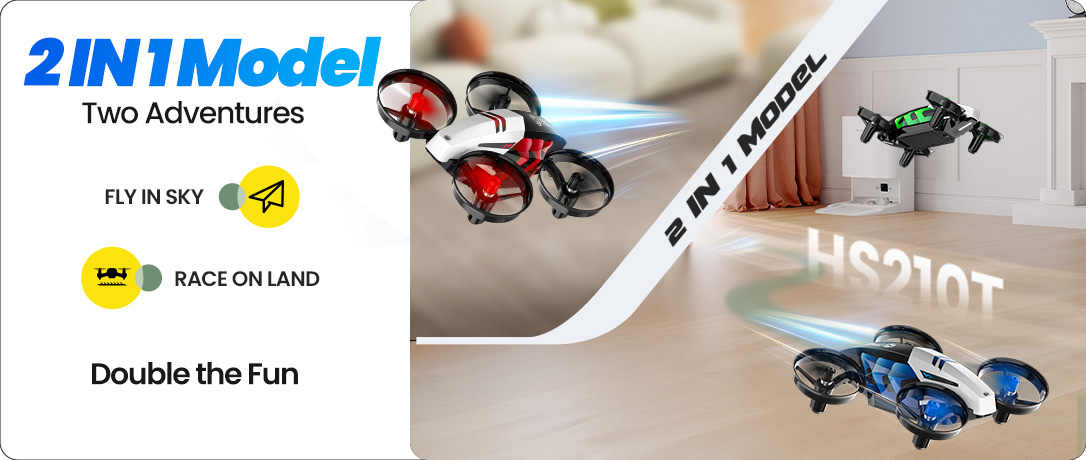
2-in-1 Modes: Land & Sky
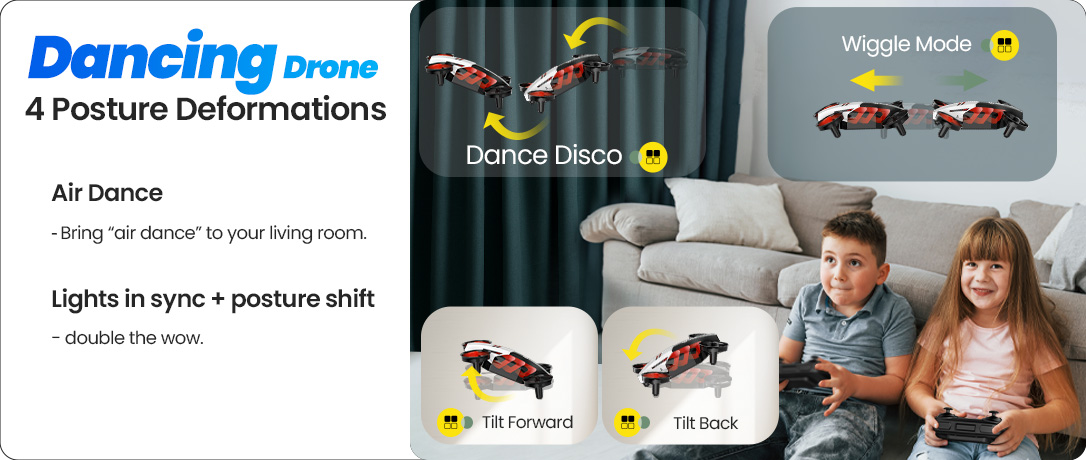
Dance-Like Posture Moves
HS210T 1086X460.png
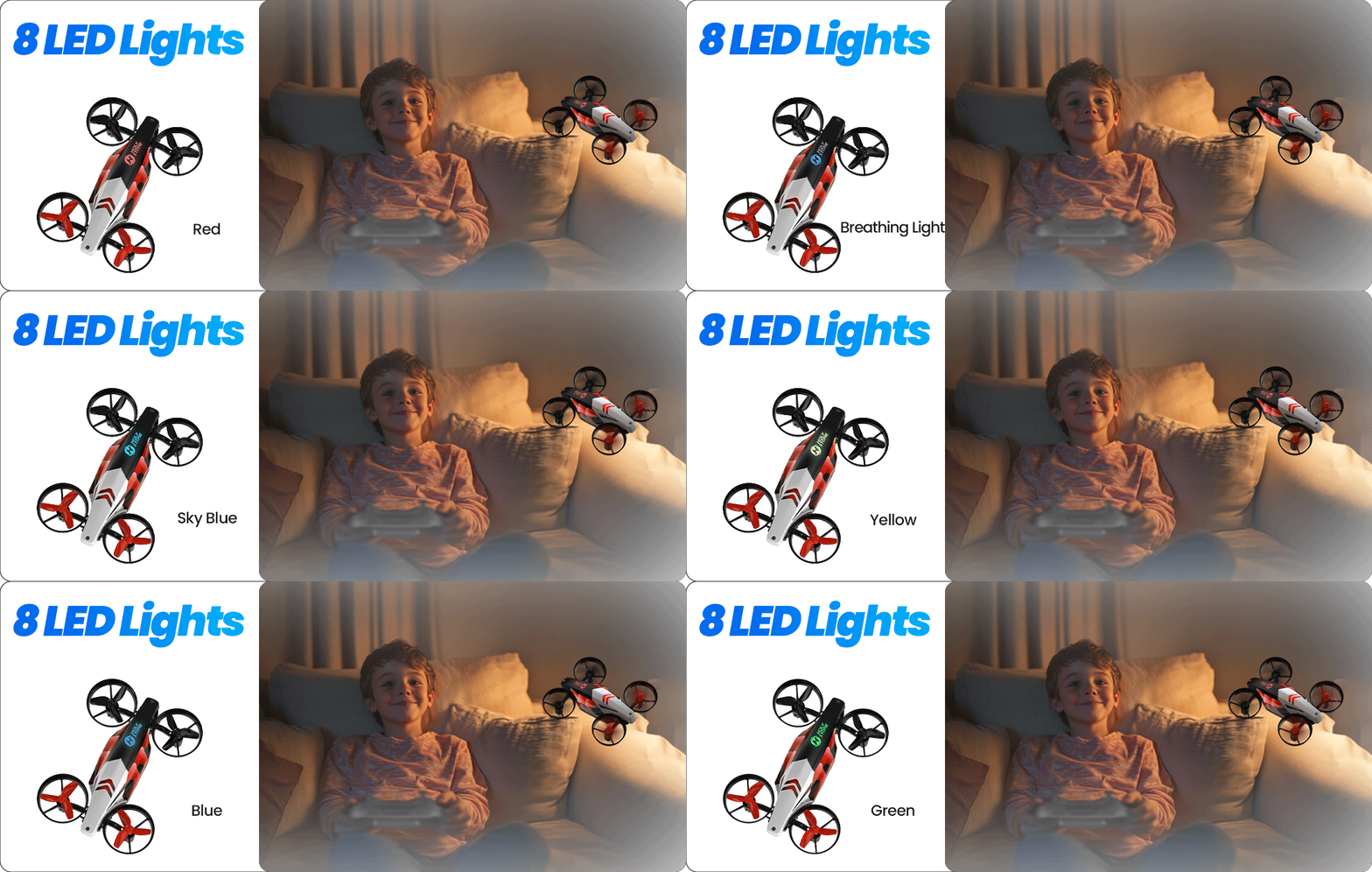
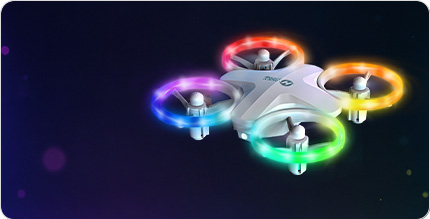
6 LED Modes — A colorful, eye-friendly light-show for parties and play
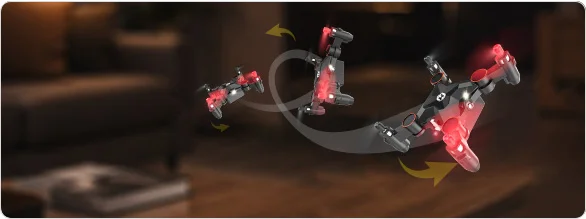
Four Dance-Like Postures — Tilt, wiggle, spin, and circle for living-room air-dance
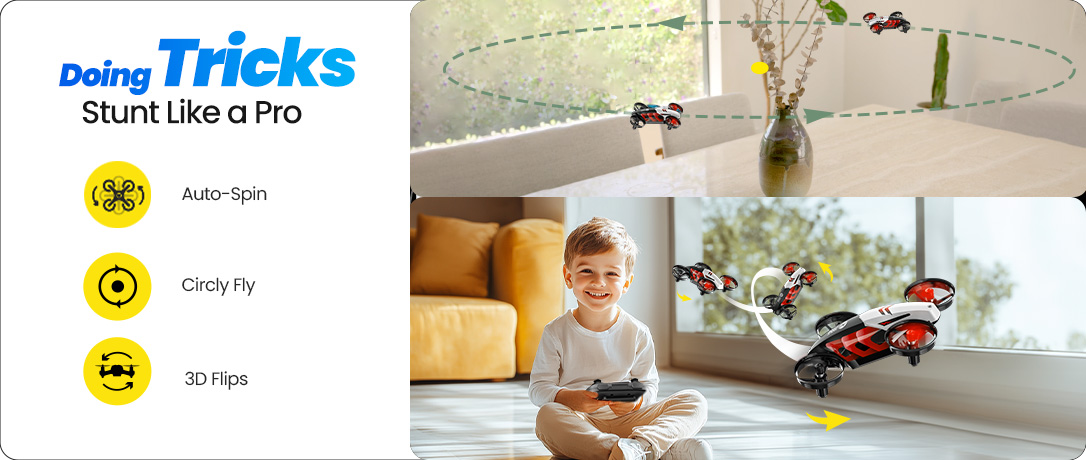
Stunt Like a Pro — 4-way 360° flips, orbit flight, and high-speed rotation
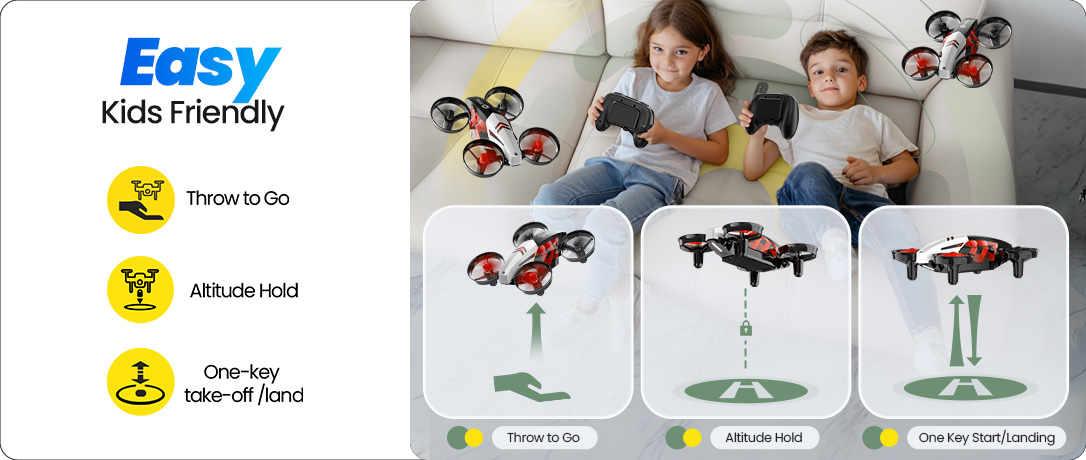
Easy for Kids — One-key start/land, altitude hold, headless mode, throw-to-go
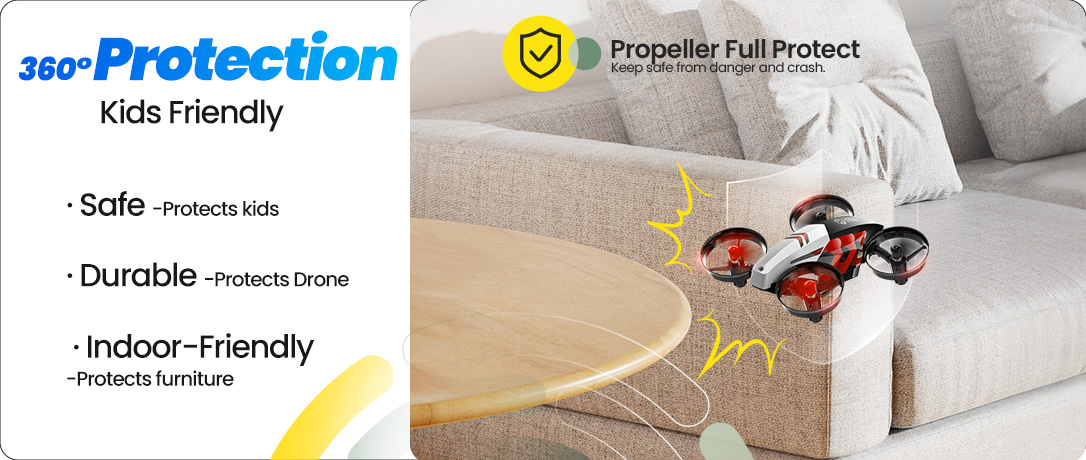
Full Prop Guards — Safe, durable, and indoor-friendly design
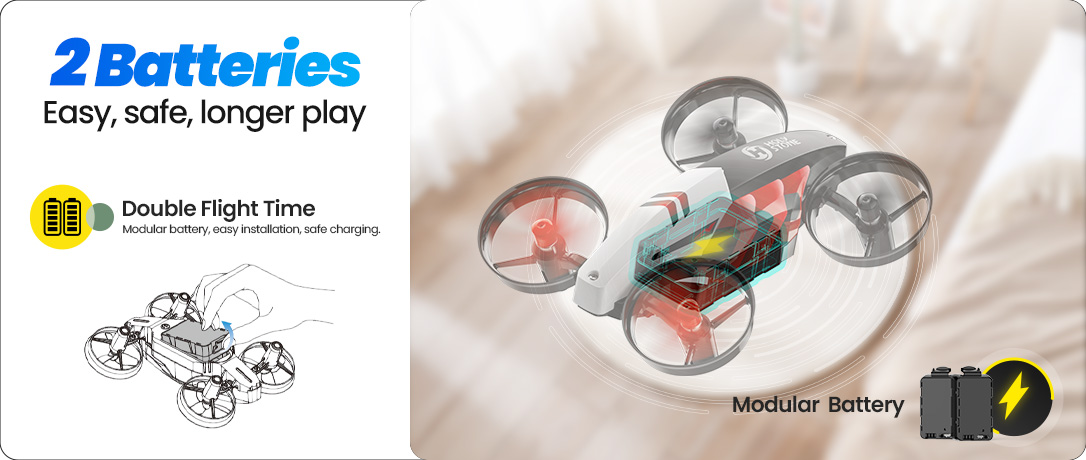
Dual Modular Batteries — Quick, safe swaps for ~16 minutes of total play
Different LED Lights — Low-glare, eye-friendly glow for cozy indoor play
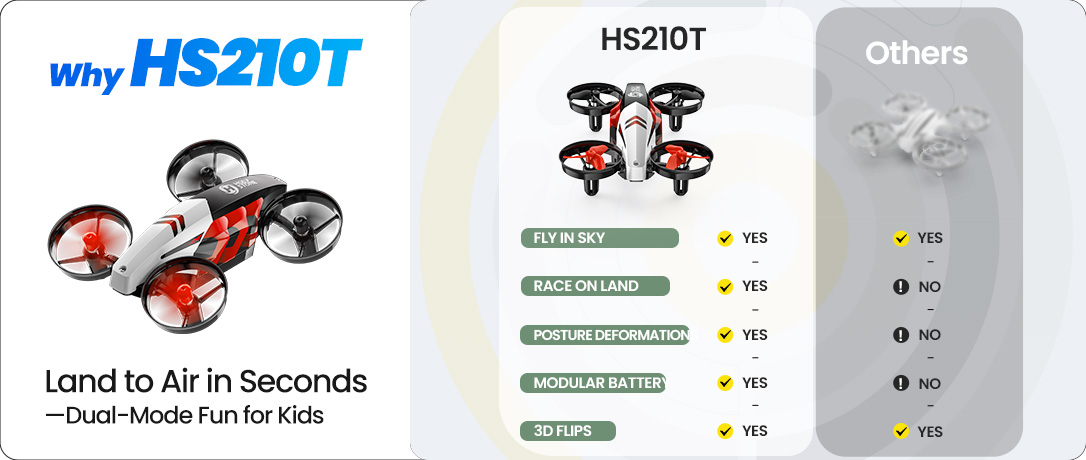
Why Choose HS210T — 2-in-1 land & sky, dance moves, safe full-guard design
HS210T Race, Fly, Dance 3 IN 1 Mini Drone.jpg

Race. Fly. Dance. · The 3-in-1 Indoor Mini Drone

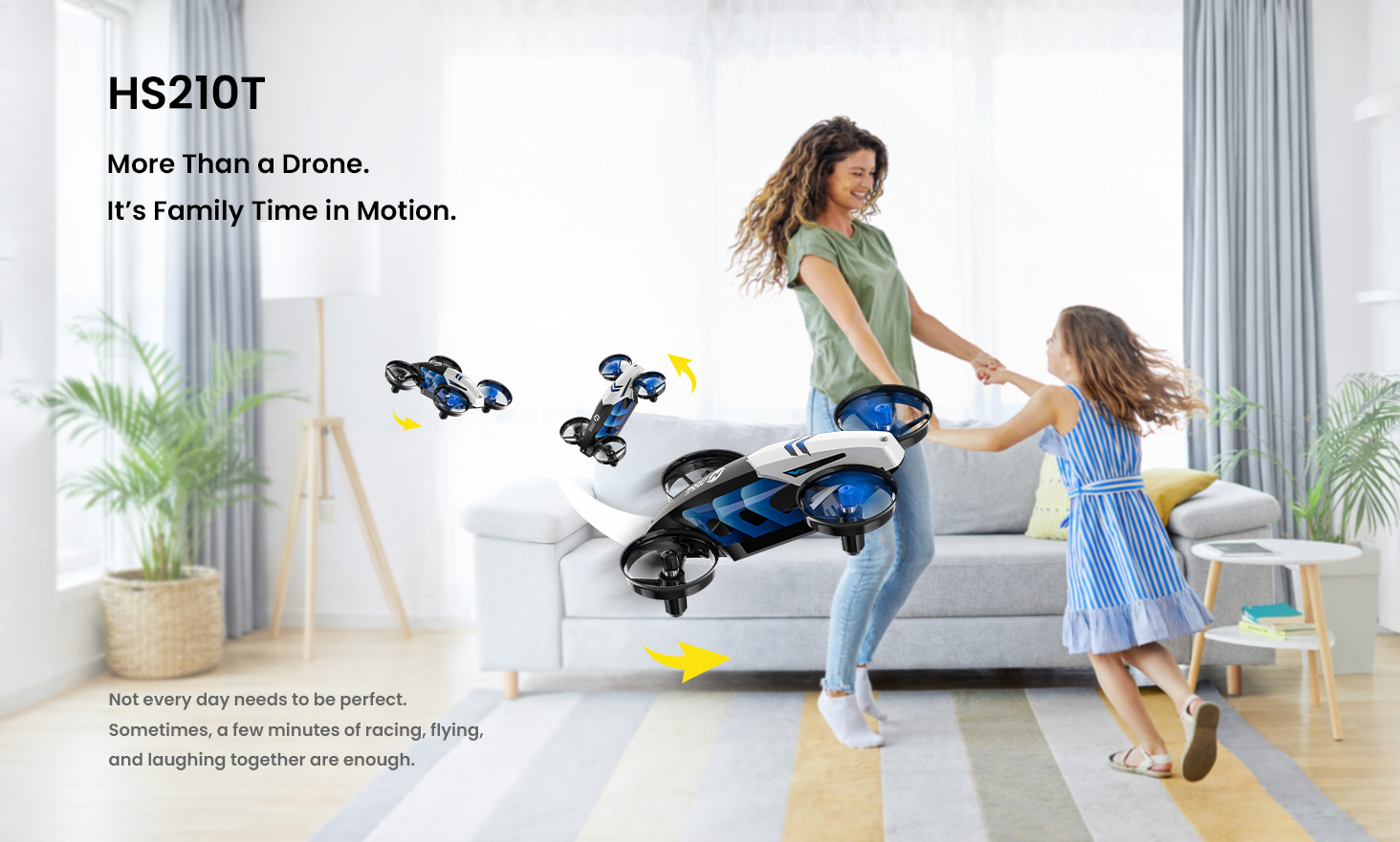
A mini drone that races on the floor, flies in the air, and performs an LED “dance show” — all in one.

Turn any room into a mini playground in minutes — quick to start, easy to control, made for shared family fun.

Beginner-friendly controls. Full-guard safety frame. Instant “wow” tricks.


Fun Fact: No wheels. Just propellers.

In Land Mode, HS210T moves and steers using left-right propeller thrust — a playful way for kids to learn how air power creates motion.

Watch the floor-race in action.

Dance Moves in the Air · LED Light Show

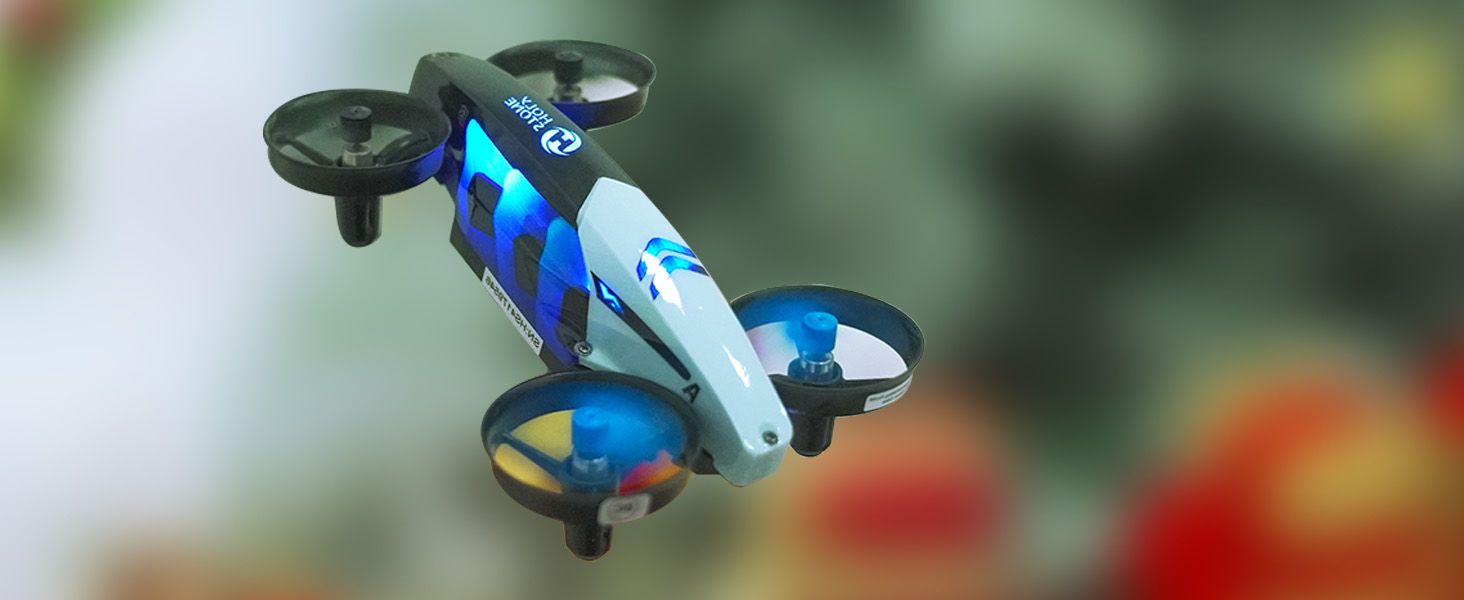
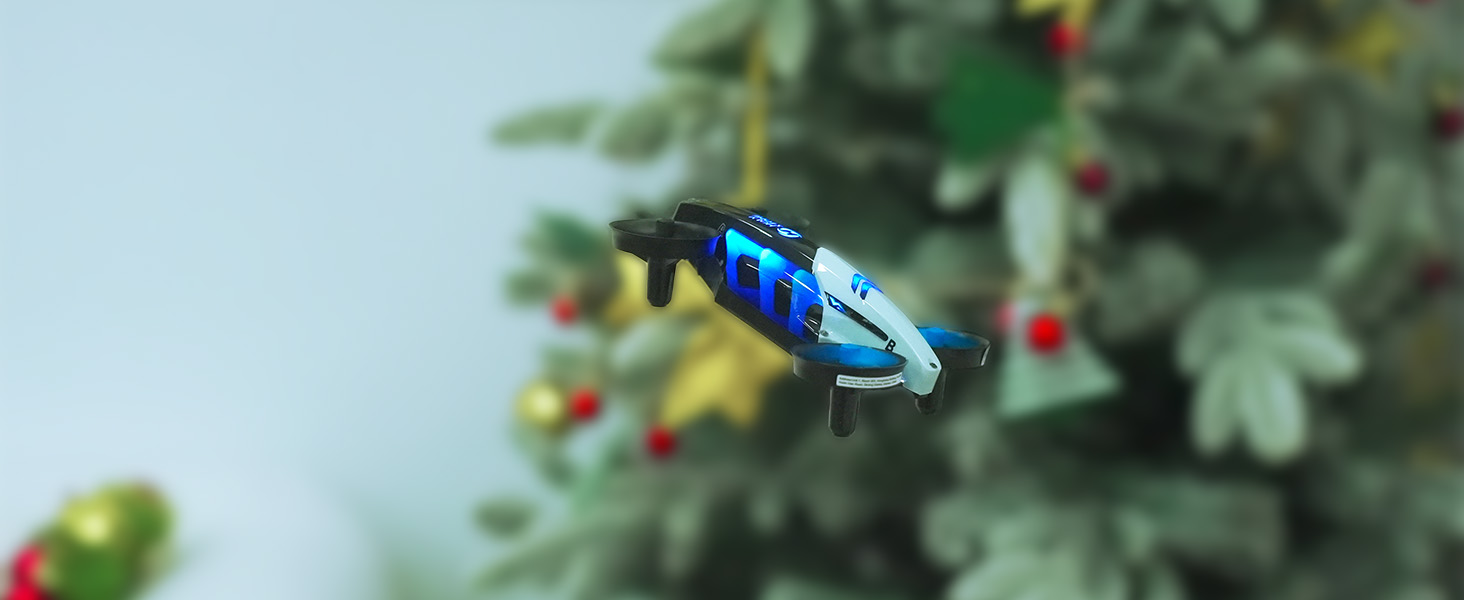
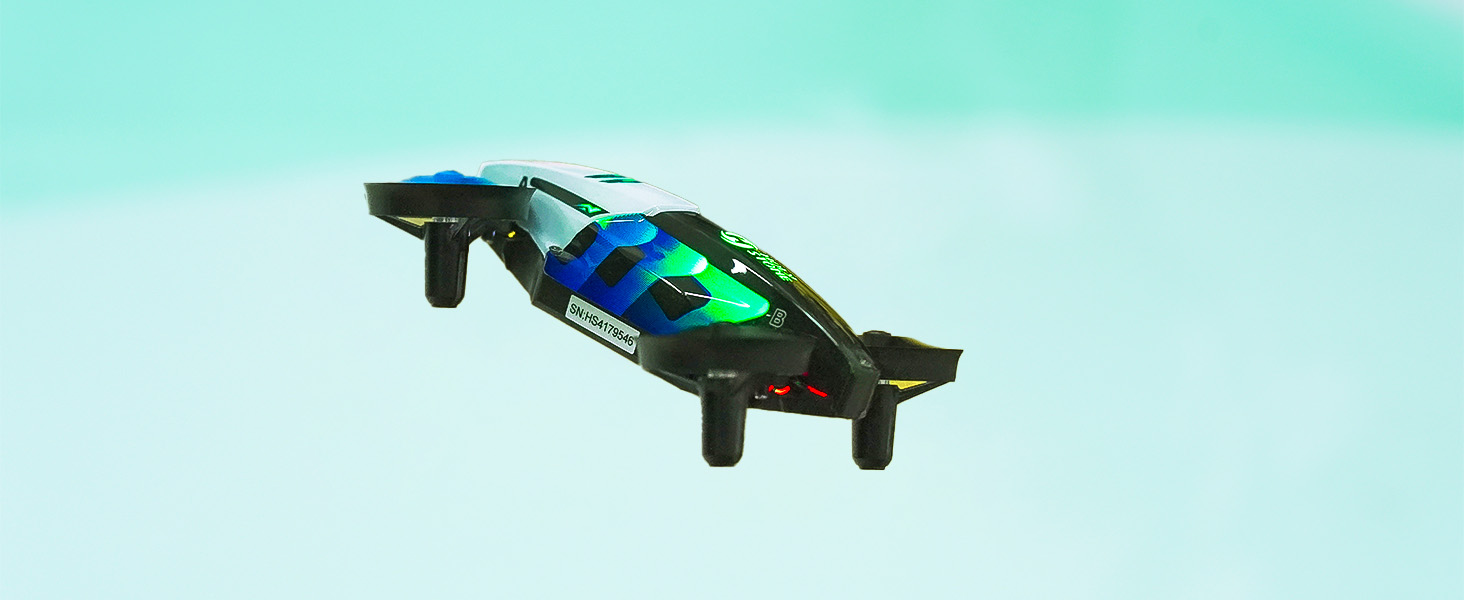
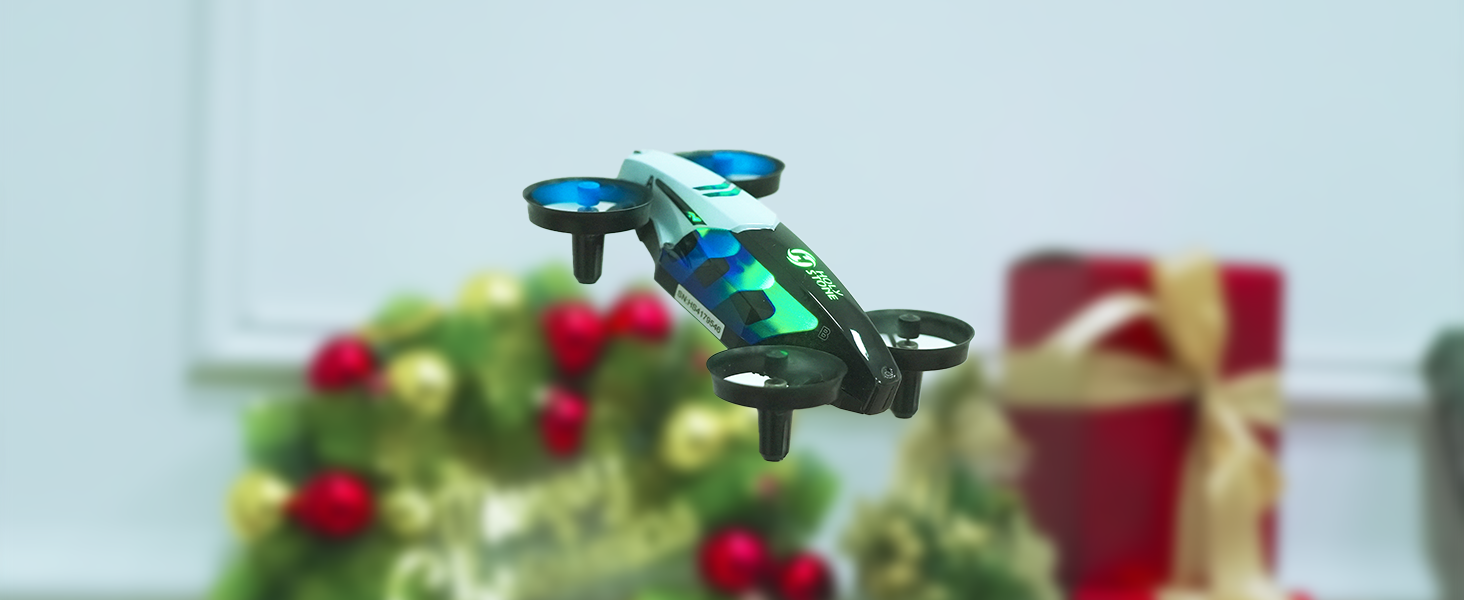
Tilt, wiggle, spin, and circle — HS210T moves with playful “dance” motion that looks alive. Paired with colorful LEDs, it turns flying into a mini show that feels magical in any room.

Four signature posture modes create instant entertainment — perfect for family playtime, holiday fun, and party vibes.
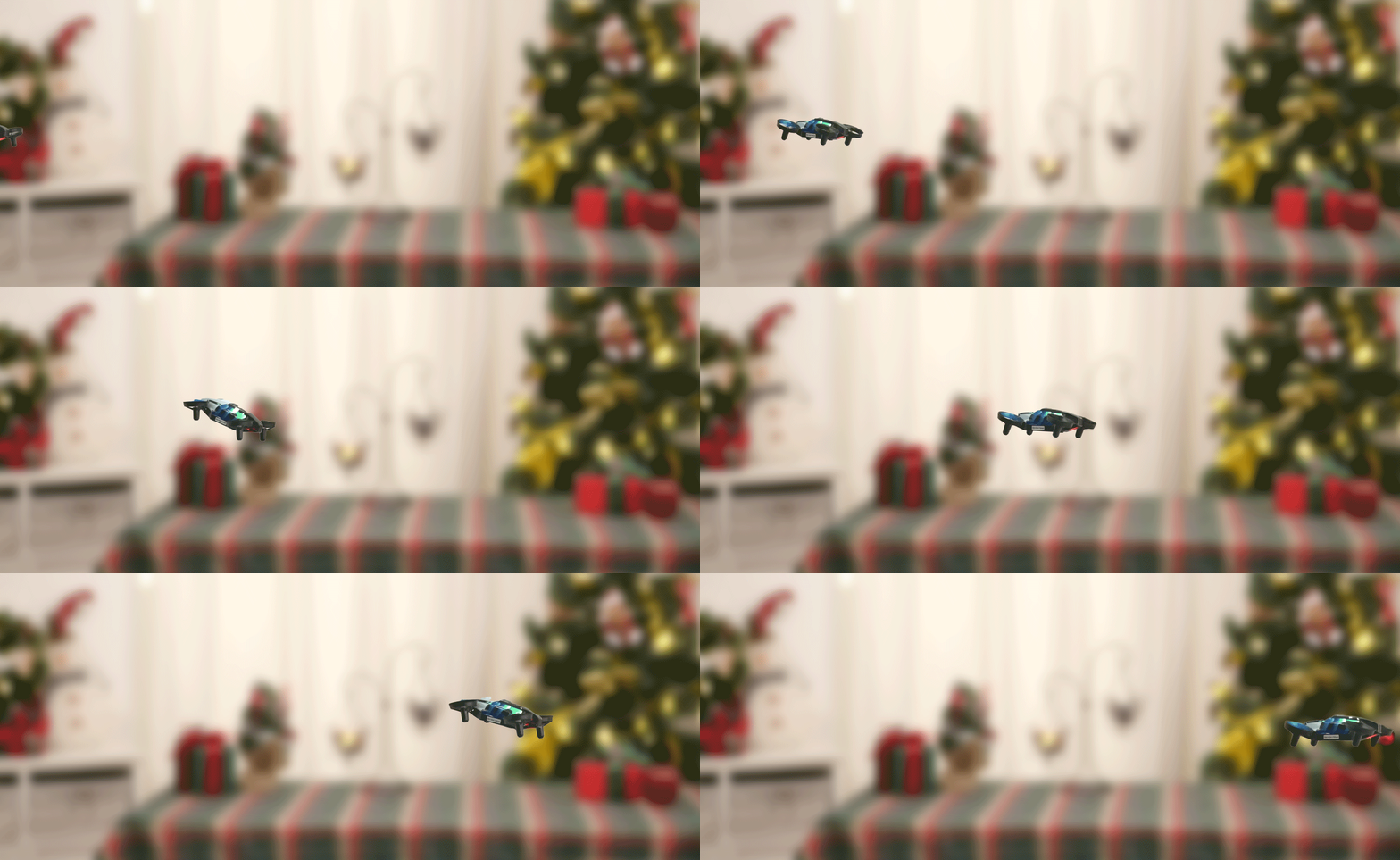
Dance Moves + LED Lights — tilt, wiggle, spin, circle

Stunt Flying · Big Wow in Small Spaces

Go beyond hover: trigger 4-way 360° flips, circle fly, and high-speed spins to create show-time moments that kids love to repeat.

Easy to activate, exciting to watch — a mini airshow for birthdays, playdates, and everyday indoor fun.
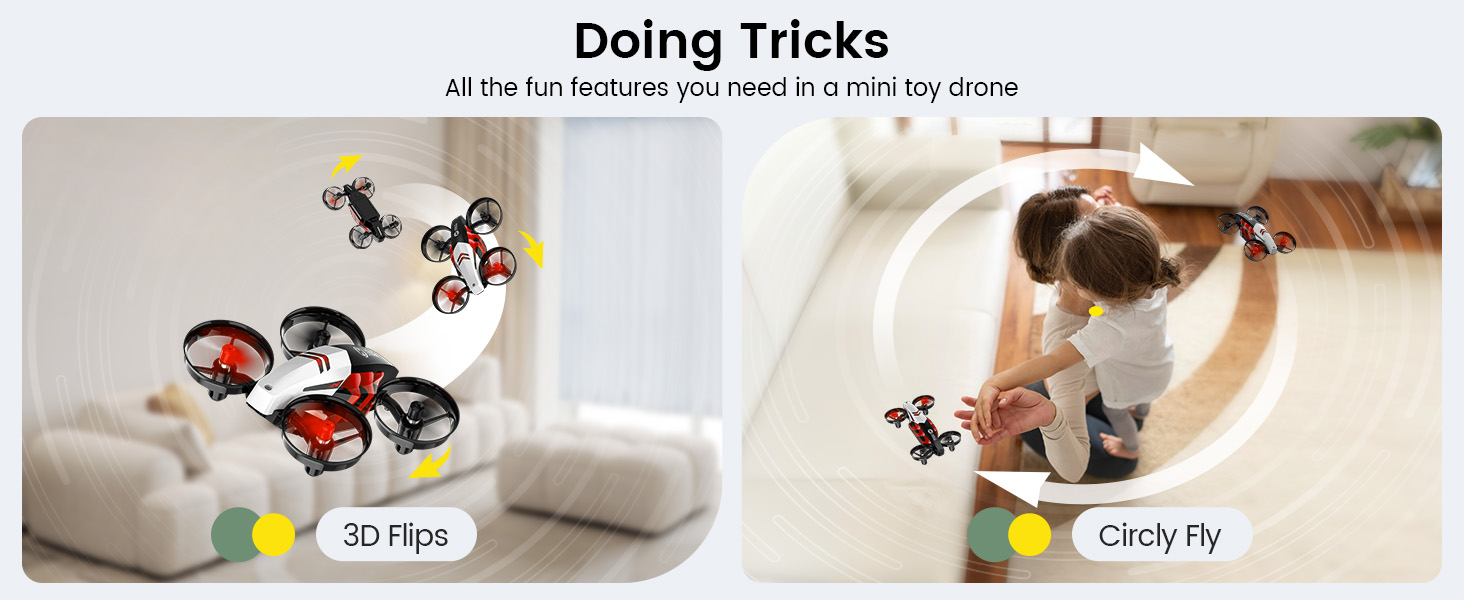
HS210T Stunts — 360° flips, circle fly, high-speed spins

3-Speed Switch · Start Easy, Level Up Fast

Begin in Low for calm indoor control, move to Medium as skills grow, and unlock High when you want extra action. Default starts at Low — so first-time pilots learn with confidence.

Tip: For outdoor play, choose High. Indoors, Low/Medium feel smoother and safer.
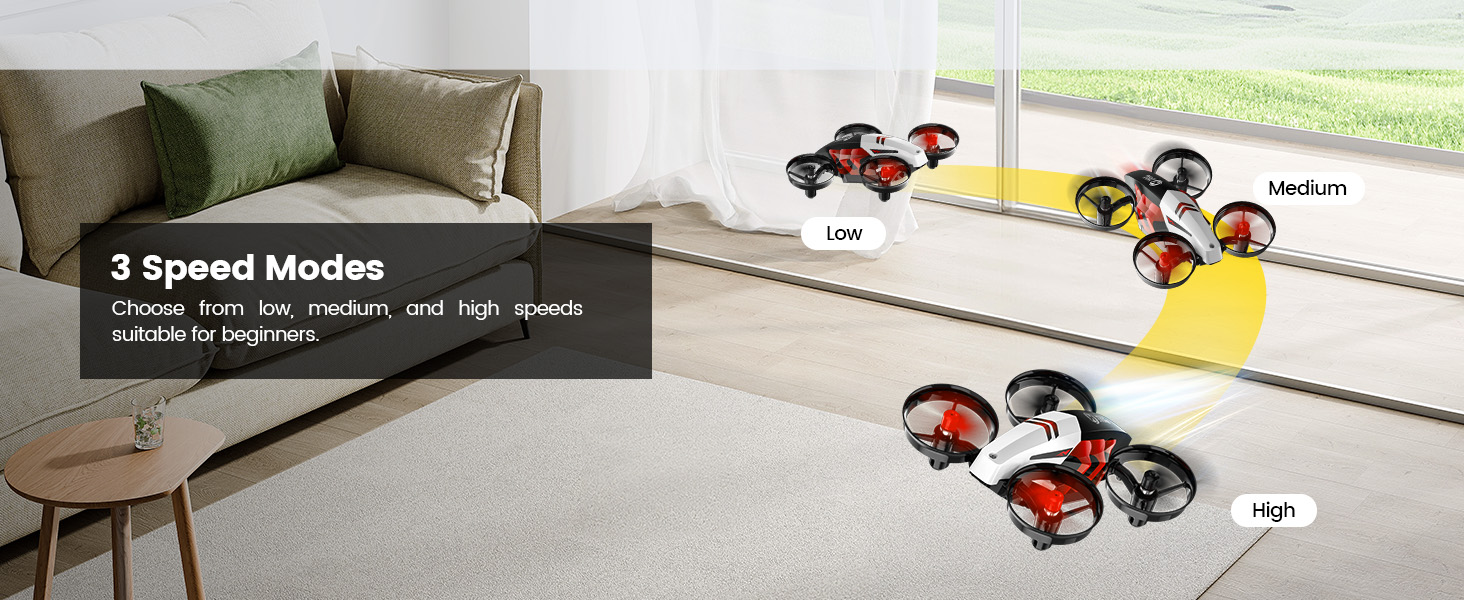
3-Speed Switch — default Low; use High outdoors, Low/Medium indoors

Safe. Smart. Beginner-Friendly Controls

Get flying in seconds with One-Key Takeoff/Landing and stable Altitude Hold. Throw-to-Go adds instant excitement, while Headless Mode removes direction confusion for new pilots.

Kids focus on fun, parents enjoy peace of mind. Emergency Stop: press and hold the stop button to cut motors safely when needed.
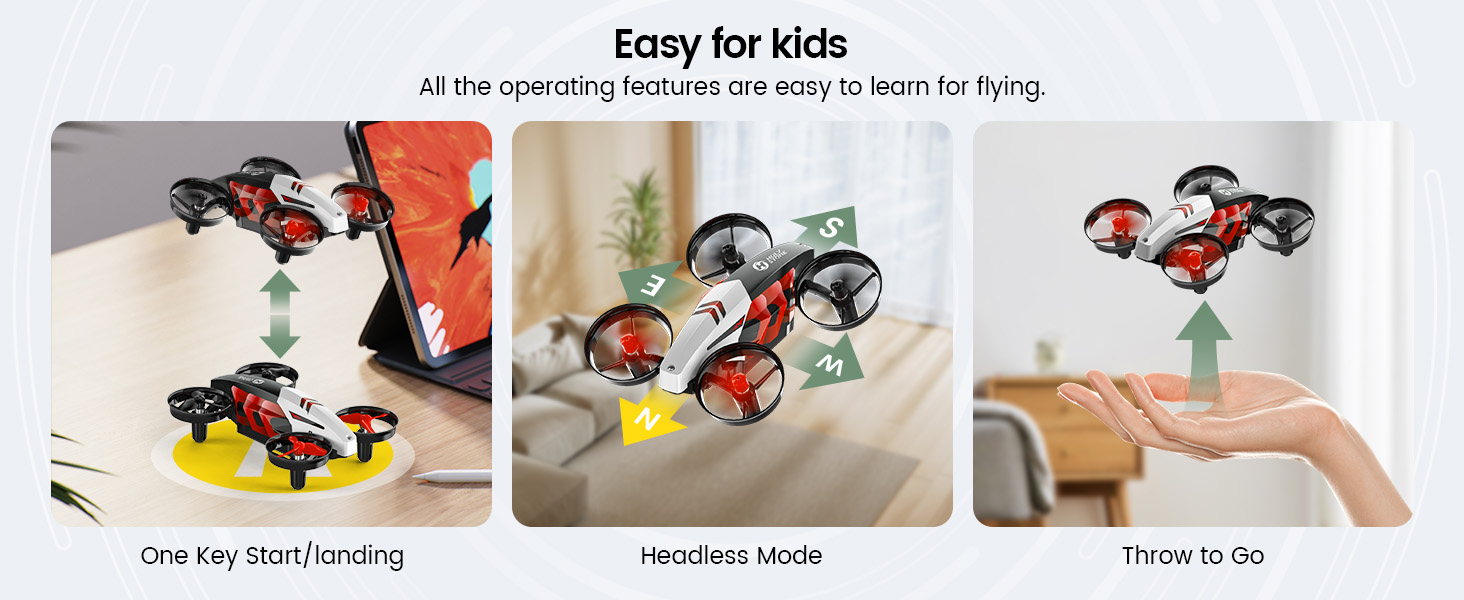
Beginner Controls — One-Key, Throw-to-Go, Altitude Hold, Headless Mode, Emergency Stop

Full Protection · Built for Indoor Life

A full prop-guard frame helps protect little fingers, walls, and furniture — ideal for indoor play where bumps can happen.

A tough outer shell plus Emergency Stop keeps the fun going even after rough landings. Safer design, longer play.
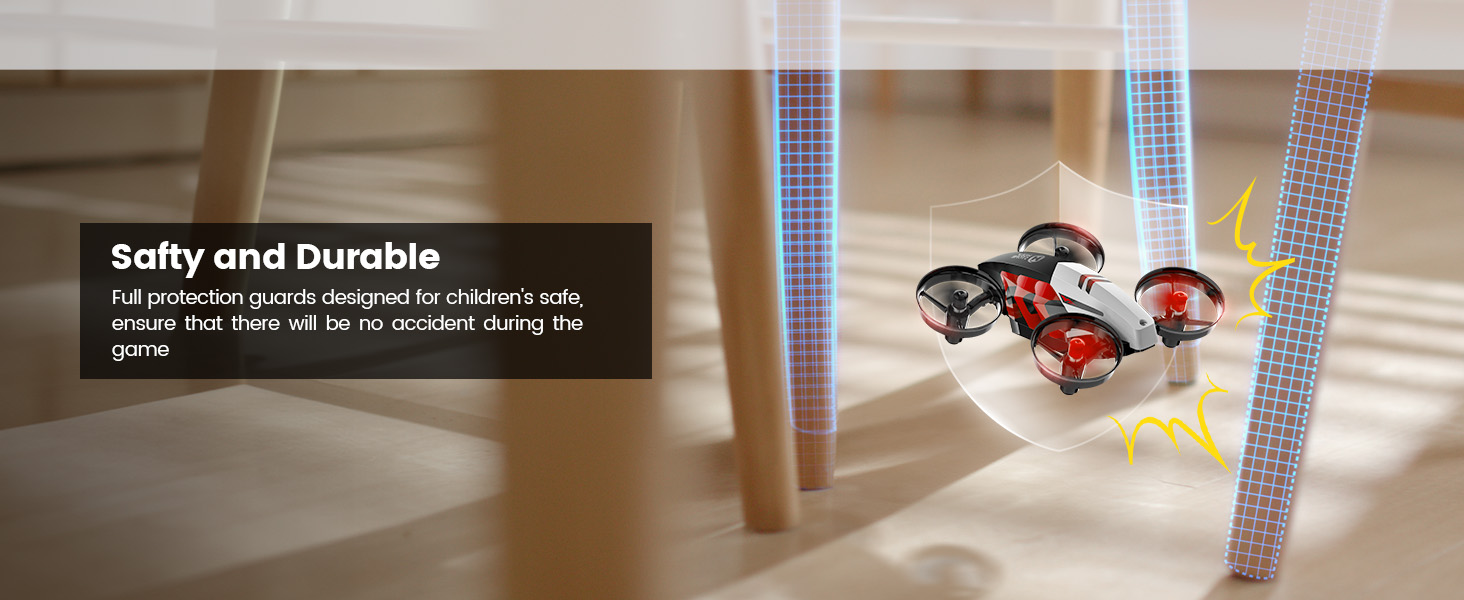
Full Protection — guards + durable shell for indoor play

Land & Sky Modes · Race Here, Fly There

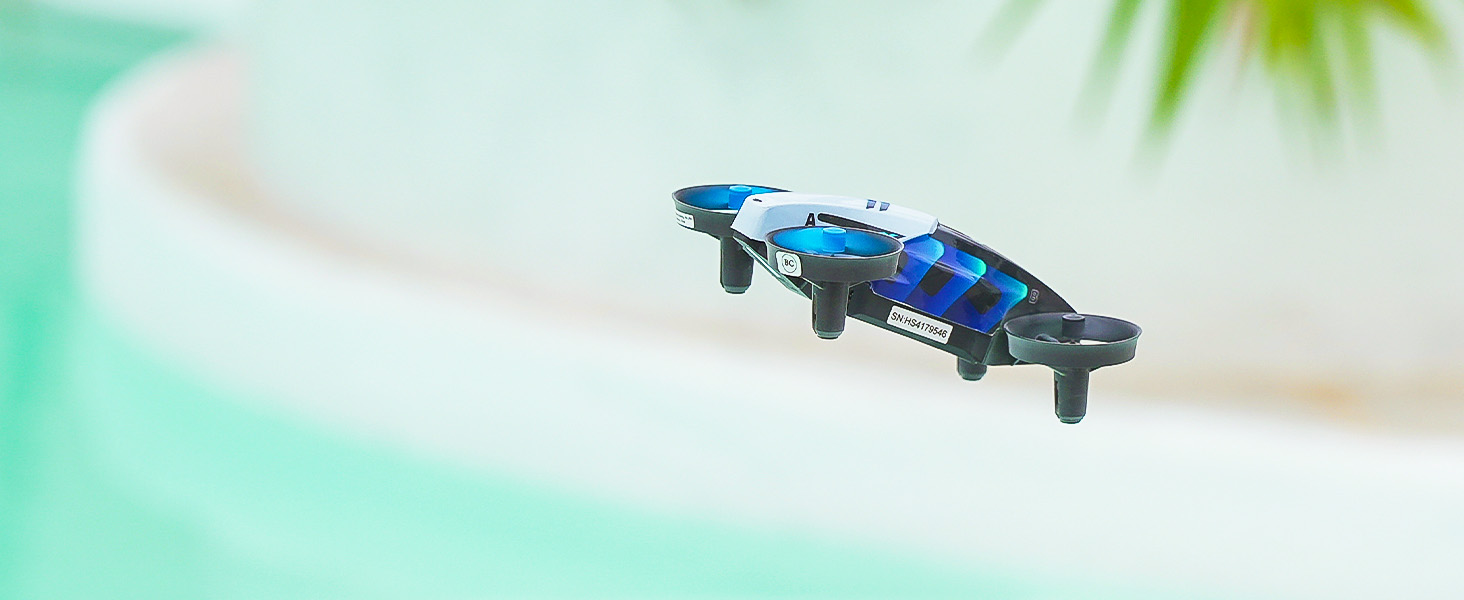
Switch between Land Mode for floor racing and Sky Mode for flying, tricks, and LED dance moves. In Land Mode, it glides best on smooth surfaces like ceramic tile, wood floors, or low-pile carpet.

One mini drone. Two terrains. Three ways to play — Race · Fly · Dance.
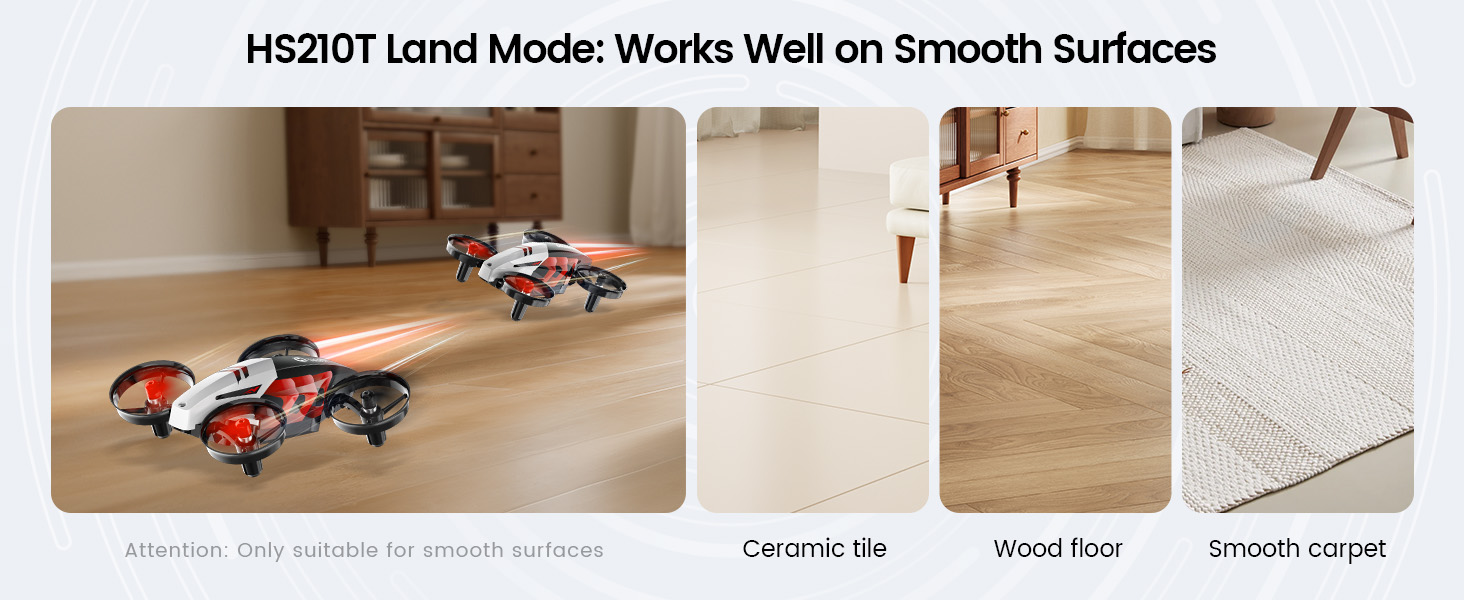
Land Mode surfaces: ceramic tile, wood floor, smooth carpet + Sky Mode flying

HS210T Real Shots

HS210T 6.jpg
HS210T 5.jpg
HS210T 4.jpg
HS210T 3.jpg
HS210T.png
HS210T Race, Fly, Dance — Turn Any Room into a Playground. SPECS

DRONE

Model:
HS210T
Dimensions:
117 × 89 × 40mm
Weight:
42.4g / 1.5oz
Max Flight Height:
66ft / 20m
Max Flight Time:
8 minutes (in a windless environment)
Max Flight Speed:
6ft/s
Operating Temperature:
32°F to 104°F (0°C to 40°C)
Max Wind Resistance:
3.3ft/s

USB CHARGING CABLE

Input:
5V / 2A
Rated Power:
≤10W

TRANSMITTER

Model:
HS210T-YK
Battery:
3 × AAA batteries (not included)
Operating Frequency:
2452-2474MHz
Max Control Distance:
164ft / 50m (outdoor and unobstructed)
Operating Temperature:
32°F to 104°F (0°C to 40°C)

DRONE BATTERY

Model:
FBC902033
Battery Type:
Lithium-ion Polymer Battery
Capacity:
500mAh
Voltage:
3.85V
Max Charging Voltage:
4.4V
Energy:
1.93Wh
Charging Temperature:
41°F to 104°F (5°C to 40°C)
Charging Time:
About 60 minutes per battery
HS210T Race, Fly, Dance — Turn Any Room into a Playground. IN THE BOX
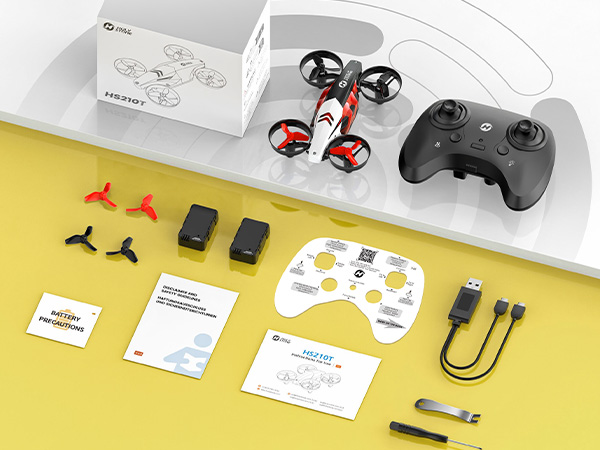
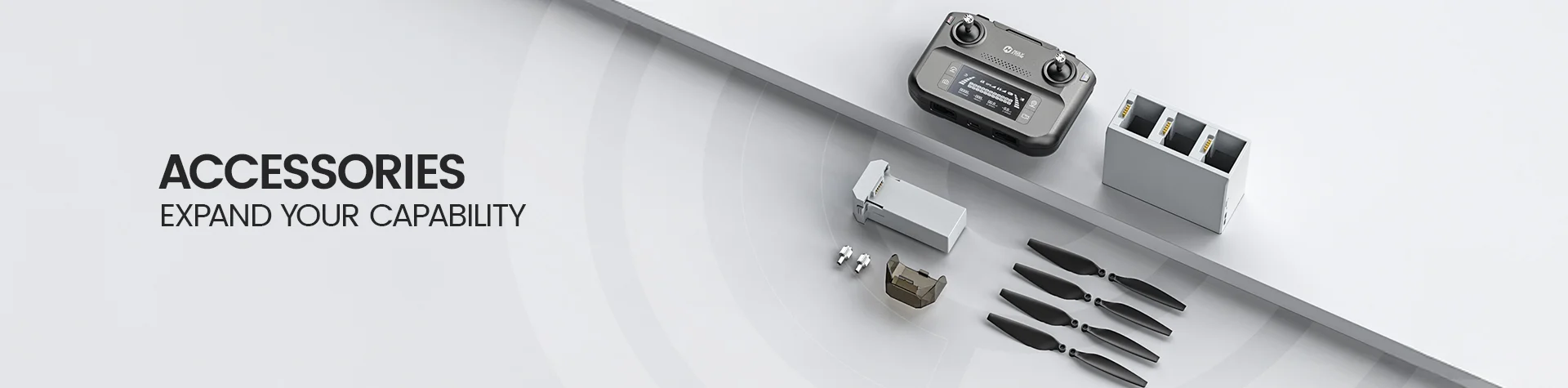
HS210T package contents

*Accessories configuration may vary depending on the purchase channel. Please refer to the actual product package on the purchasing platform for final confirmation.*

Package Content

In the Box

  • 1× HS210T Drone

  • 1× Transmitter

  • 2× Drone Batteries

  • 1× USB Charging Cable

  • 1× Screwdriver

  • 4× Propellers (including the installed set)

  • 1× Propeller Spanner

  • 1× User Manual

  • 1× Battery Precautions Card

  • 1× Quick Start Guide

  • 1× Function Card (Controller Key Guide)

HS210T Race, Fly, Dance — Turn Any Room into a Playground. DOWNLOAD

User Manual

Setup, Controls & Flight Guide

Download the official HS210T user manual for package contents, pairing, Land Mode, Flight Mode, flight functions, calibration, battery safety, specifications, and troubleshooting.

Download HS210T Manual (PDF)
HS210T Race, Fly, Dance — Turn Any Room into a Playground. FAQ

Buying Decision

What makes HS210T different from a regular mini drone?

HS210T combines smooth-floor gliding with indoor flight in one compact stunt drone.

In Land Mode, it drifts, turns, and spins across clean, flat floors without wheels. In Flight Mode, it hovers, performs 360° flips, enters Circle Fly, rotates at high speed, changes posture, and uses six LED light modes.

This makes HS210T a better fit for users who want movement variety and repeatable indoor tricks rather than a standard hover-and-flip mini drone.

Is HS210T a good drone gift for kids?

Yes. HS210T is a creative indoor drone gift for kids, beginners, and families who enjoy drifting, lights, quick challenges, and repeatable stunts.

It does not require a phone, app, camera, GPS setup, or outdoor flying space, so the first play session is easier to start.

Adult supervision is recommended, and the drone should be used in a clear indoor area away from people, pets, fans, fragile objects, and furniture.

What occasions is HS210T suitable as a gift for?

HS210T works well as a birthday gift, Christmas gift, holiday gift, reward, or surprise gift for kids who enjoy active indoor toys and remote-control play.

Its floor-and-air movement, posture changes, colorful LED effects, and wheel-free drifting make it feel more unusual than a basic mini drone.

It is especially suitable when the gift shopper wants a compact no-camera drone that can be enjoyed indoors without relying on a mobile app.

Who is HS210T best for?

HS210T is best for beginners, kids with adult supervision, siblings, families, and gift shoppers looking for a compact indoor stunt drone.

It is a strong match for users who enjoy smooth-floor drifting, colorful lights, 360° flips, circle flight, high-speed rotation, and short repeatable challenges.

It is not designed for aerial photography, FPV viewing, GPS navigation, long-distance outdoor flying, or windy conditions.

Is HS210T suitable for small indoor spaces?

HS210T is designed mainly for indoor play, but it still needs a clear area for safe steering and stunt practice.

Land Mode works best on clean tile, sealed wood, or another smooth, level floor. Flight Mode should be used away from walls, ceilings, people, pets, fans, lamps, and fragile objects.

A larger open room is better for beginners, flips, Circle Fly, and High-Speed Rotation.

Does HS210T need a phone, app, camera, or GPS?

No. HS210T is controlled entirely with the included transmitter and does not need a phone or app.

It has no camera, FPV transmission, or GPS, which makes it a simpler choice for indoor stunt play and family sharing.

Choose another Holy Stone model if your main task is taking photos, recording video, viewing a live camera feed, or flying with GPS-assisted positioning.

Is HS210T a good first drone for beginners?

Yes. HS210T includes beginner-friendly functions such as one-key takeoff and landing, Altitude Hold, Headless Mode, three speed levels, trim adjustment, gyro calibration, and Emergency Stop.

Beginners should start in low speed, practice hovering and basic steering first, and add flips, circles, posture changes, and faster rotations only after control feels predictable.

Land Mode can also help new users explore directional control on a smooth floor before moving into full flight.

HS210T or H4831: which stunt drone should I choose?

Choose HS210T if you want wheel-free gliding, drifting, posture changes, six LED modes, and the ability to switch between smooth-floor play and regular indoor flight.

Choose H4831 if you specifically want large wheels, RC-car-style driving, ground bouncing, one-wheel tricks, wall climbing, or ceiling crawling.

HS210T is the lighter floor-and-air choice; H4831 is the more mechanical multi-surface stunt choice.

Play Modes & Features

How does HS210T move on the floor without wheels?

In Land Mode, propeller thrust moves the drone across a clean, flat, smooth floor. The joysticks control forward, backward, left rotation, and right rotation.

Tile or sealed wood works best. Carpet, rough flooring, joints, and debris create drag and reduce the gliding effect.

What can HS210T do in Flight Mode?

Flight Mode supports indoor takeoff and landing, Altitude Hold, three speed levels, four-direction 360° flips, Circle Fly, High-Speed Rotation, Headless Mode, trim adjustment, and Emergency Stop.

Start with low speed and basic hovering before adding flips, circles, and faster rotations.

How many LED modes does HS210T have?

HS210T offers six selectable LED light modes.

Short press the light button to cycle through the lighting effects; after the final mode, the lights turn off.

How do the posture modes change the play experience?

Short press the Posture Switch button to cycle through different body postures.

Some postures are intended for Land Mode and others for Flight Mode, so use the posture shown for the selected play mode in the user manual.

How do Circle Fly and High-Speed Rotation work?

Long press the Circle Fly button for about 2 seconds to start Circle Fly. It ends automatically after about 10 seconds, or you can stop it with the same control.

Long press the High-Speed Rotation button for about 2 seconds to start rapid rotation. It ends automatically after about 5 seconds, or you can stop it by using the control again.

First Flight & Controls

How do I pair HS210T with the transmitter?

Long press the drone power button until the status lights flash, then place the drone on a flat, level surface with the head facing away from you.

Switch on the transmitter, then push the left joystick fully up and fully down. The indicator lights turn solid when pairing is complete.

How do I take off and land HS210T?

After pairing, use the takeoff/landing button for an automatic takeoff or landing. The manual also shows toss-to-go takeoff methods for users who are already familiar with the controls.

For first flights, use one-key takeoff in an open indoor area and keep the drone low until steering feels predictable.

What does Altitude Hold do?

When you release the left joystick and it returns to the center, HS210T automatically maintains approximately the current altitude.

Altitude Hold reduces the need for constant throttle input, but small corrections may still be needed because indoor airflow and propeller wash can affect position.

When should I calibrate the gyro?

Calibrate before the first flight, after a collision or hard landing, or whenever the drone tilts, drifts, or does not hover normally.

Place the drone completely still on a flat, level surface and follow the gyro-calibration procedure in the user manual until the lights confirm completion.

Where should I fly HS210T for the first time?

Use a spacious indoor room with a flat floor and no people, pets, fans, fragile objects, hanging decorations, or other obstacles nearby.

HS210T is designed mainly for indoor use. Avoid strong airflow and do not treat its short-range stunt design as an outdoor wind-resistant drone.

Battery & Specifications

How long can HS210T fly?

One fully charged battery provides up to about 8 minutes of flight under ideal windless conditions.

The package includes two drone batteries, providing up to about 16 minutes of total play time when used one after the other. Actual time varies with speed, flips, lighting, battery condition, and flight style.

How long does an HS210T battery take to charge?

Charging takes about 60 minutes per battery under the conditions specified in the manual.

Use the supplied USB charging cable with a suitable 5V power source, monitor charging, and disconnect the battery after charging is complete.

What are the HS210T size, weight, and control range?

HS210T measures approximately 117 × 89 × 40mm and weighs about 42.4g.

The maximum control distance is up to about 164ft / 50m under ideal outdoor and unobstructed conditions, but the product is positioned primarily for close-range indoor play.

What batteries does the transmitter use?

The transmitter uses 3 × AAA batteries, which are not included.

Replace all transmitter batteries together when the indicator shows low power, and do not mix old and new batteries.

Troubleshooting

Why won’t HS210T pair with the transmitter?

Pairing may fail if the startup sequence is incomplete, the drone is not on a level surface, the devices are too far apart, or nearby wireless devices are causing interference.

Restart both devices, keep them close together, place the drone still with its head facing away from you, switch on the transmitter, and move the left joystick fully up and down again.

Why won’t HS210T take off?

Check that pairing is complete, the drone battery is charged and fully inserted, the propellers are correctly installed, and the drone is in Flight Mode rather than Land Mode.

Place the drone on a flat surface, recalibrate if needed, then use one-key takeoff in an open area.

Why is HS210T drifting, leaning, or flying unstably?

Drift may be caused by an uneven takeoff surface, indoor airflow, incorrect trim, a recent collision, damaged or incorrectly installed propellers, or an incomplete gyro calibration.

Land immediately, inspect the propellers, move away from fans or vents, place the drone on a level surface, recalibrate, and use trim only for small remaining drift.

Why does Land Mode not glide smoothly?

Land Mode works best on a clean, hard, smooth, level floor. Carpet, textured surfaces, gaps, dust, and small debris increase resistance.

Clean the floor and propeller guards, confirm the correct Land Mode posture, and try again on tile or sealed wood.

Why can’t HS210T perform a 360° flip or stunt function?

Stunt functions may be unavailable when the battery is low, the drone is too close to the floor or ceiling, the wrong mode is selected, or there is not enough clear space.

Recharge the battery, move to an open indoor area, gain a safe amount of height, and confirm that the drone is in the correct Flight Mode posture before trying again.

What should I do when the battery is low?

When the drone lights flash rapidly or the transmitter gives a low-battery warning, stop stunt functions and land as soon as possible.

Allow the battery to cool before charging. Do not continue flying until the battery is fully depleted, and never charge a swollen, damaged, or unusually hot battery.

When should I use Emergency Stop?

Use Emergency Stop only when an immediate motor shutdown is necessary to prevent injury or damage.

The drone will fall when the motors stop. Do not use Emergency Stop as a normal landing method.